EMET Electronic Medical Twin
  1. EMET Education
  2. Musculoskeletal
  3. Knee
  4. Knee osteoarthritis

3D model · Knee

Knee Osteoarthritis 3D Model

Reproduce your patient's knee osteoarthritis during the visit, compartment by compartment, and walk through the injection or arthroplasty you recommend. They leave with their model on their phone.

Designed by an orthopedic surgeon

Opens in your browser, no sign-up. For orthopedic surgeons, rheumatologists, sports medicine physicians, physiatrists, radiologists and primary care physicians.

How it works

In the visit, in three steps

Structured information in a few minutes, which the patient can review at home.

  1. 1

    Show

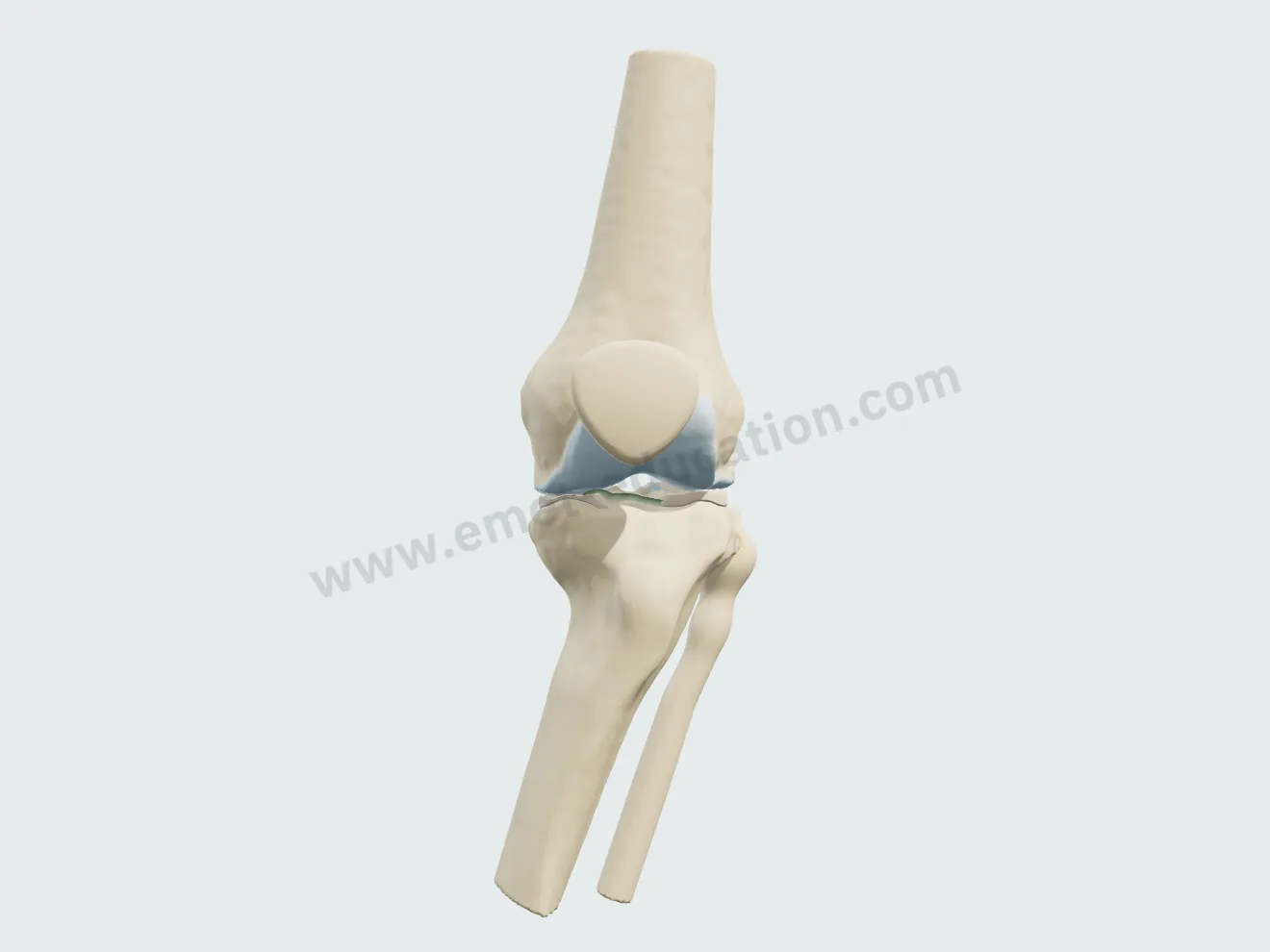
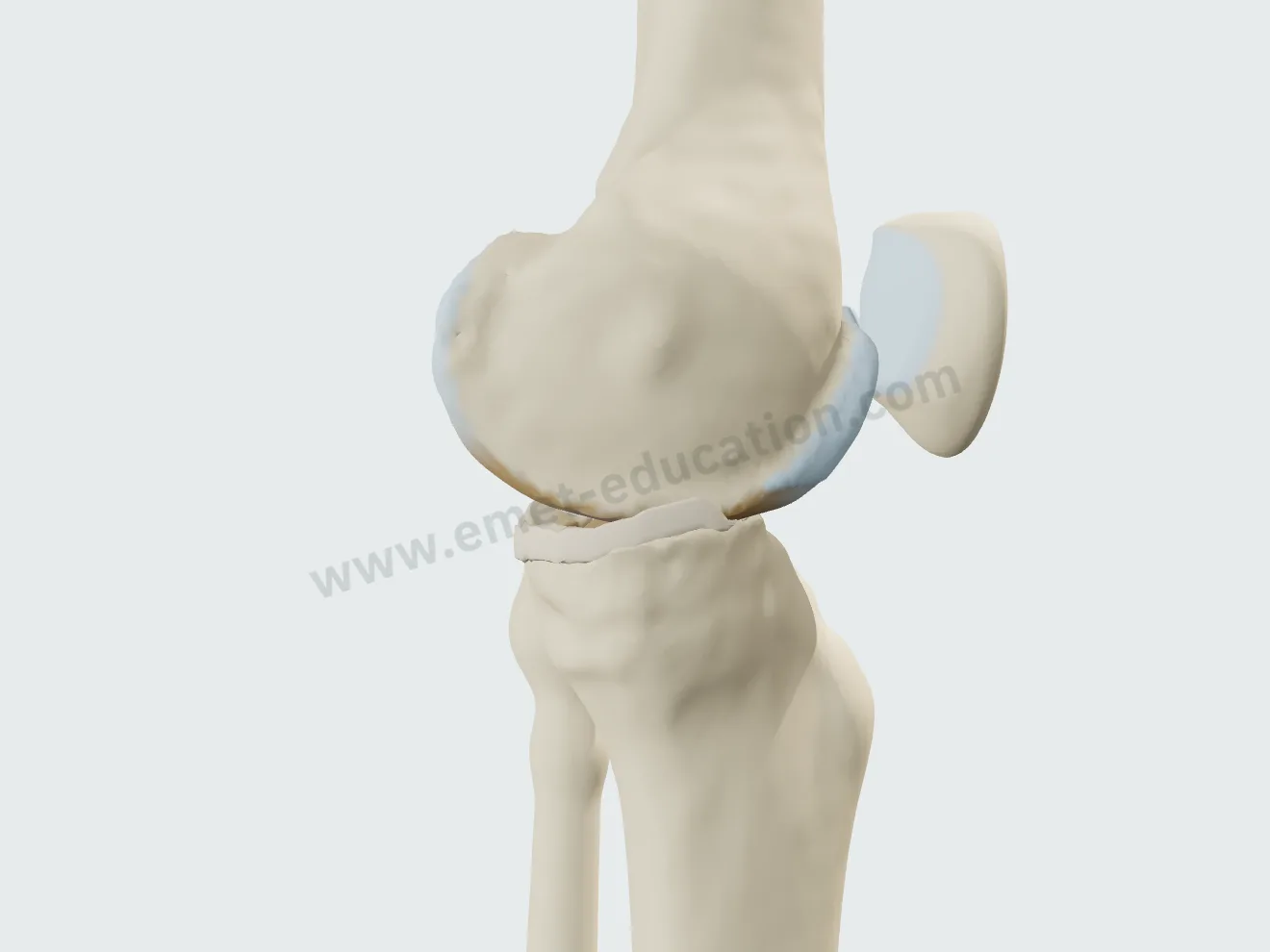
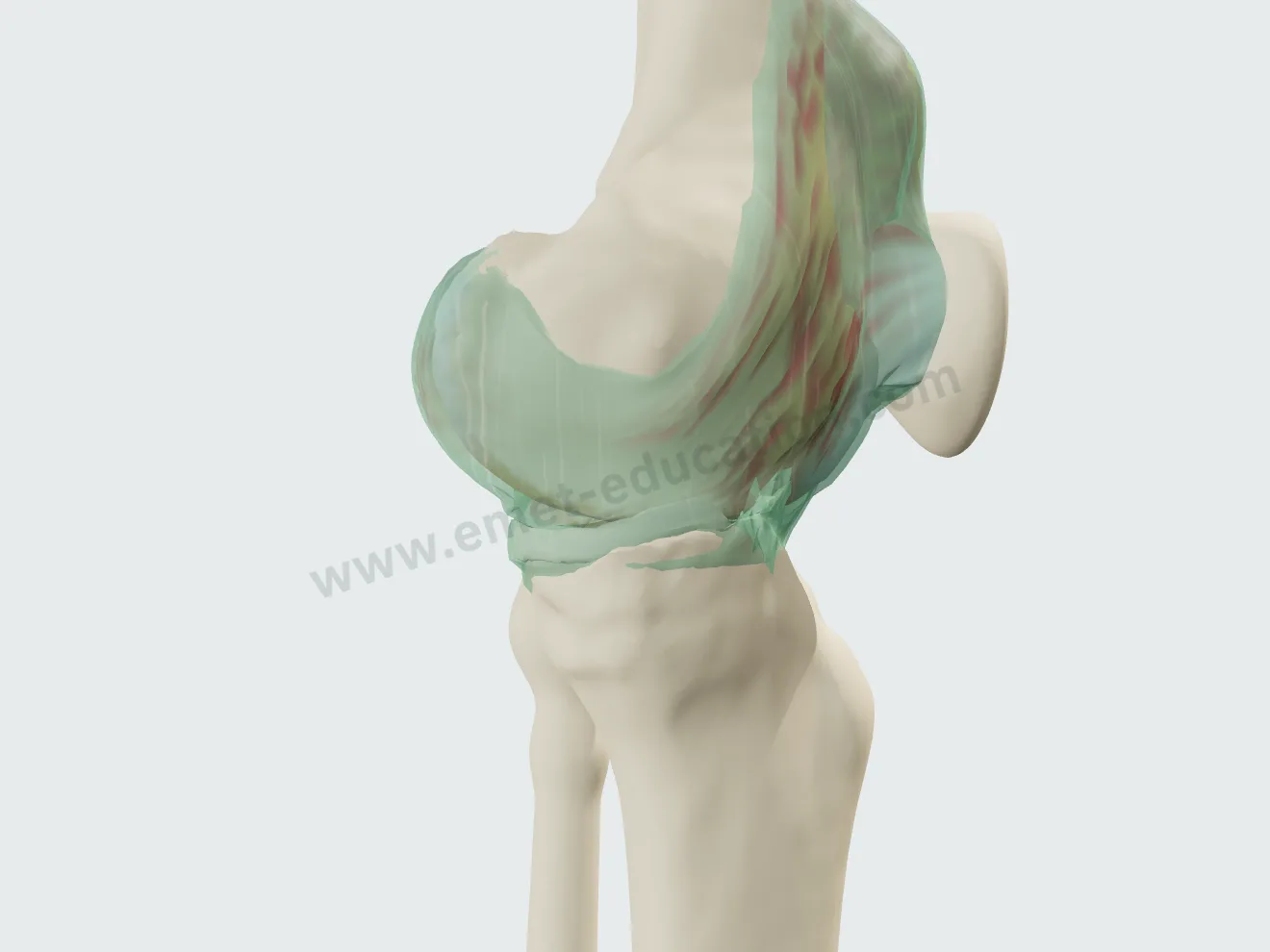
    Open the model and walk through the knee: femur, tibia, patella, cartilage, menisci, cruciate ligaments, extensor mechanism and capsule.

  2. 2

    Reproduce

    Set the disease from the radiograph: Kellgren-Lawrence grade of each of the three compartments, alignment, menisci, effusion, Baker cyst. Then walk through the proposed procedure, step by step.

  3. 3

    Share

    Give the patient the QR code or an image: they find their own case, in their language.

Features

Explain in detail during the visit

Every setting updates the model live: you reproduce the lesions from your patient's imaging in front of them, then walk through the treatment you recommend.

Osteoarthritis, from the radiograph

The “Pathology & lesions” panel sets the disease compartment by compartment: tricompartmental, medial tibiofemoral or free selection. Changing the grade animates the transition: the joint space narrows beside a graduated ruler, and the patient sees the wear progress.

Three compartments, one grade each

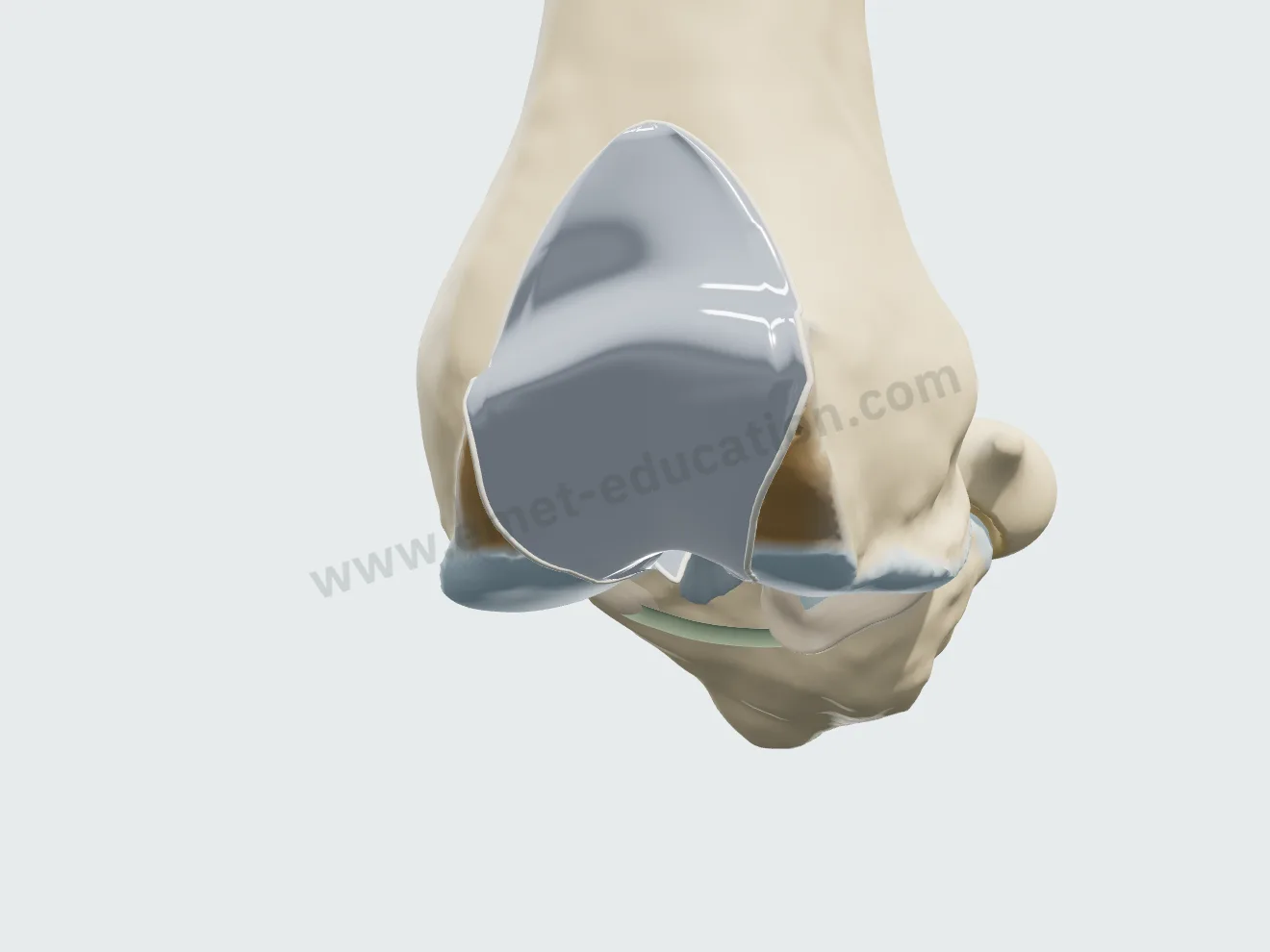
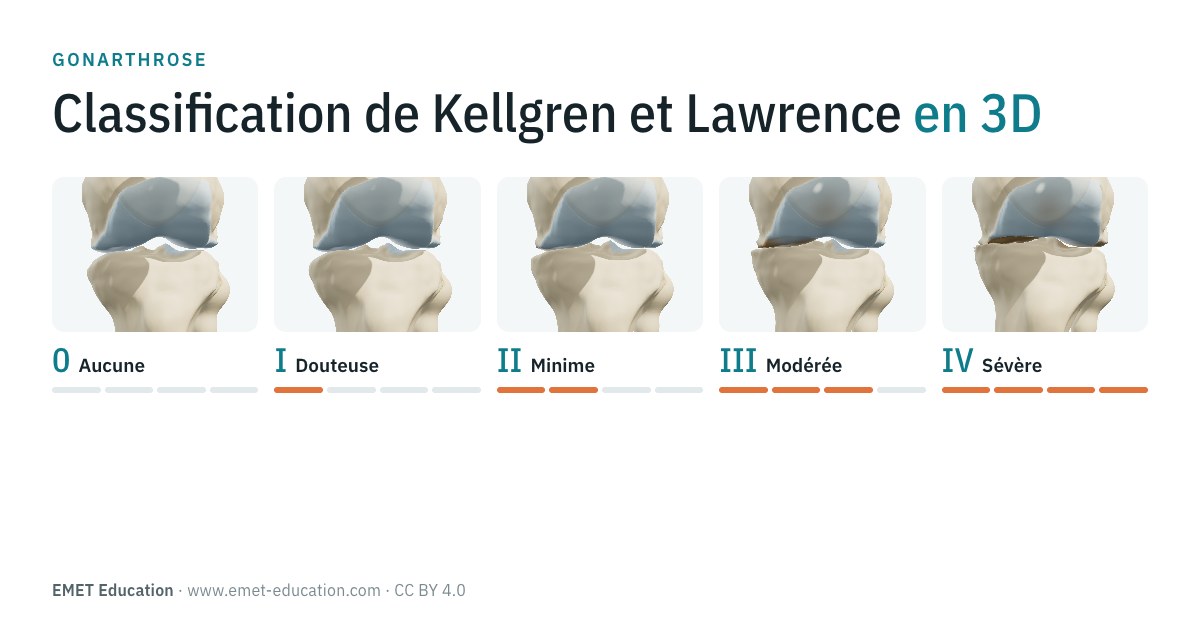
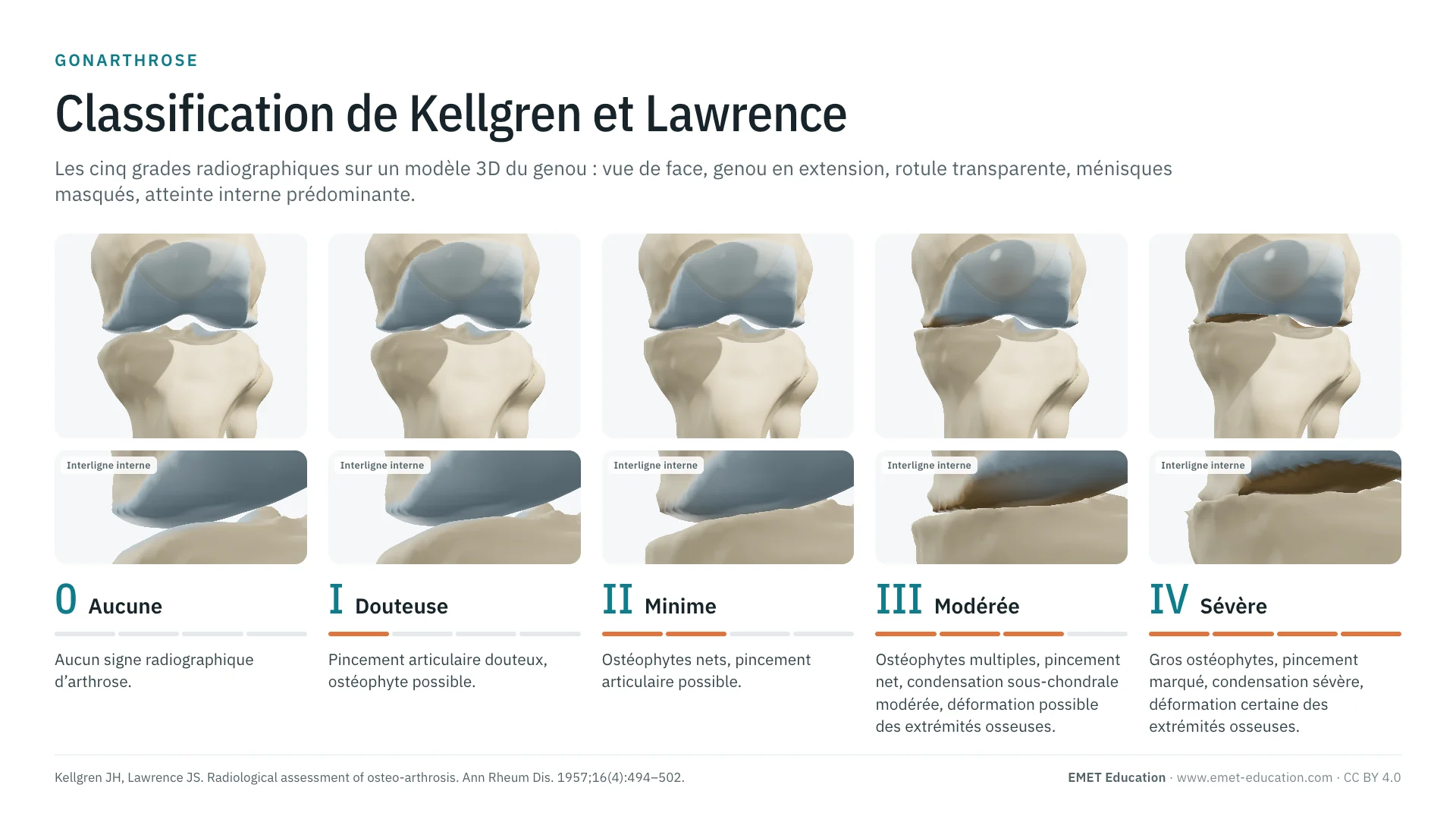
From grade I to grade IV, the cartilage thins then disappears under load, the exposed bone turns red and collapses, and osteophytes grow from about 1 to 6 mm. In free selection, the medial tibiofemoral, lateral tibiofemoral and patellofemoral compartments each have their own gauge; joint space narrowing is measured in millimeters.
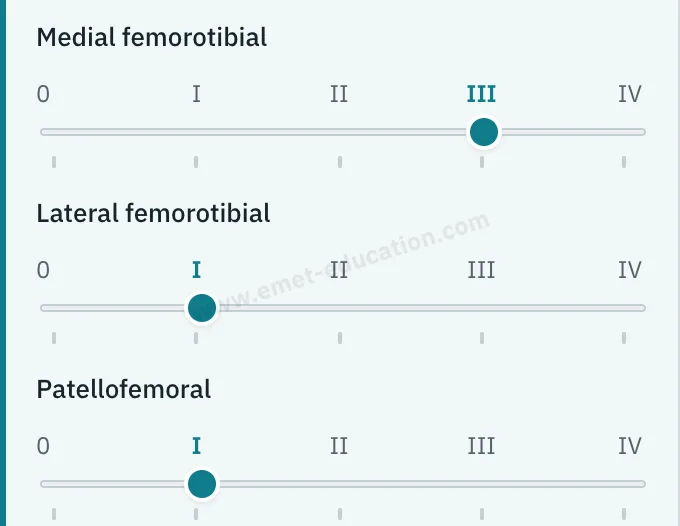
Model panel: osteoarthritis in free selection, three Kellgren-Lawrence gauges.
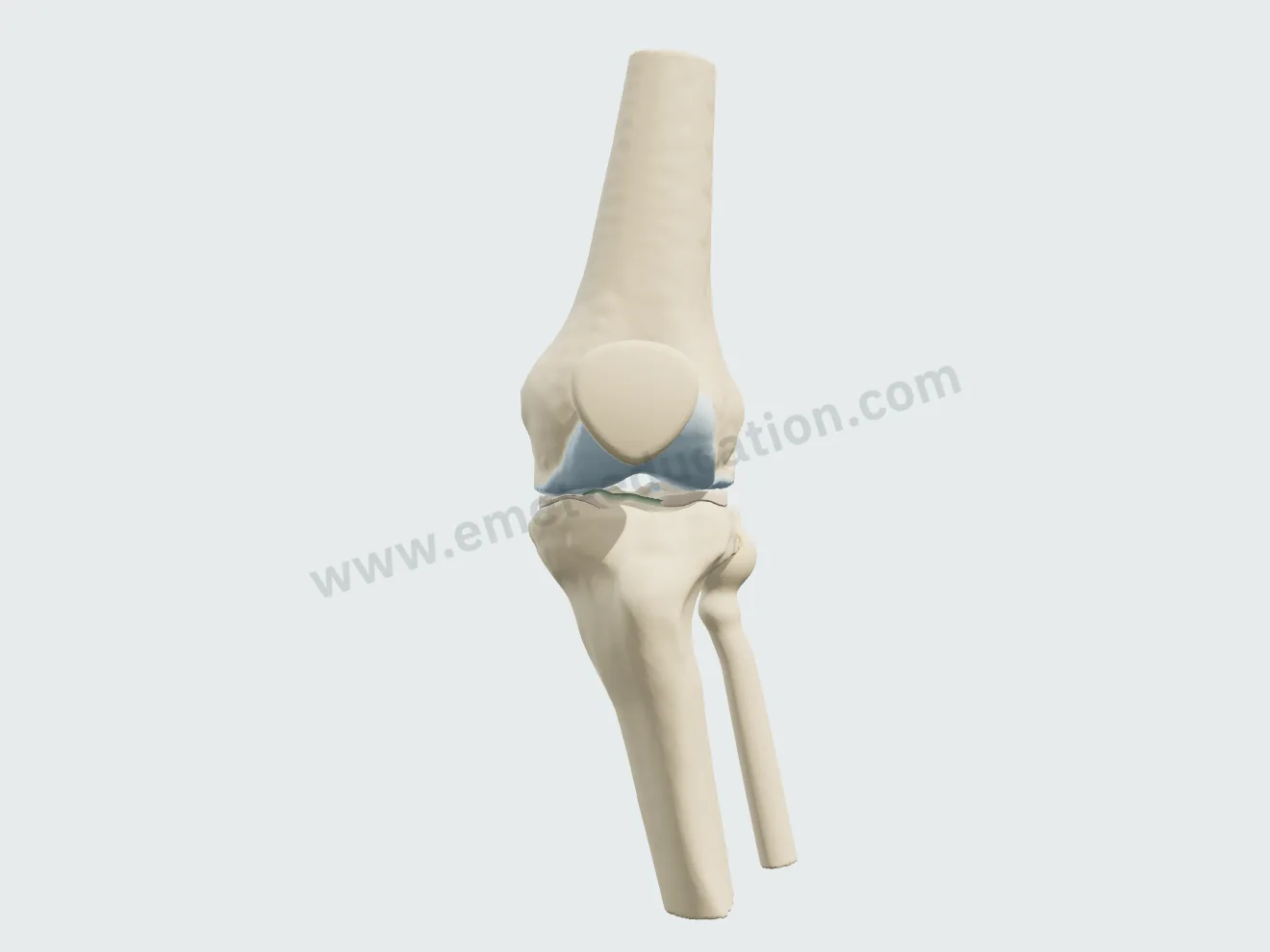
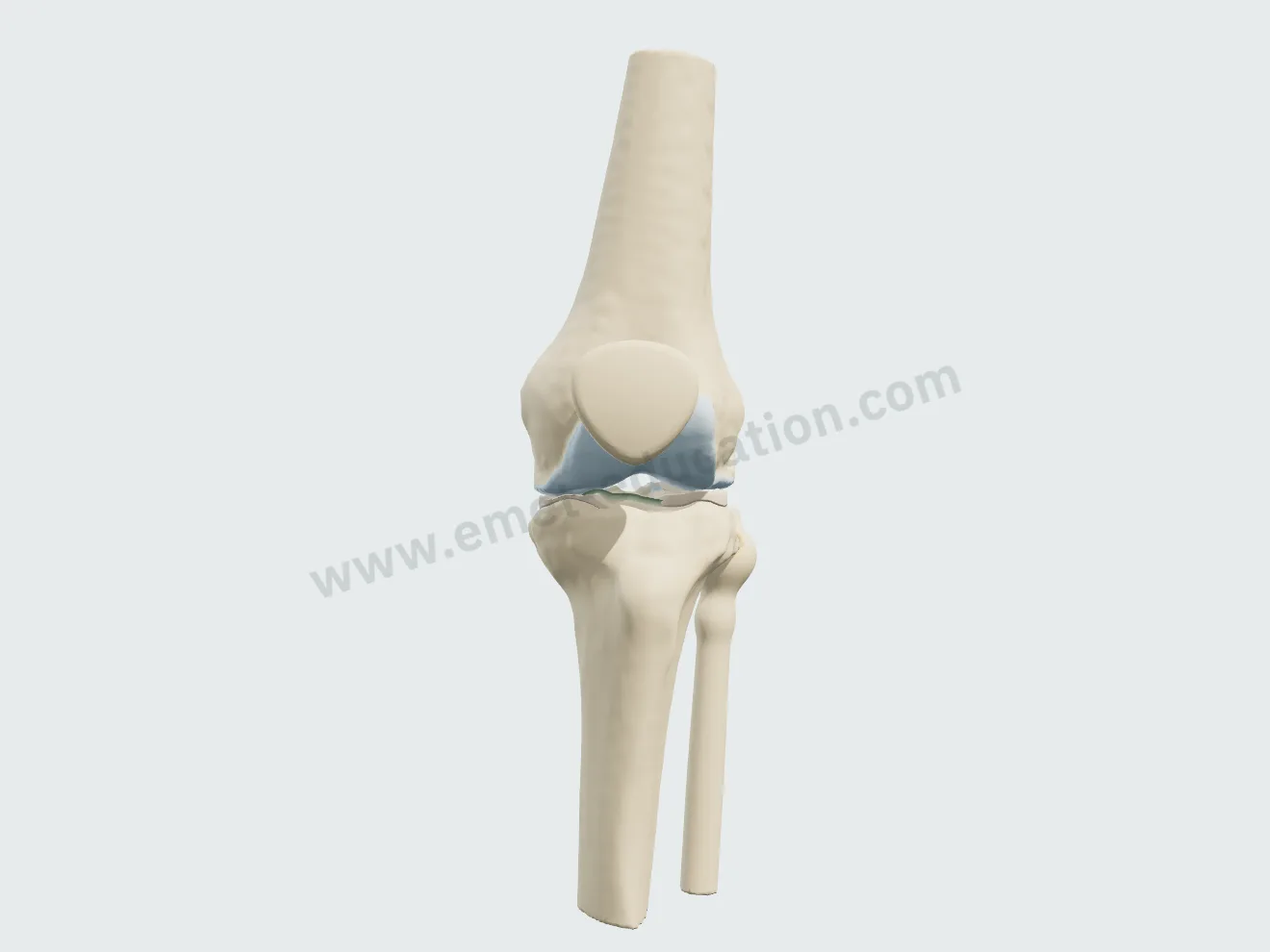
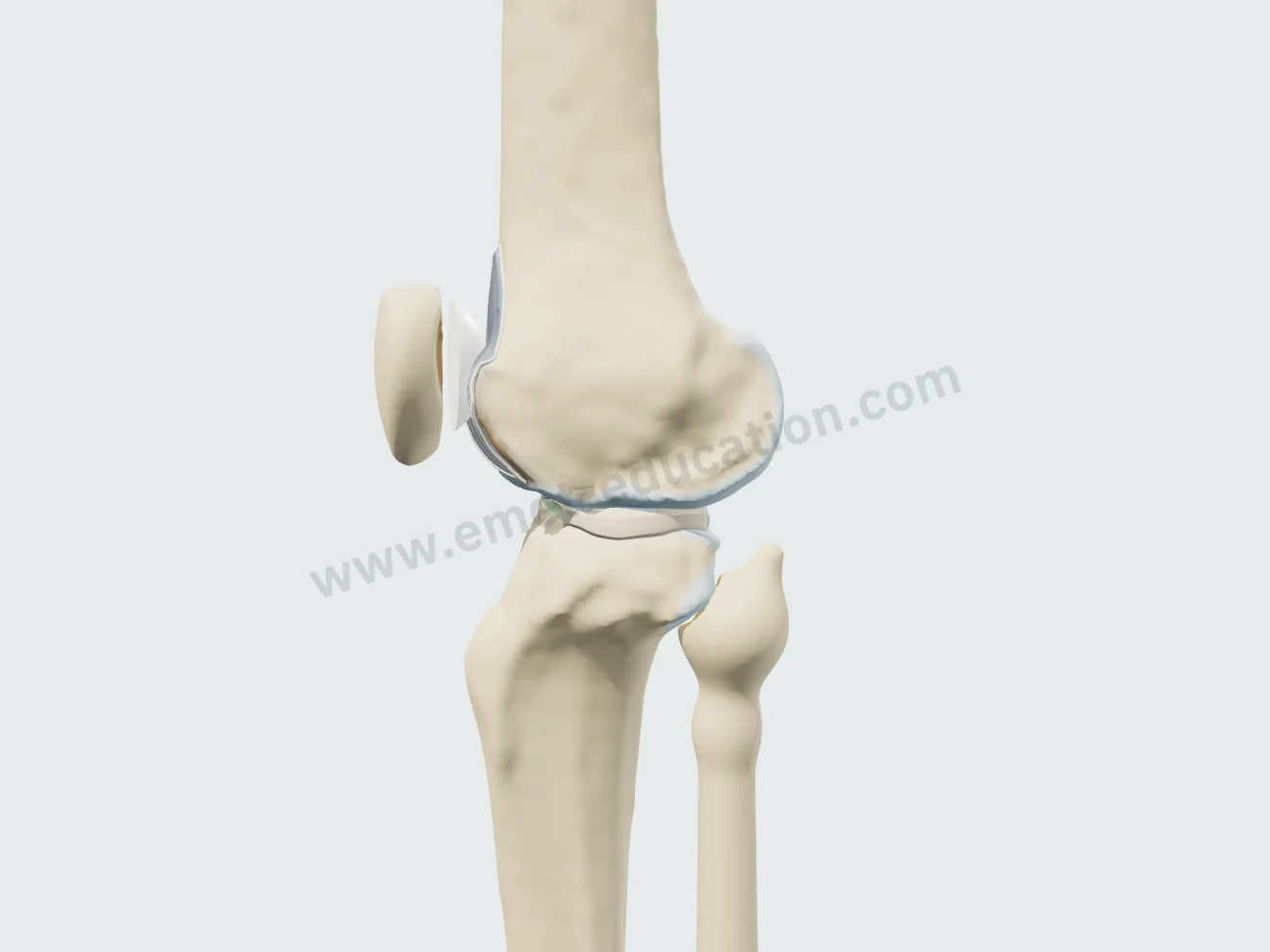
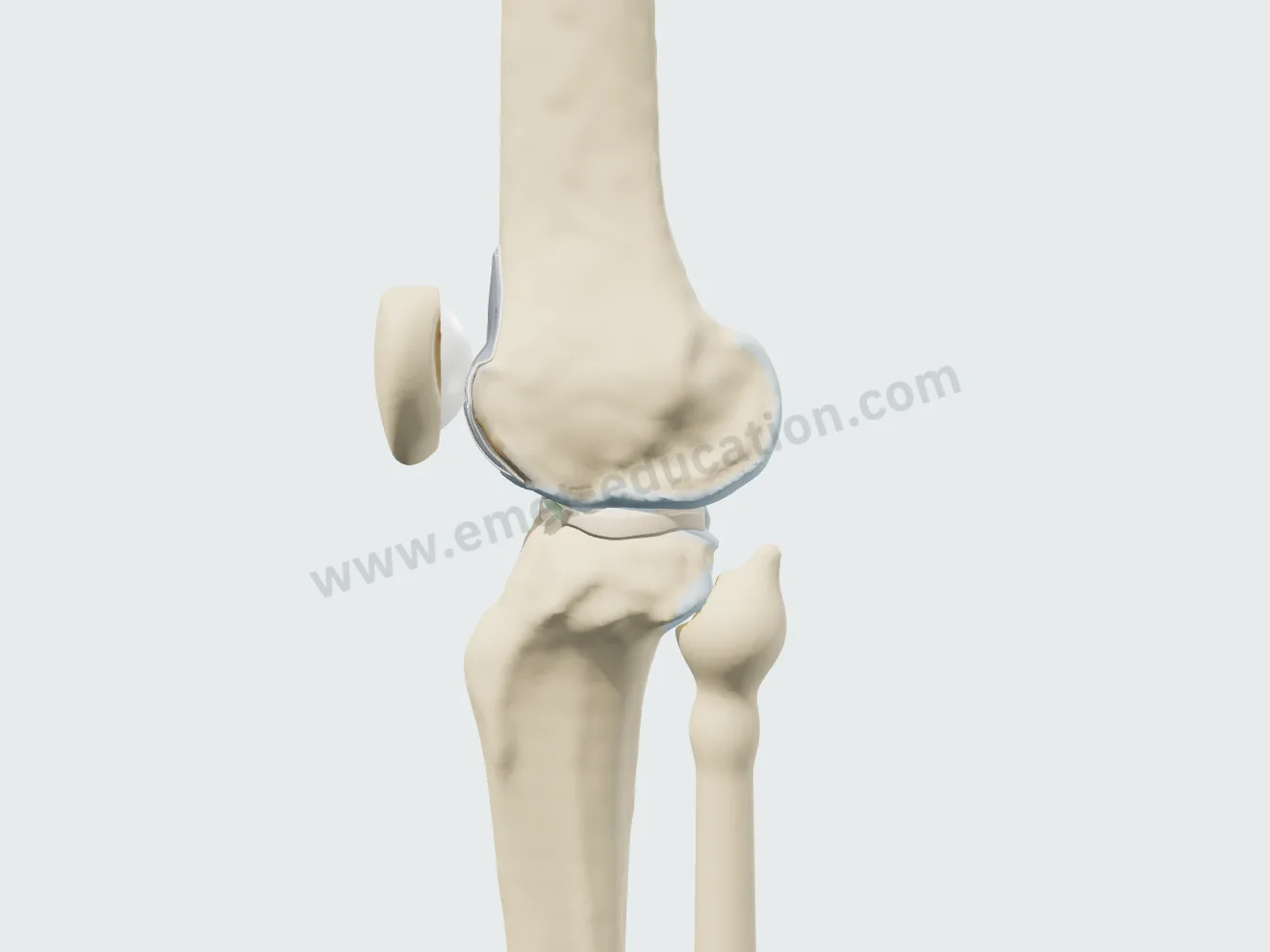
Knee from the front, grade I: thinned, dull cartilage, small marginal osteophyte, normal joint space.
Grade I · joint space preserved
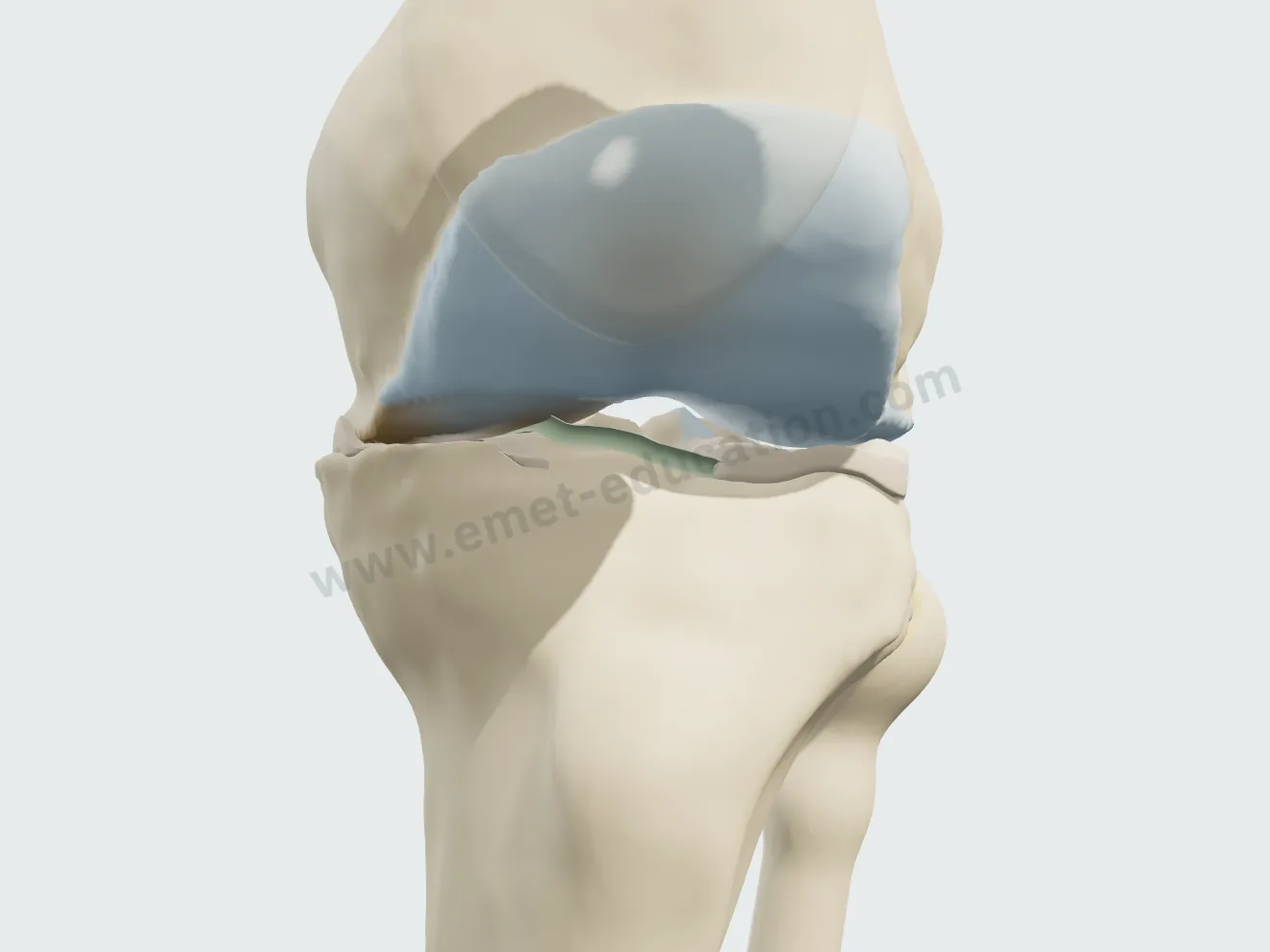
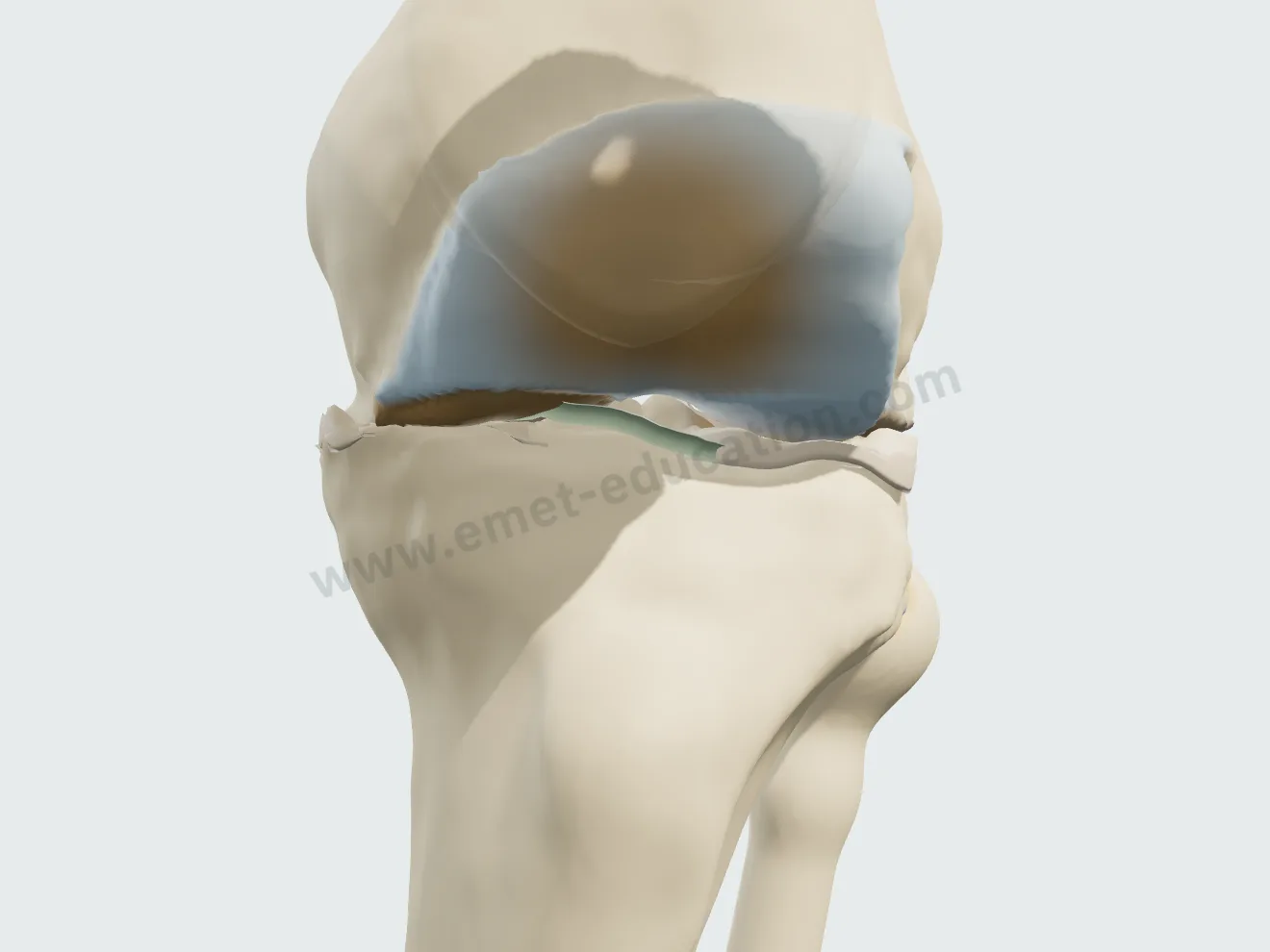
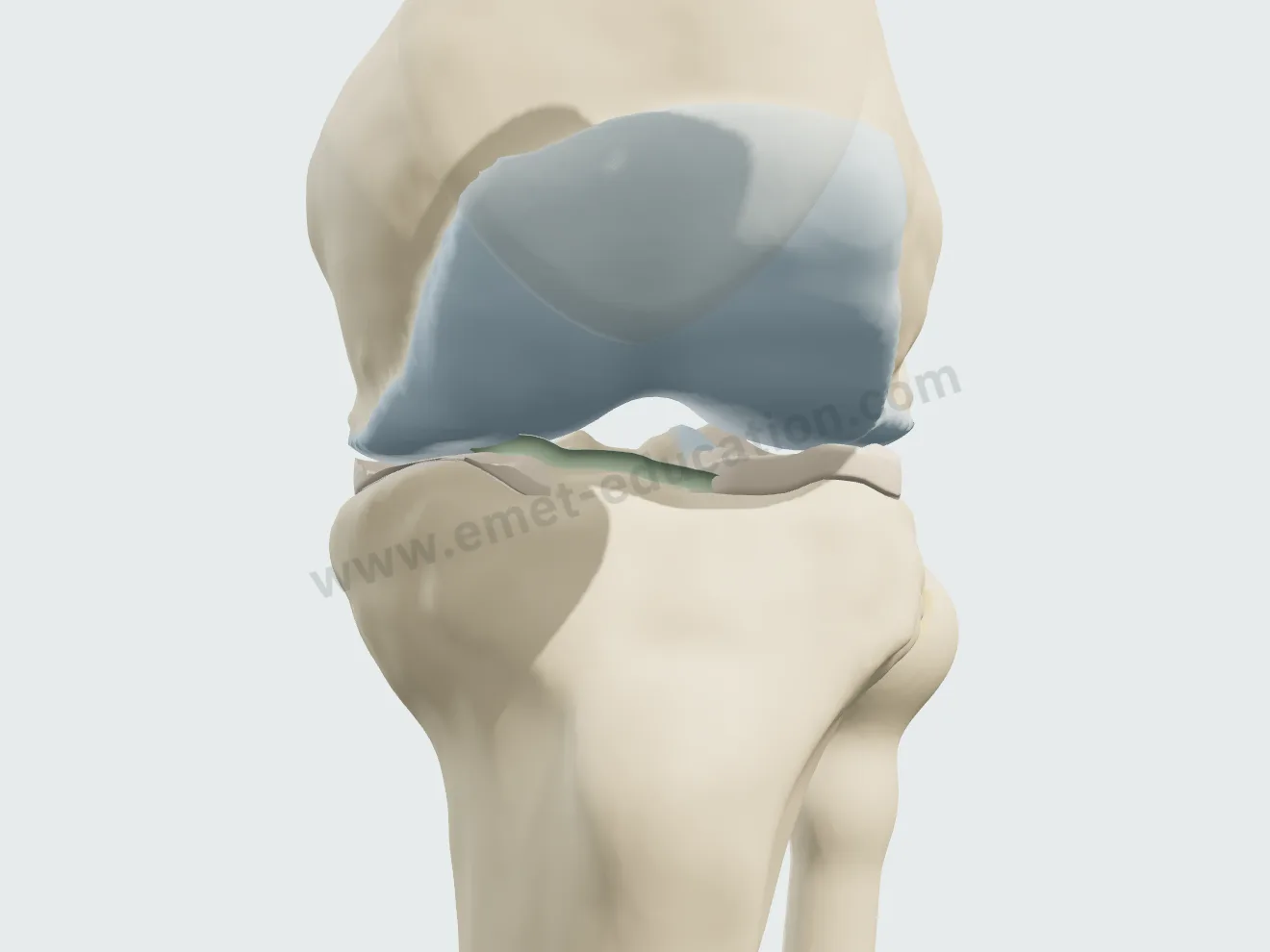
Knee from the front, grade III: narrowed joint space, exposed bone in mottled red at the center of the load zone, multiple osteophytes.
Grade III · narrowing, exposed bone
Knee from the front, grade IV: bone on bone, collapse of the plateau and condyle, large osteophytes.
Grade IV · joint space gone

The treatment, step by step

Two intra-articular injections and three arthroplasties, played one step at a time or continuously. Each step opens on its own view; the model flags debatable indications on the step card and never blocks a choice.

Corticosteroid injection

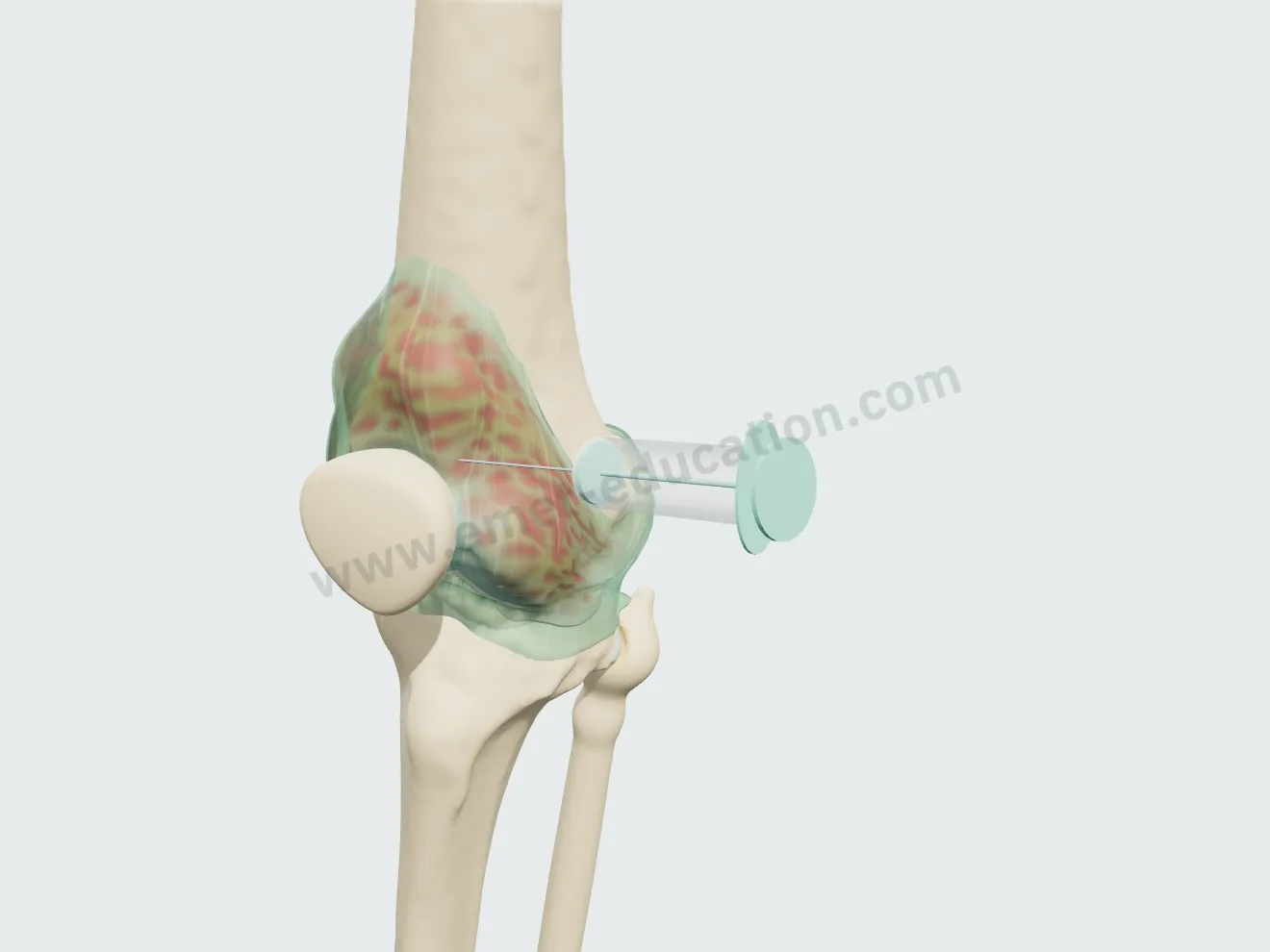
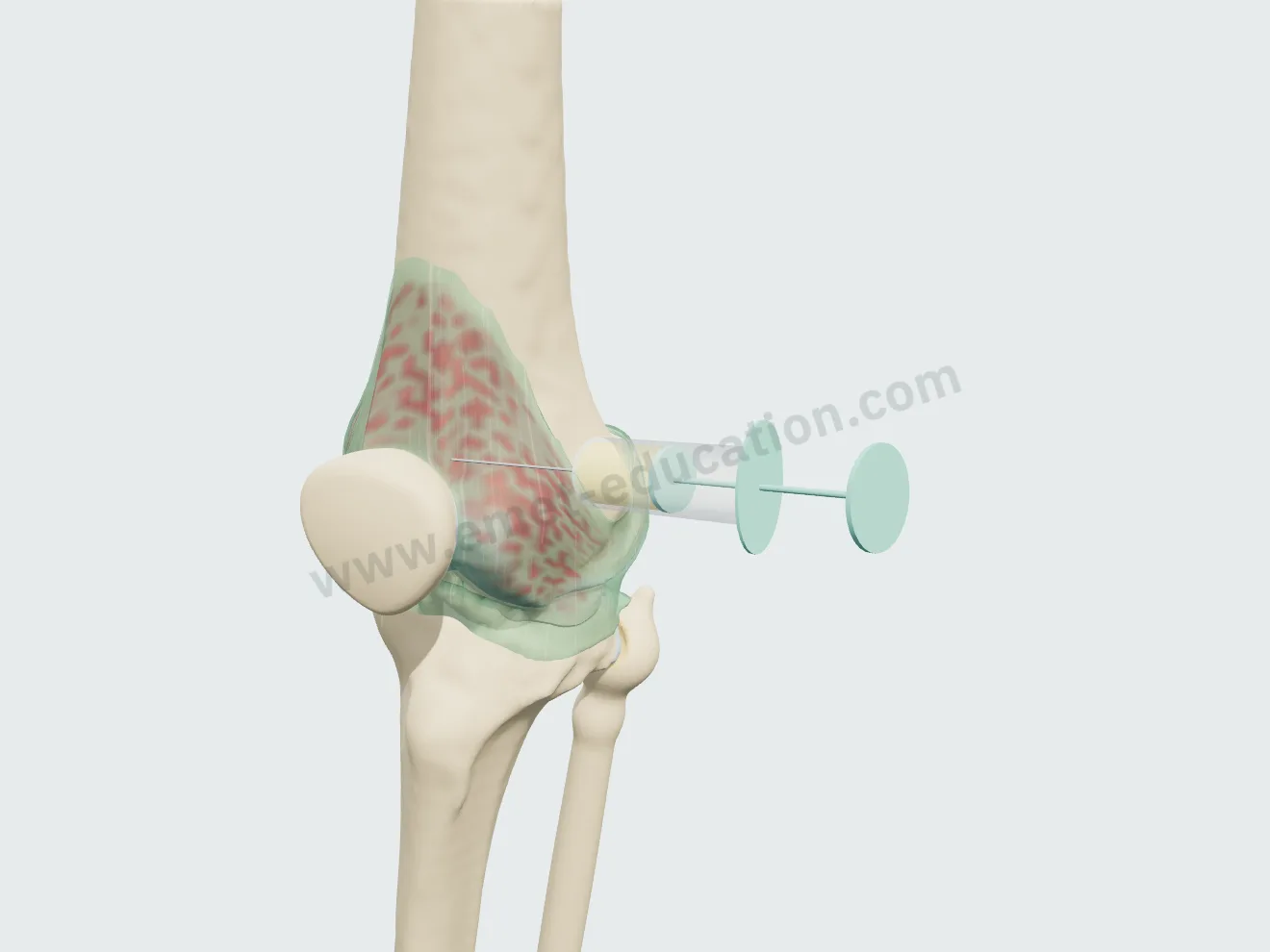
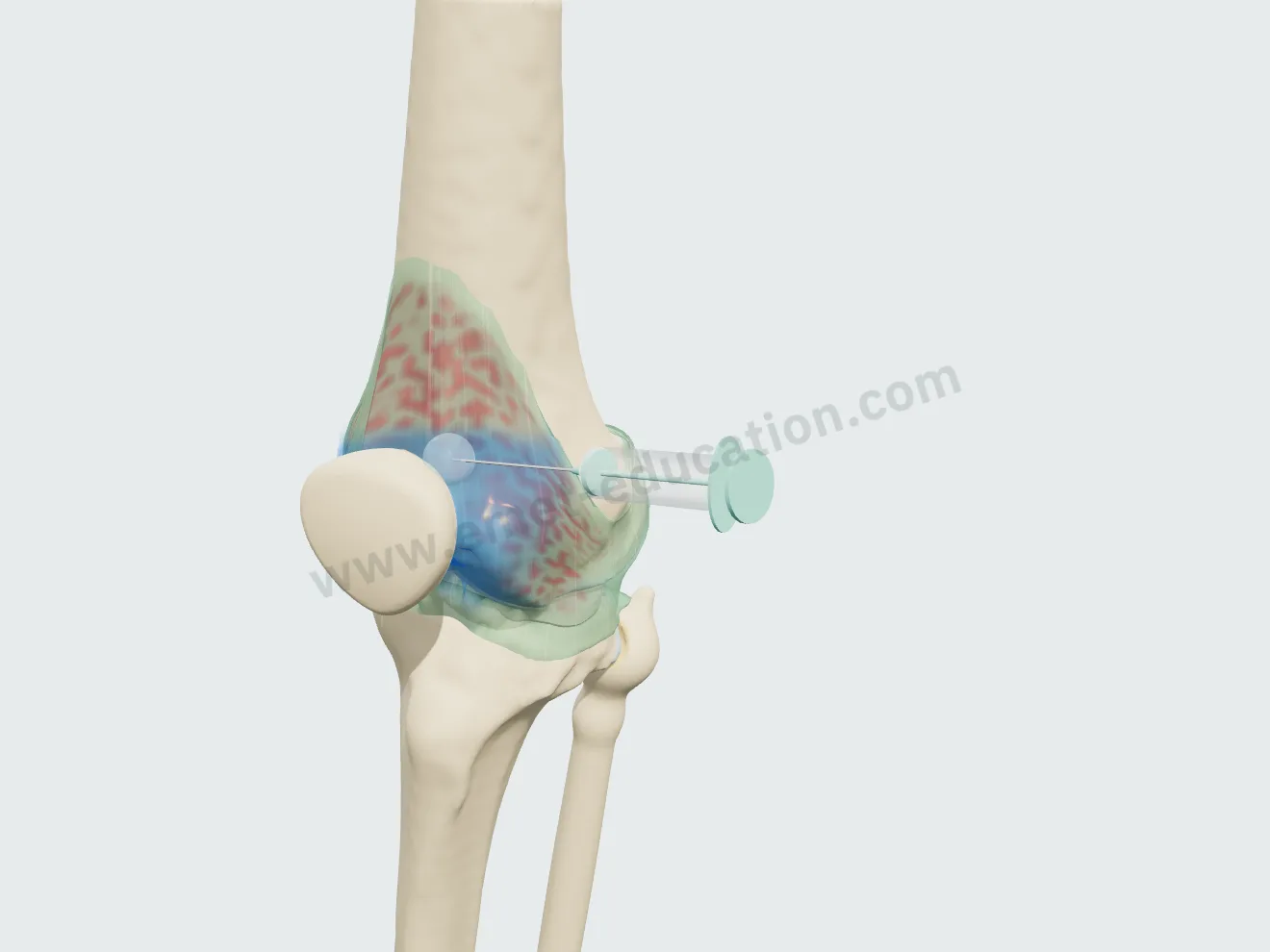
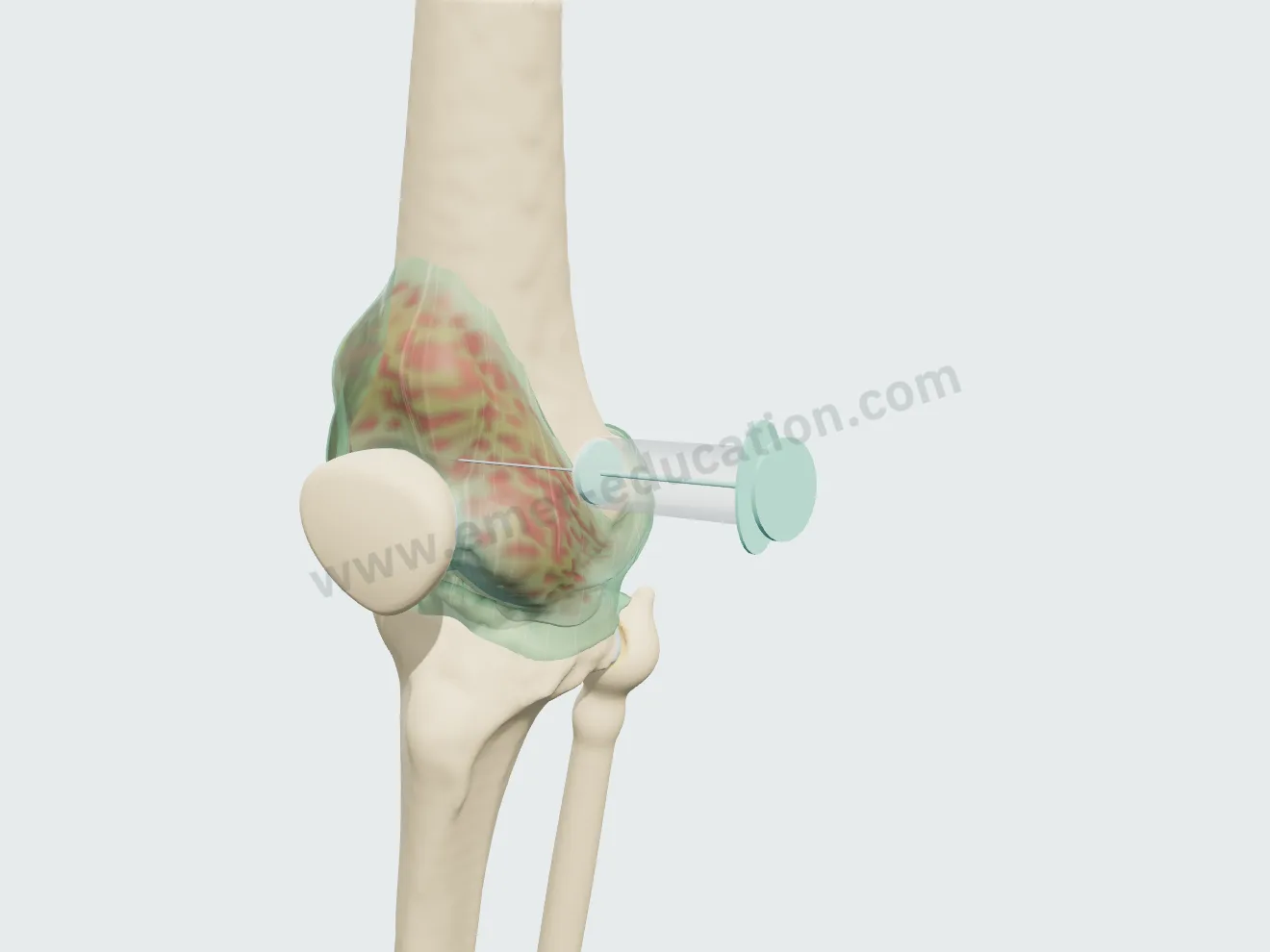
Superolateral approach, knee extended, 40 mm needle into the suprapatellar pouch. Aspiration of the effusion if present, then injection: the cloud resolves, synovitis settles, the wear does not regress.

Injection, step 1: needle inserted below the superolateral border of the patella.
1Needle in place
Injection, step 2: a syringe aspirates the effusion, which shrinks.
2Aspiration
Injection, step 3: bluish corticosteroid cloud in the joint.
3Injection
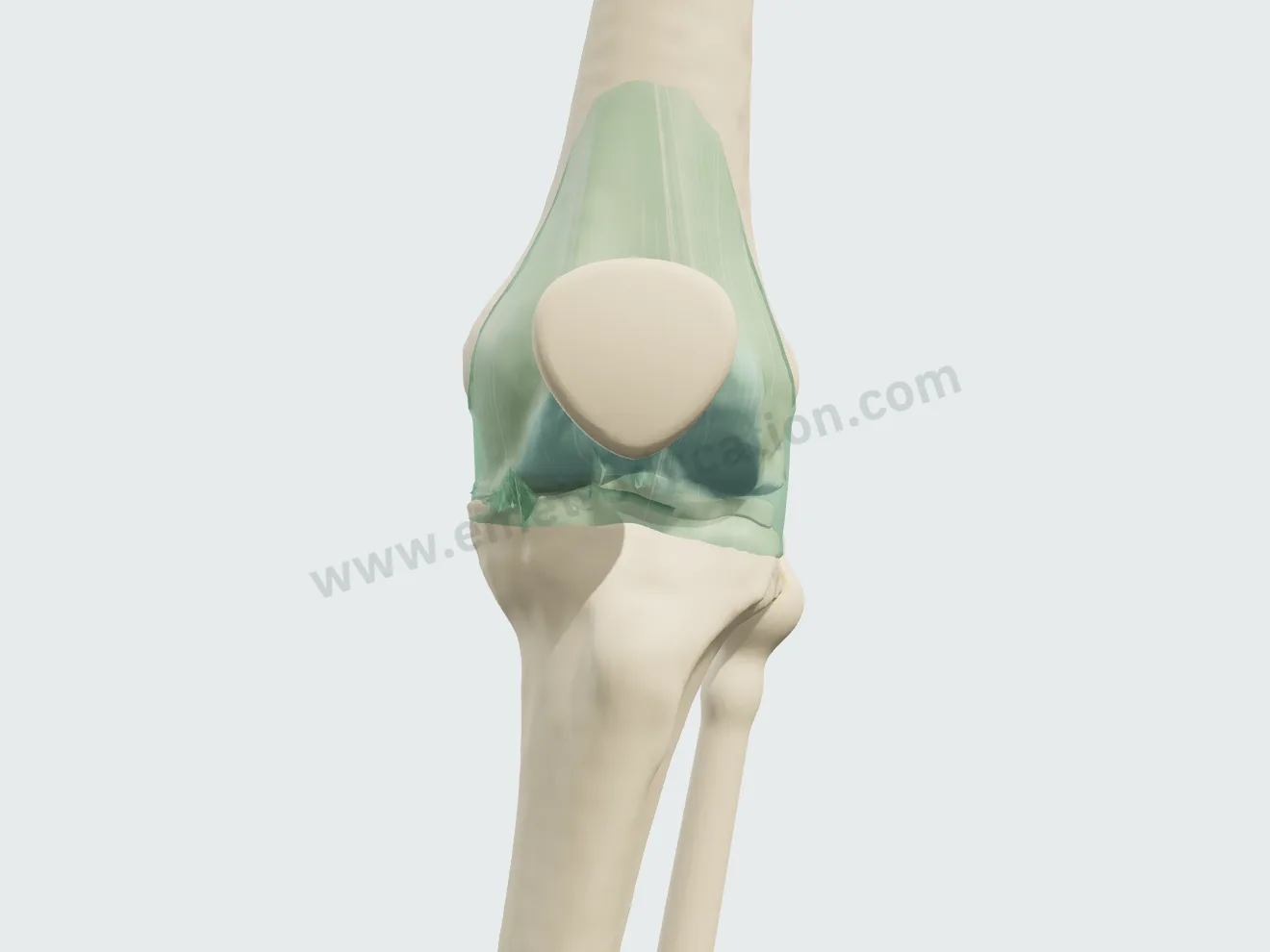
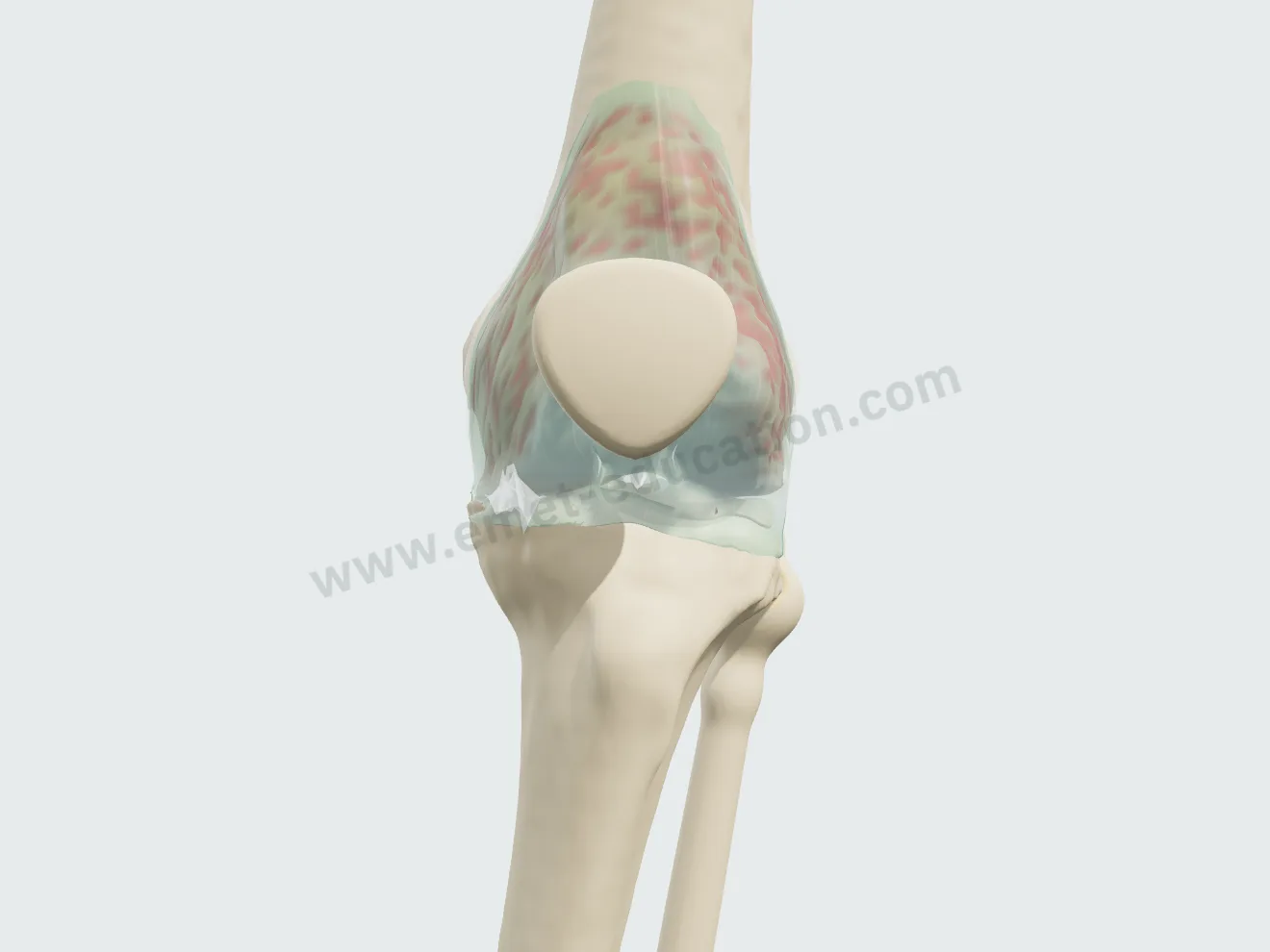
Injection, step 4: synovitis settled, effusion gone, osteoarthritis unchanged.
4A few weeks later

Viscosupplementation

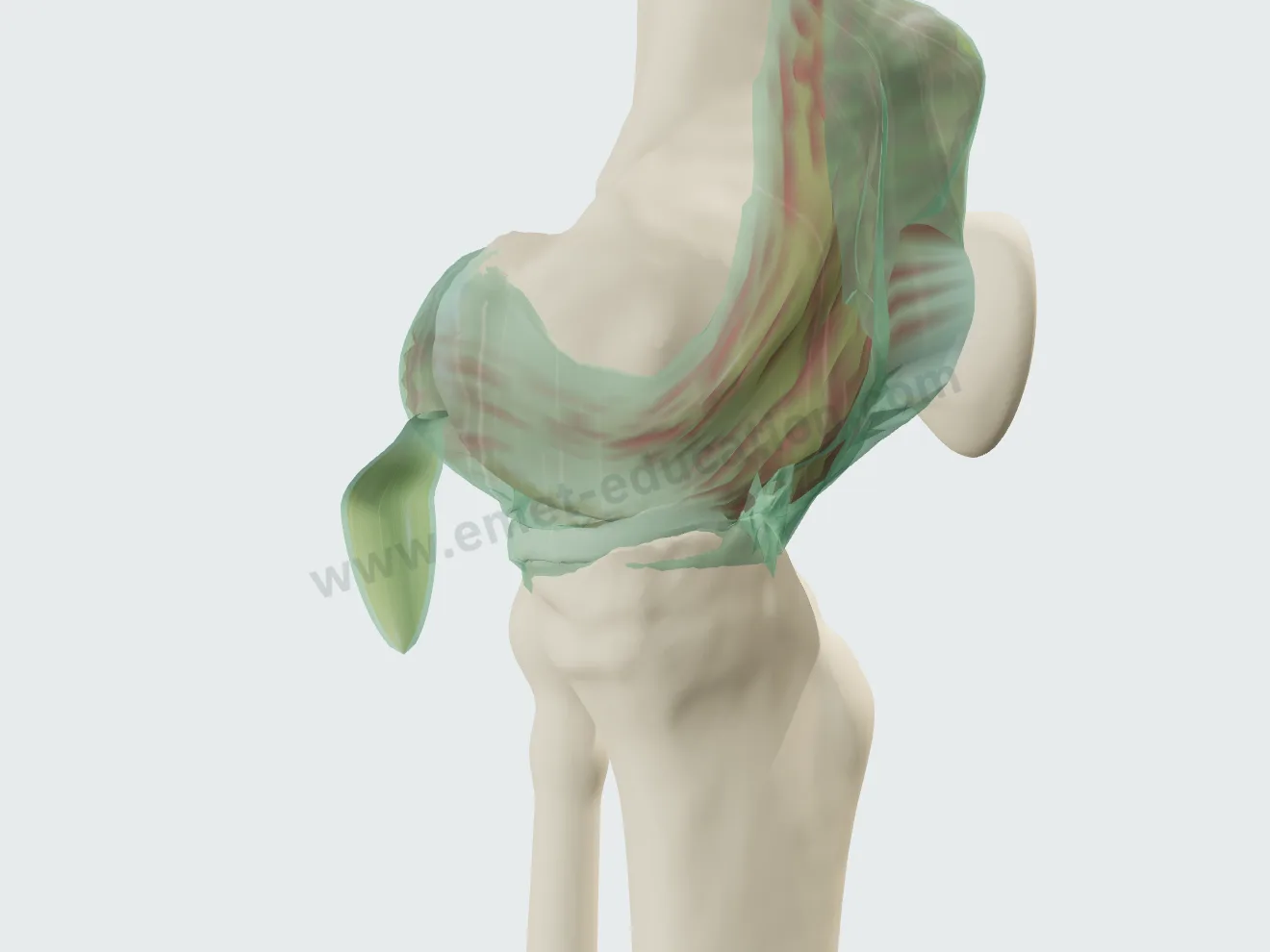
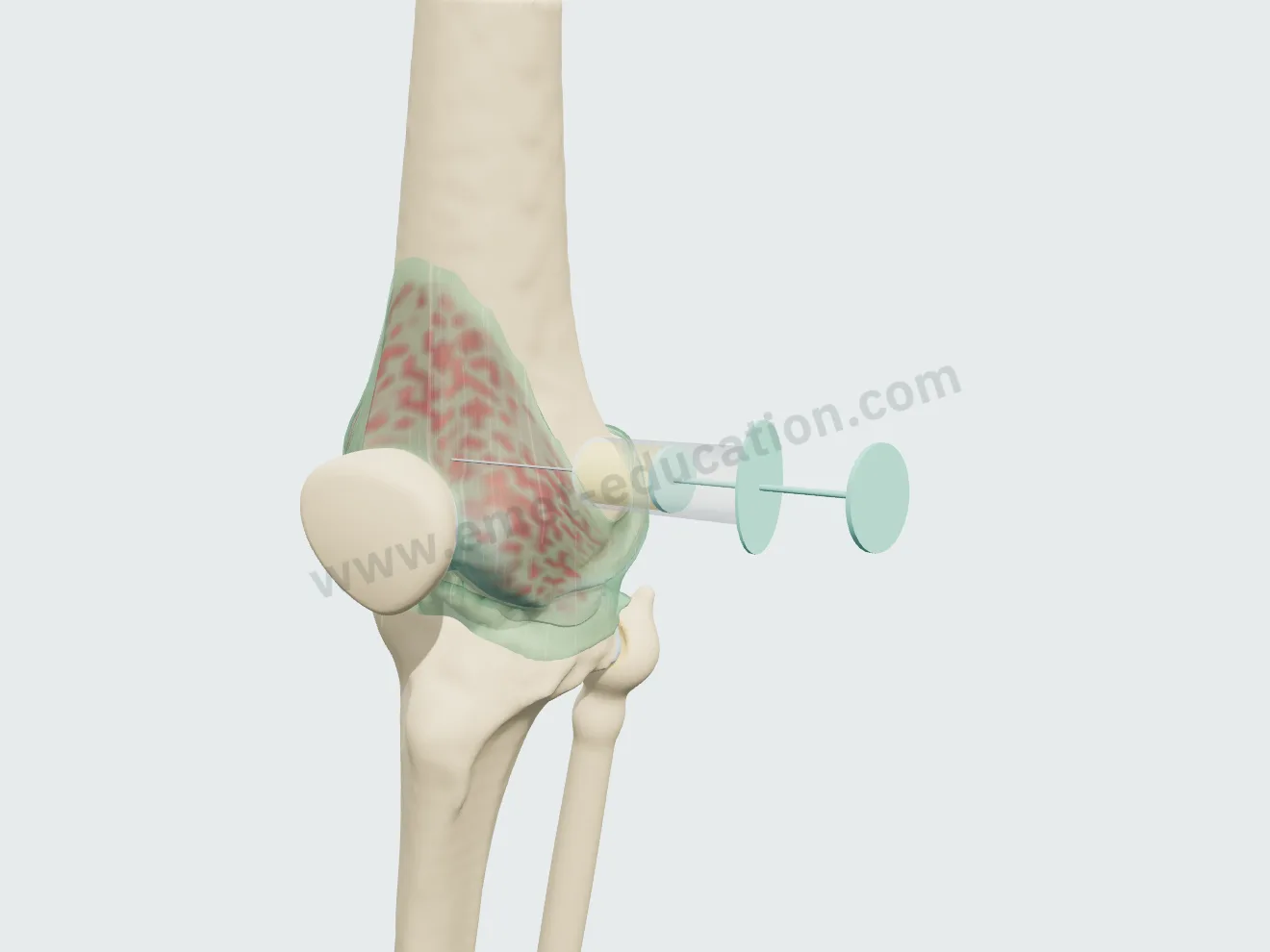
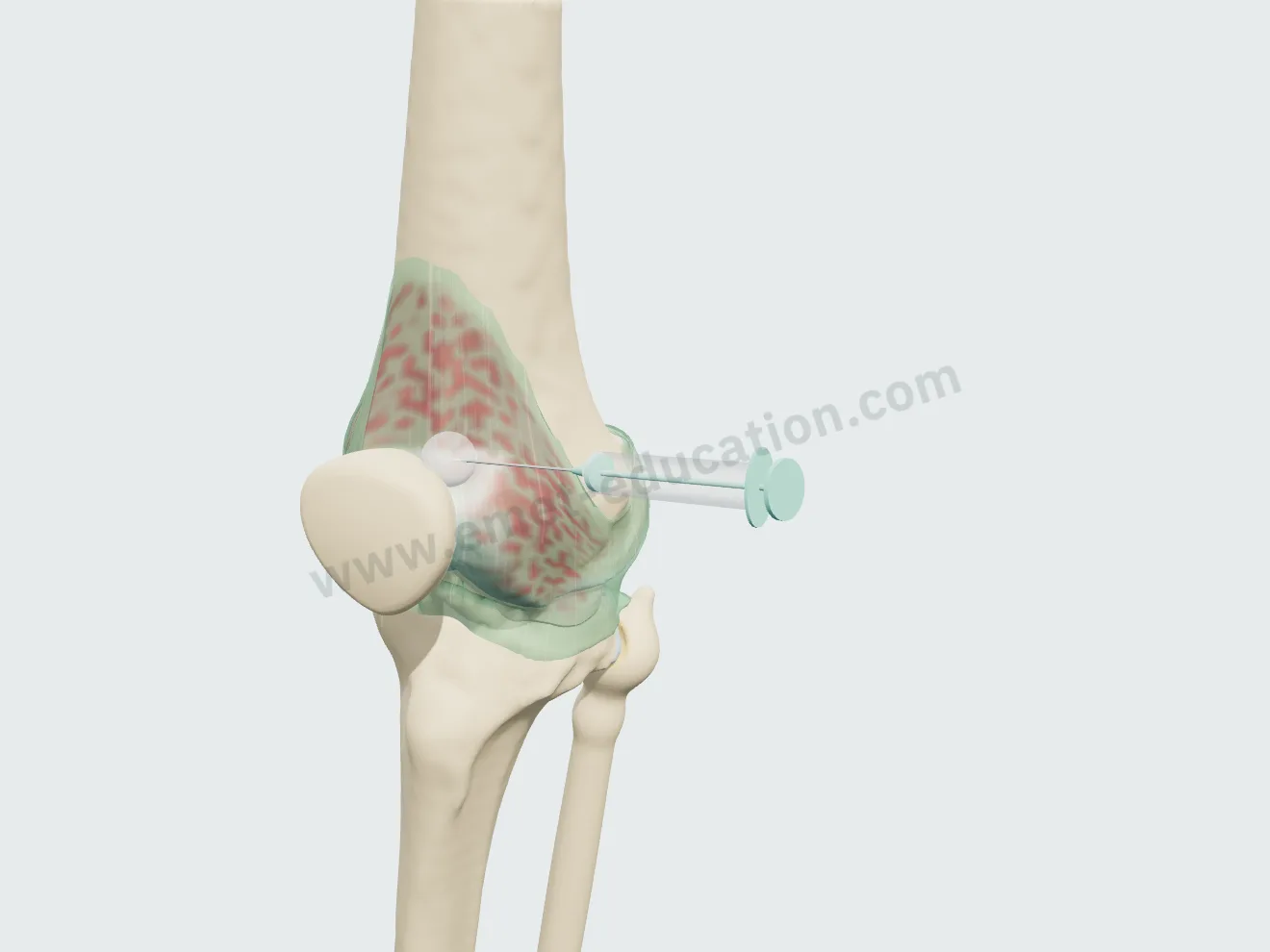
Same route, same procedure: aspiration of the effusion if present, then injection of a pearly gel that reaches the joint space and spreads over the following weeks.

Viscosupplementation, step 1: needle in the suprapatellar pouch.
1Needle in place
Viscosupplementation, step 2: aspiration of the effusion before the injection.
2Aspiration
Viscosupplementation, step 3: pearly gel injected.
3Injection
Viscosupplementation, step 4: gel spread in the joint space.
4The following weeks

Total knee arthroplasty

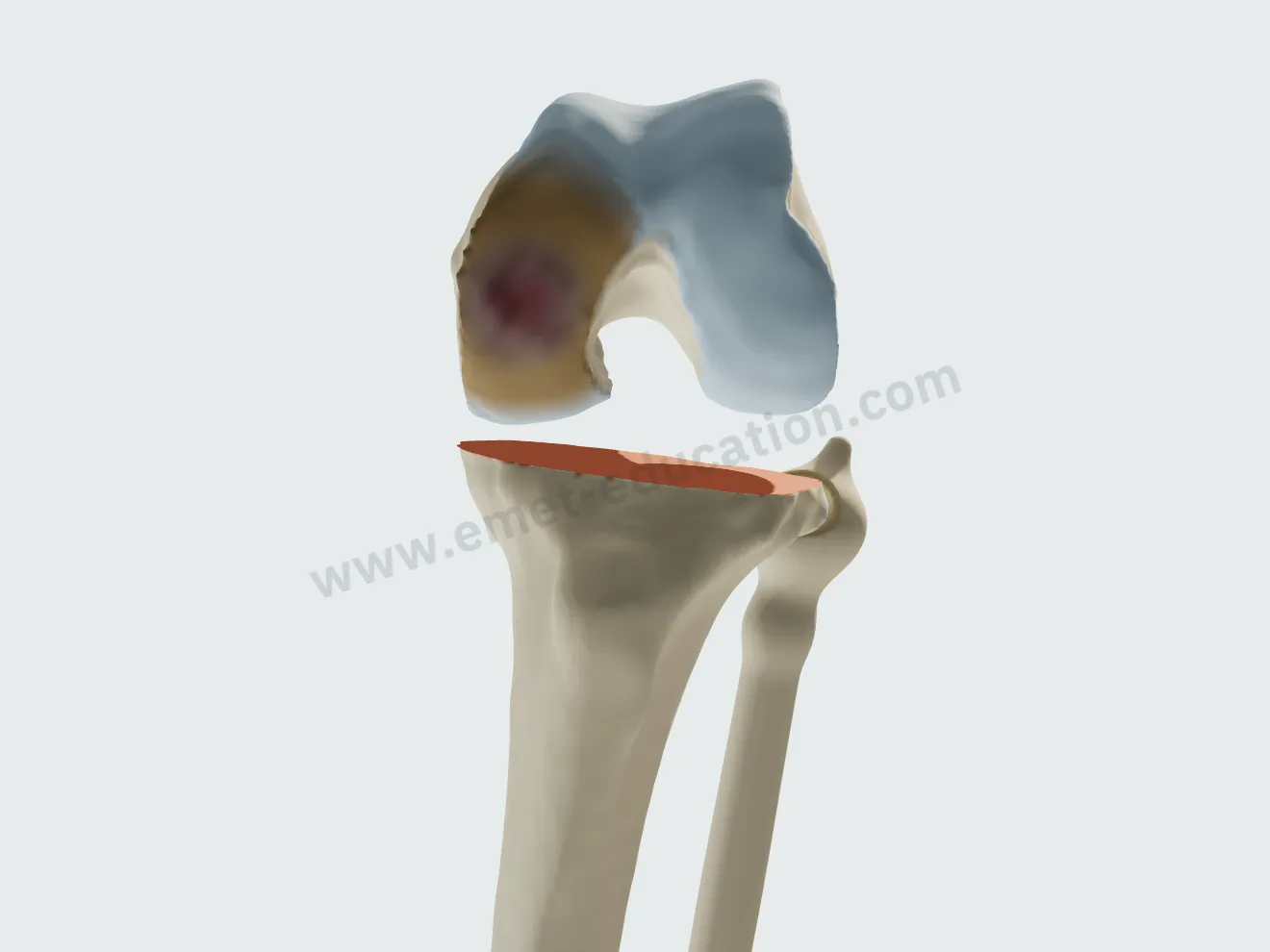
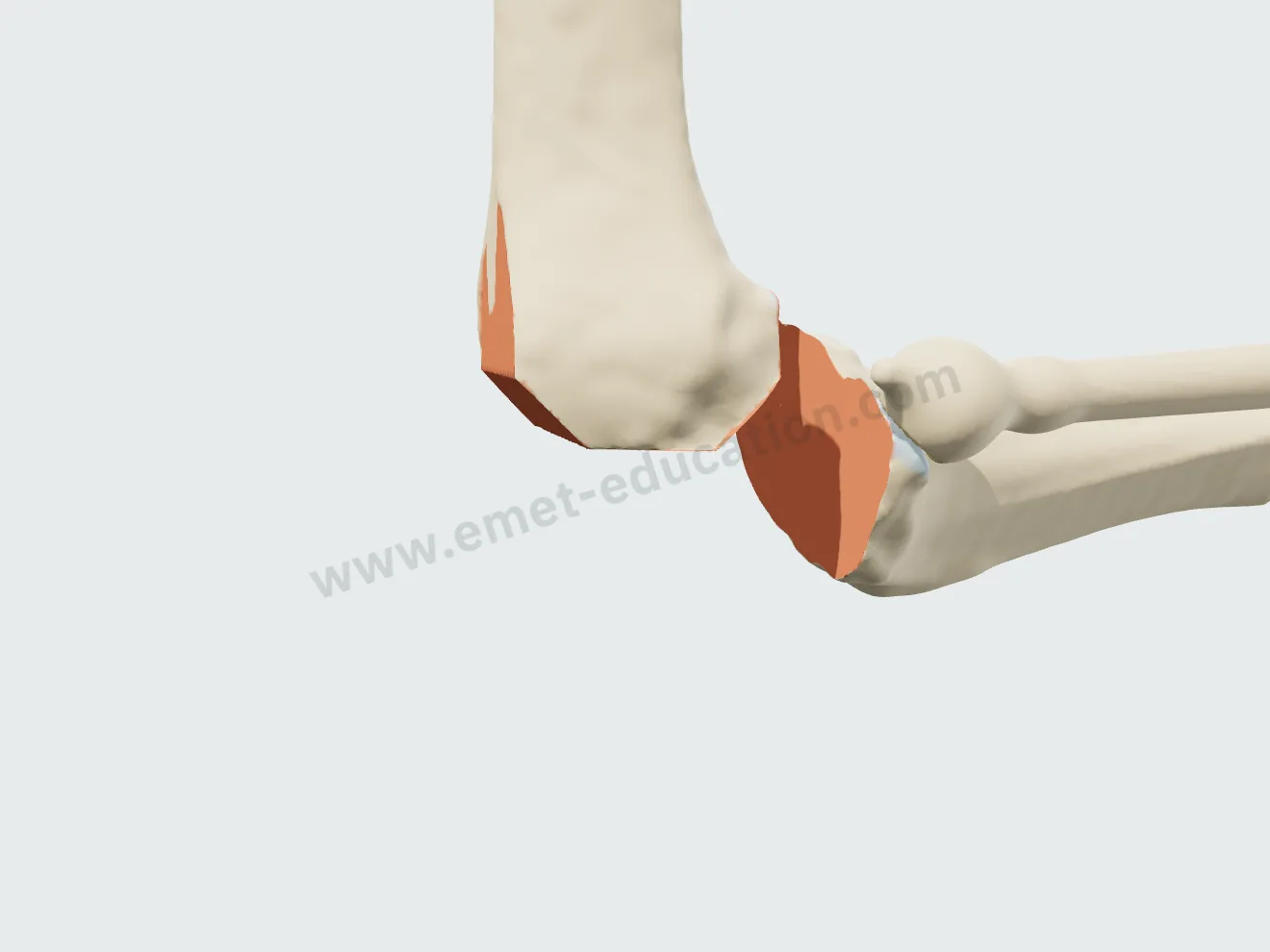
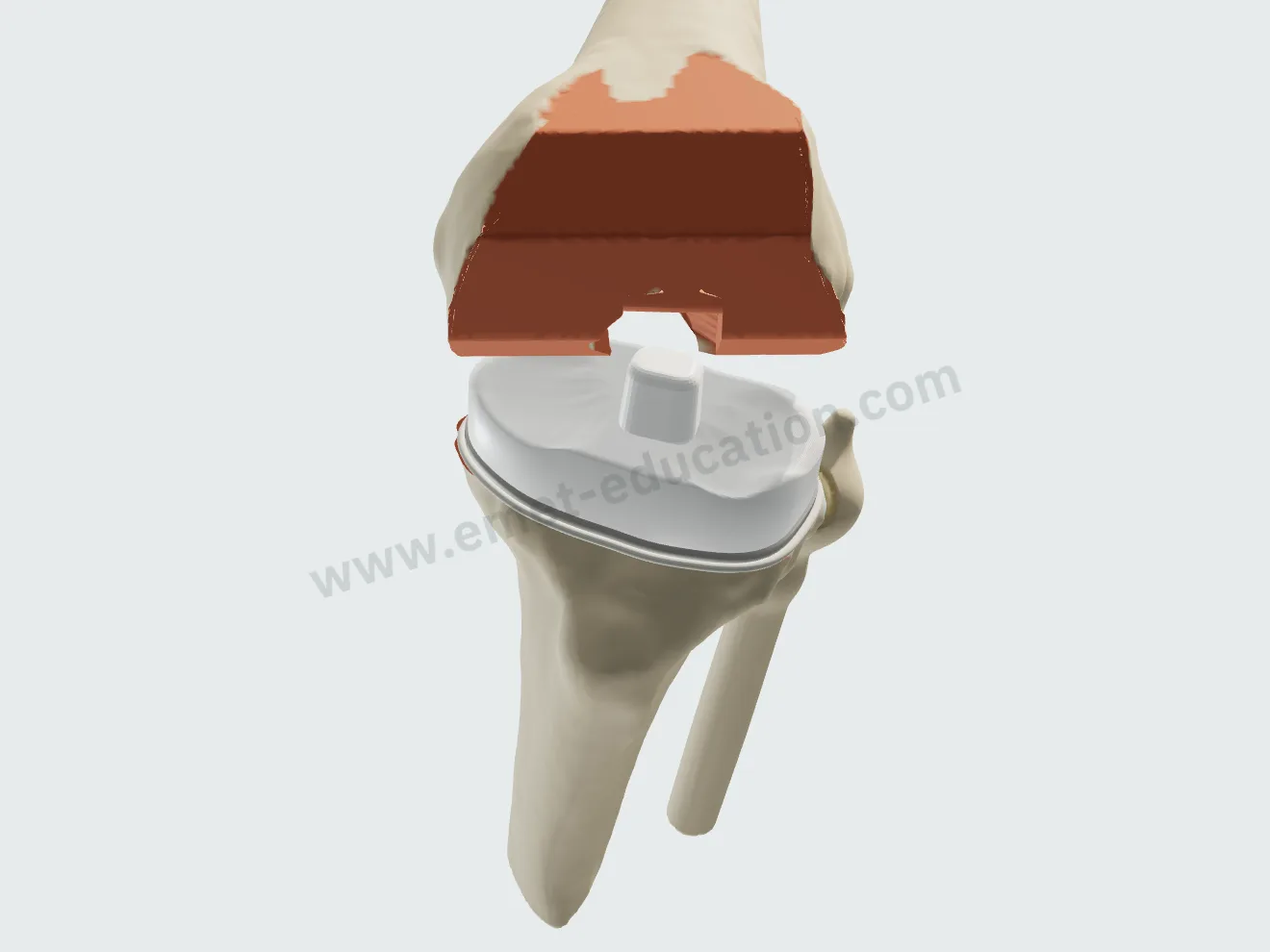
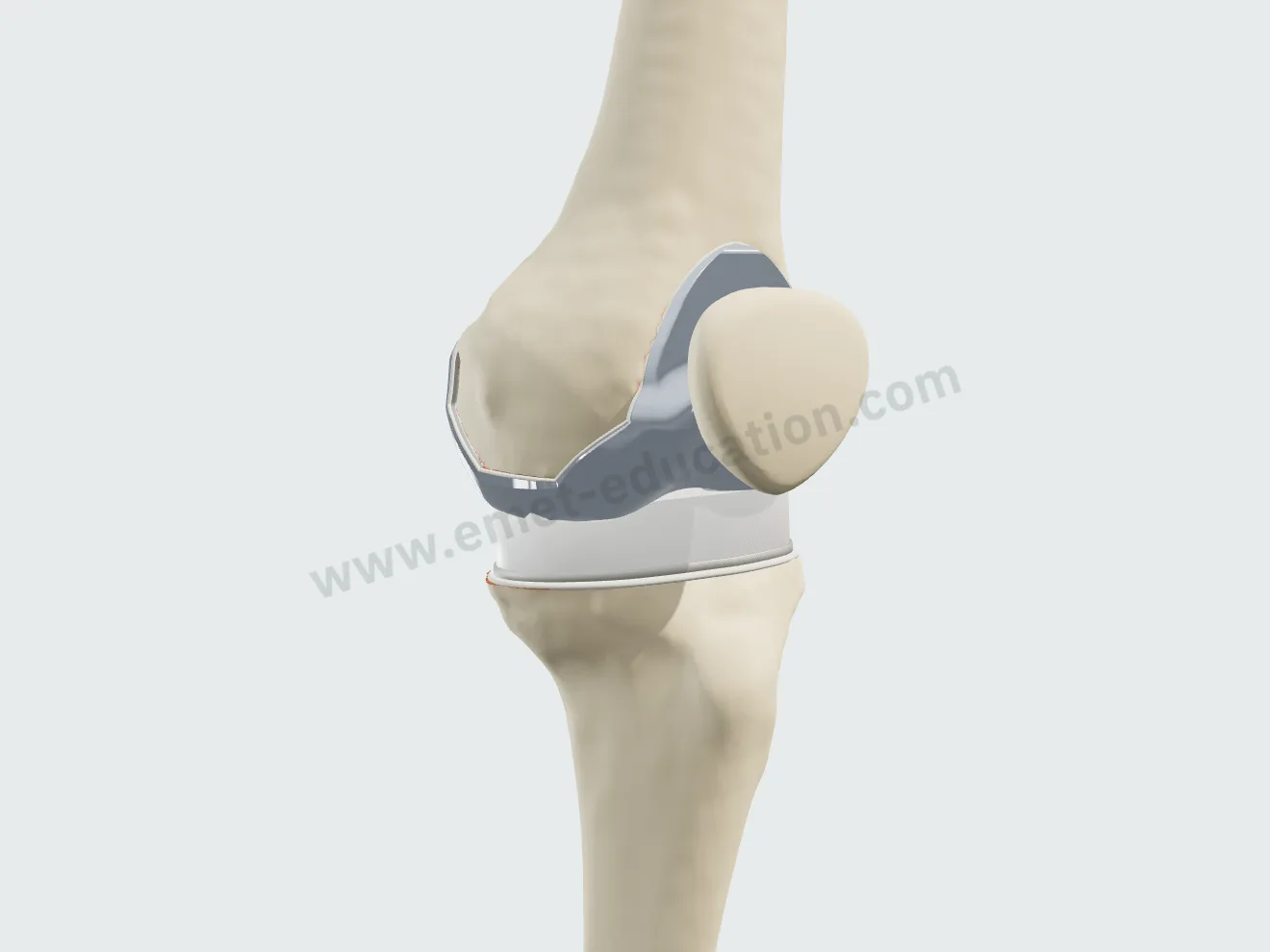
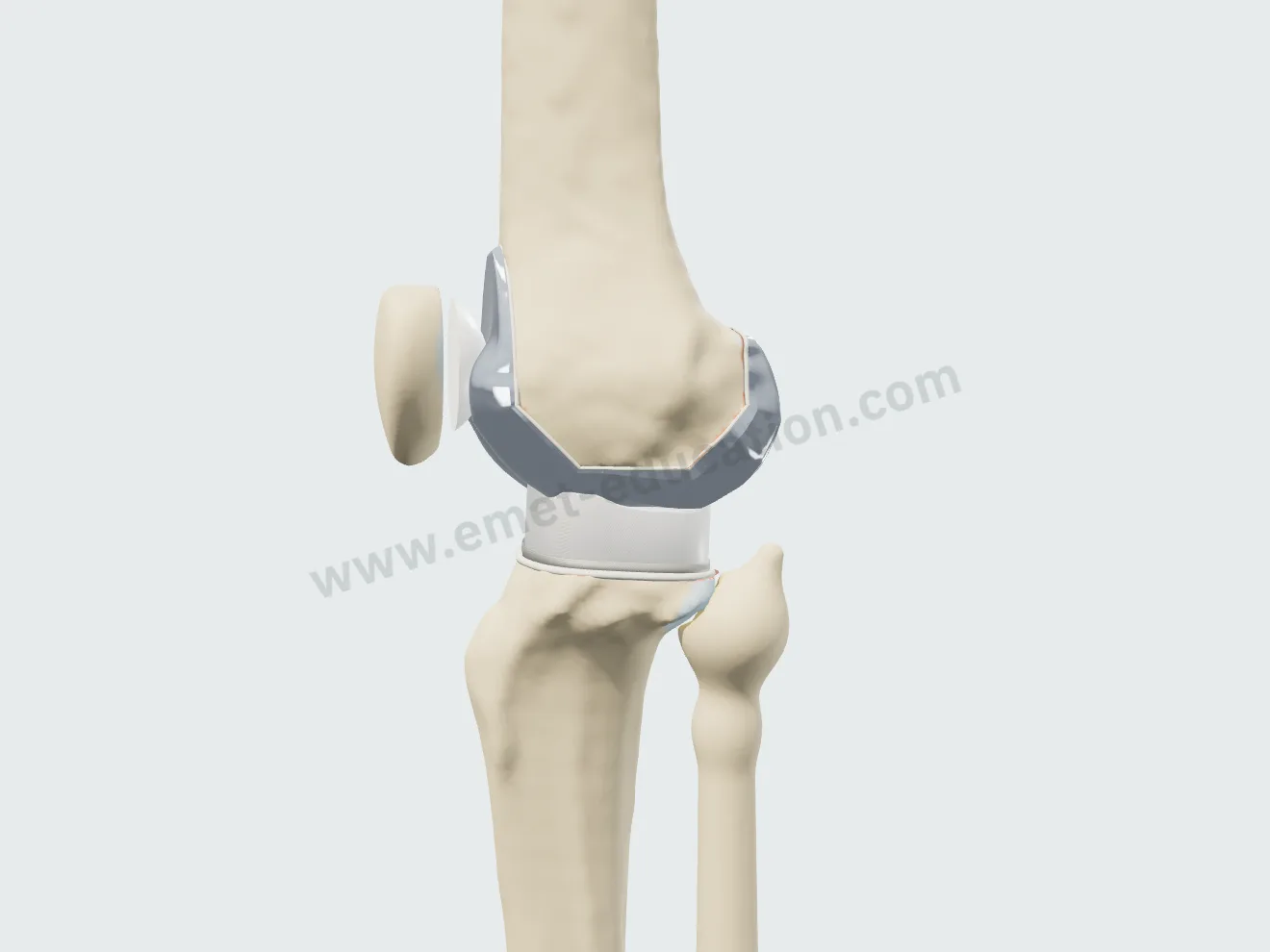
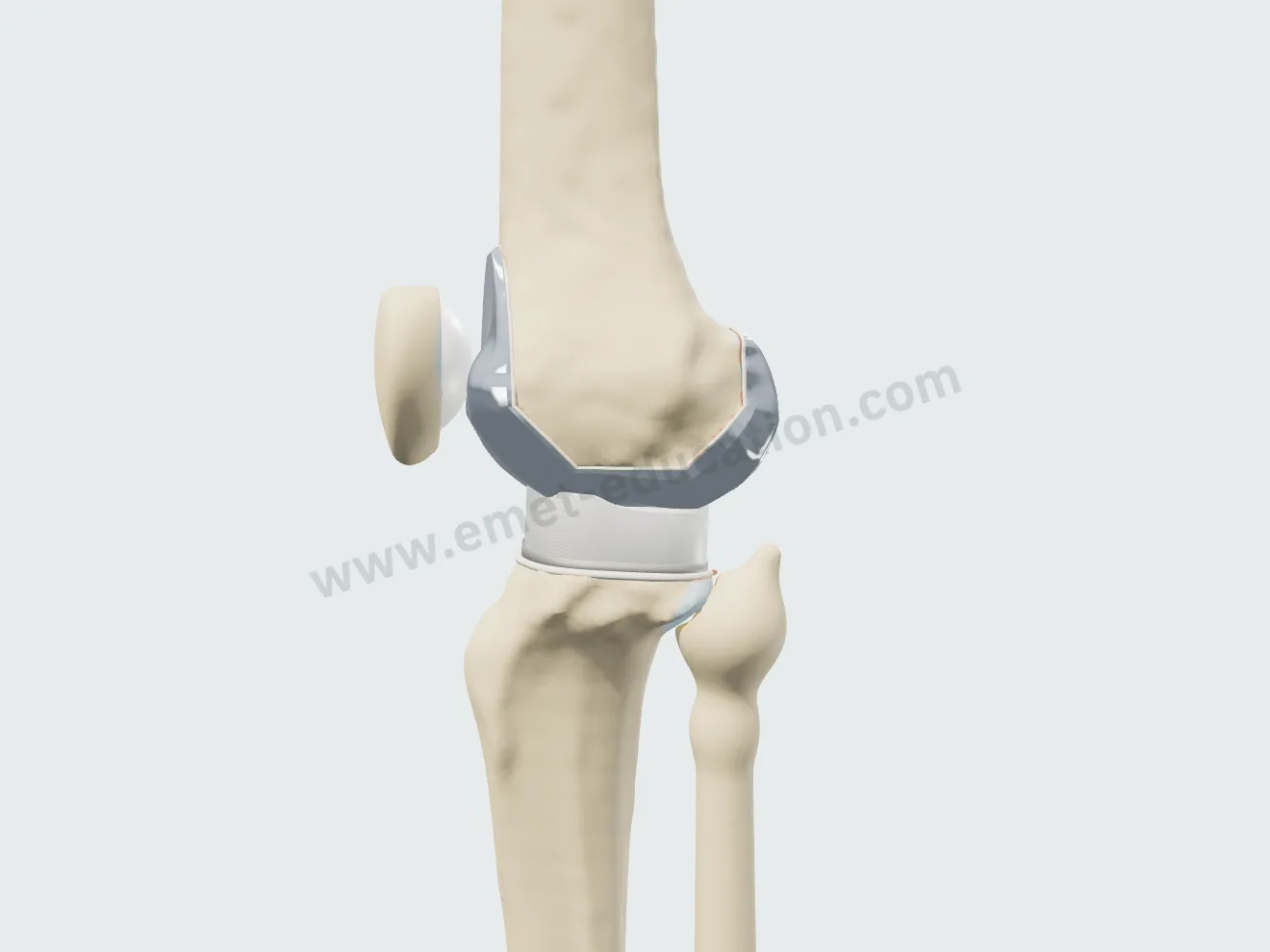
Posterior-stabilized, cemented implant, knee flexed to 90°, patella retracted: tibial cut perpendicular to the mechanical axis, femoral cuts, tray and insert, femoral component, optional patellar resurfacing, demonstration flexion.

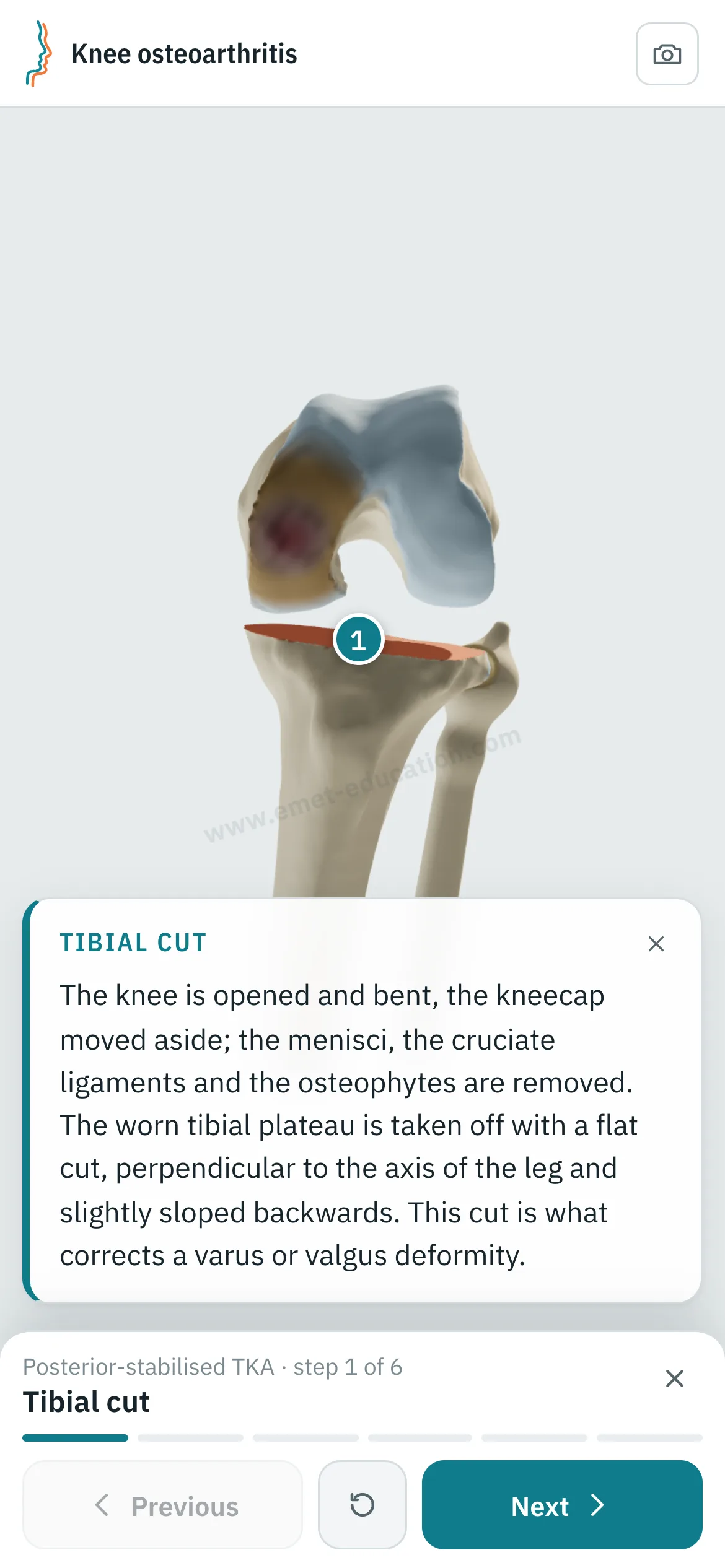
Total arthroplasty, step 1: flat tibial cut, osteophytes removed.
1Tibial cut
Total arthroplasty, step 2: distal, posterior, anterior and chamfer femoral cuts.
2Femoral cuts
Total arthroplasty, step 3: titanium tibial tray with keel, polyethylene insert.
3Tray and insert
Total arthroplasty, step 4: cobalt-chromium femoral component seated, knee extended, axis now neutral.
4Femoral component
Total arthroplasty, step 5: dome-shaped patellar button.
5Patella
Total arthroplasty, step 6: demonstration flexion, the cam against the insert post.
6Flexion

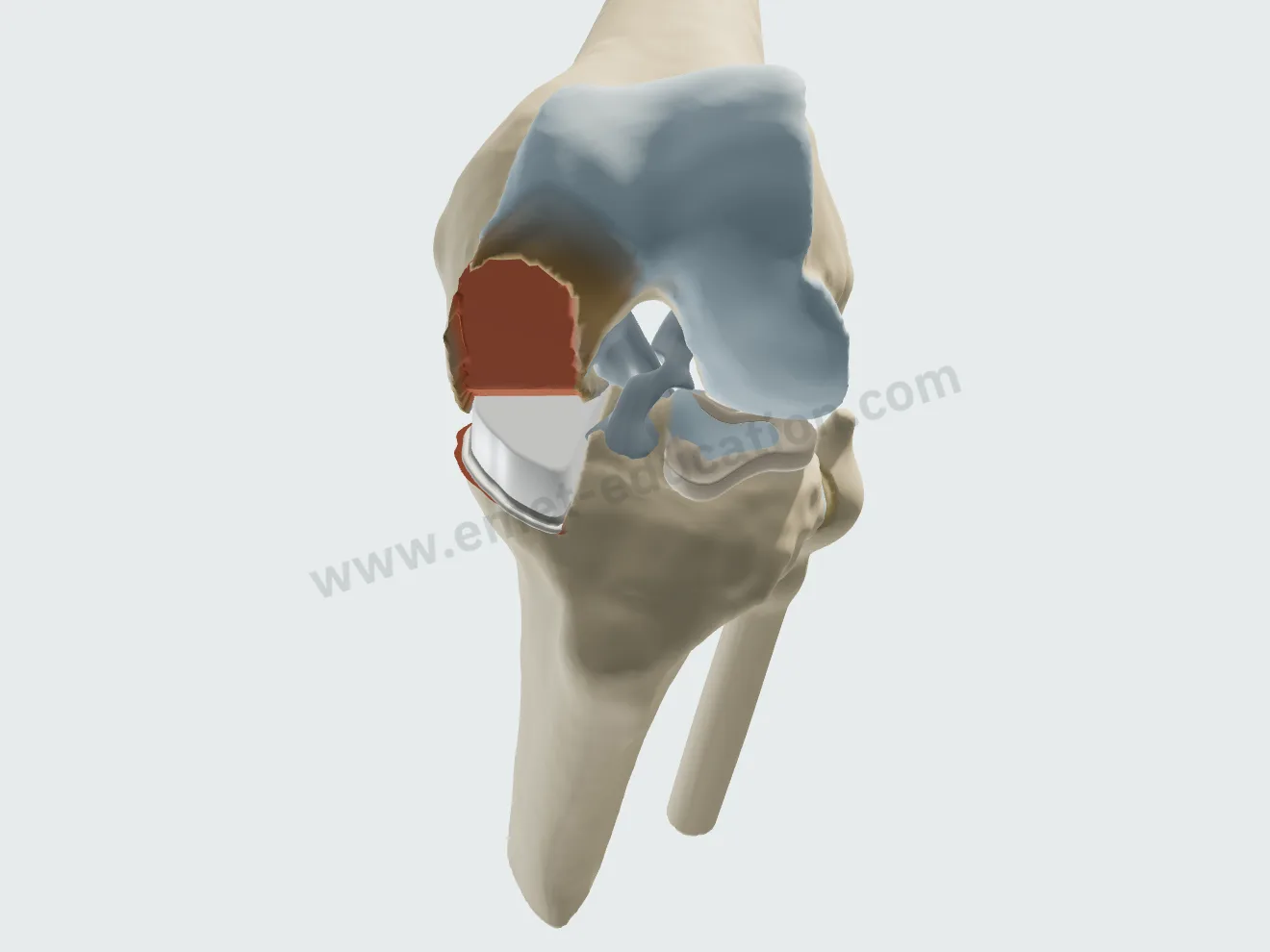
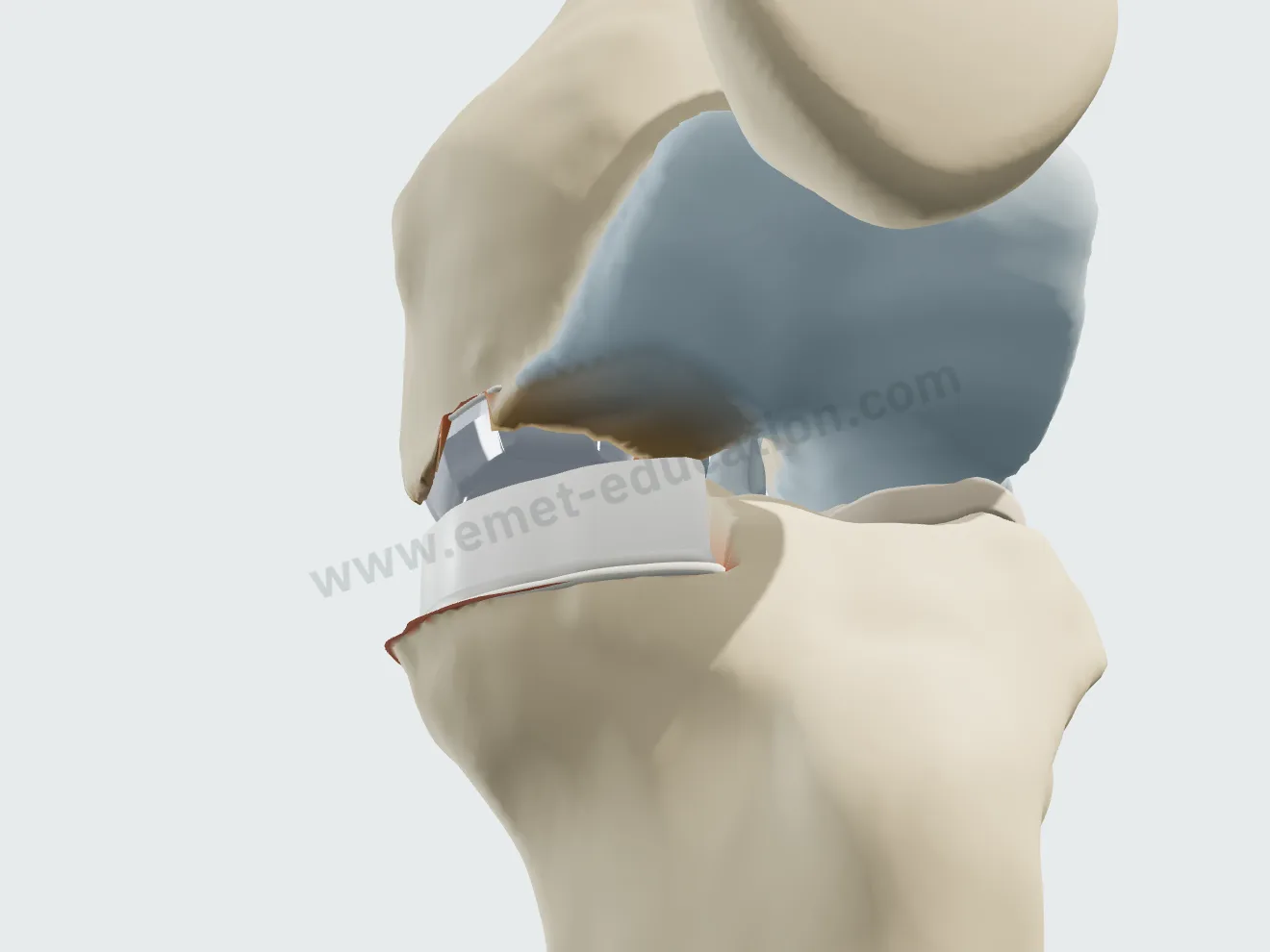
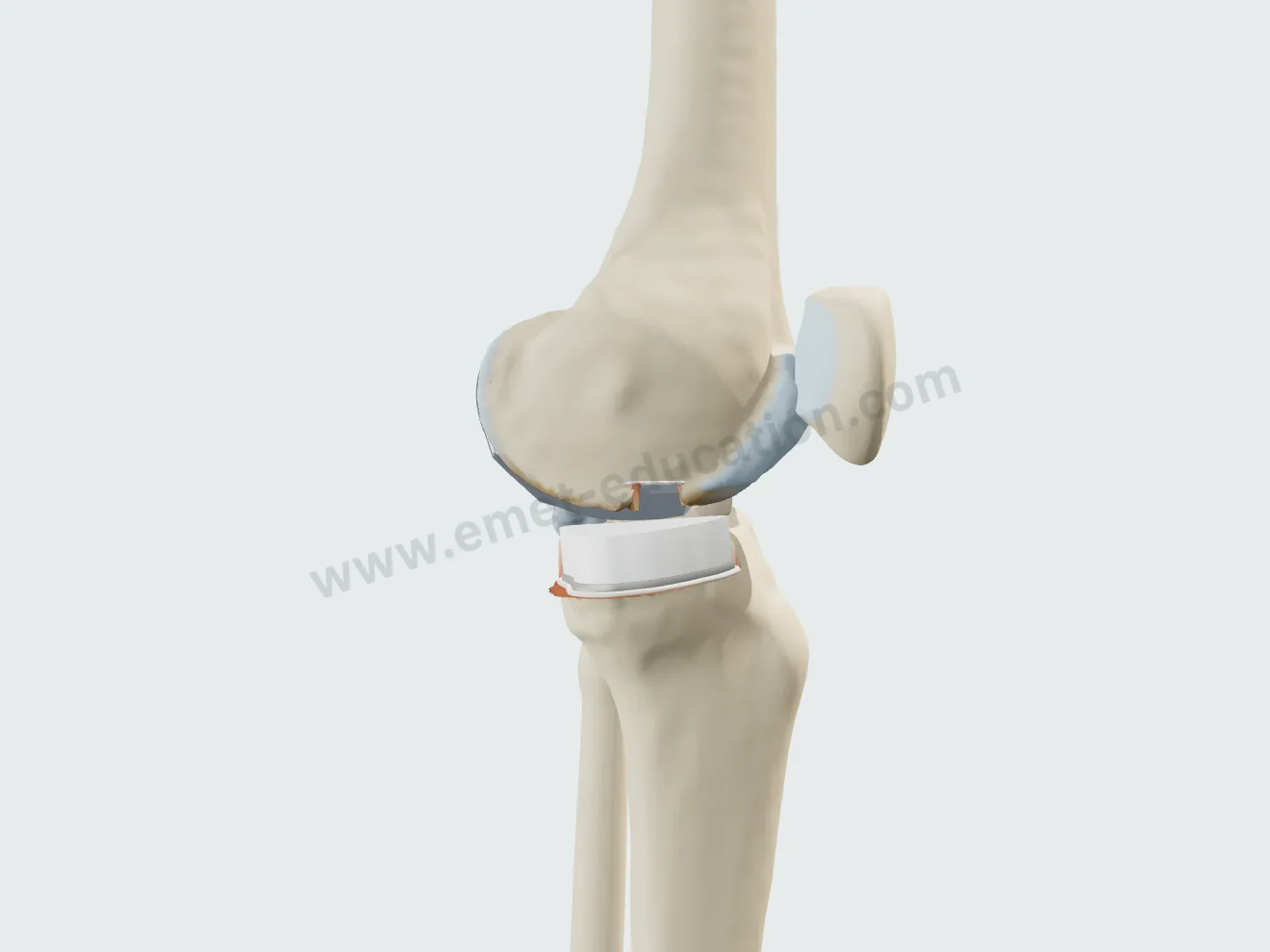
Unicompartmental arthroplasty

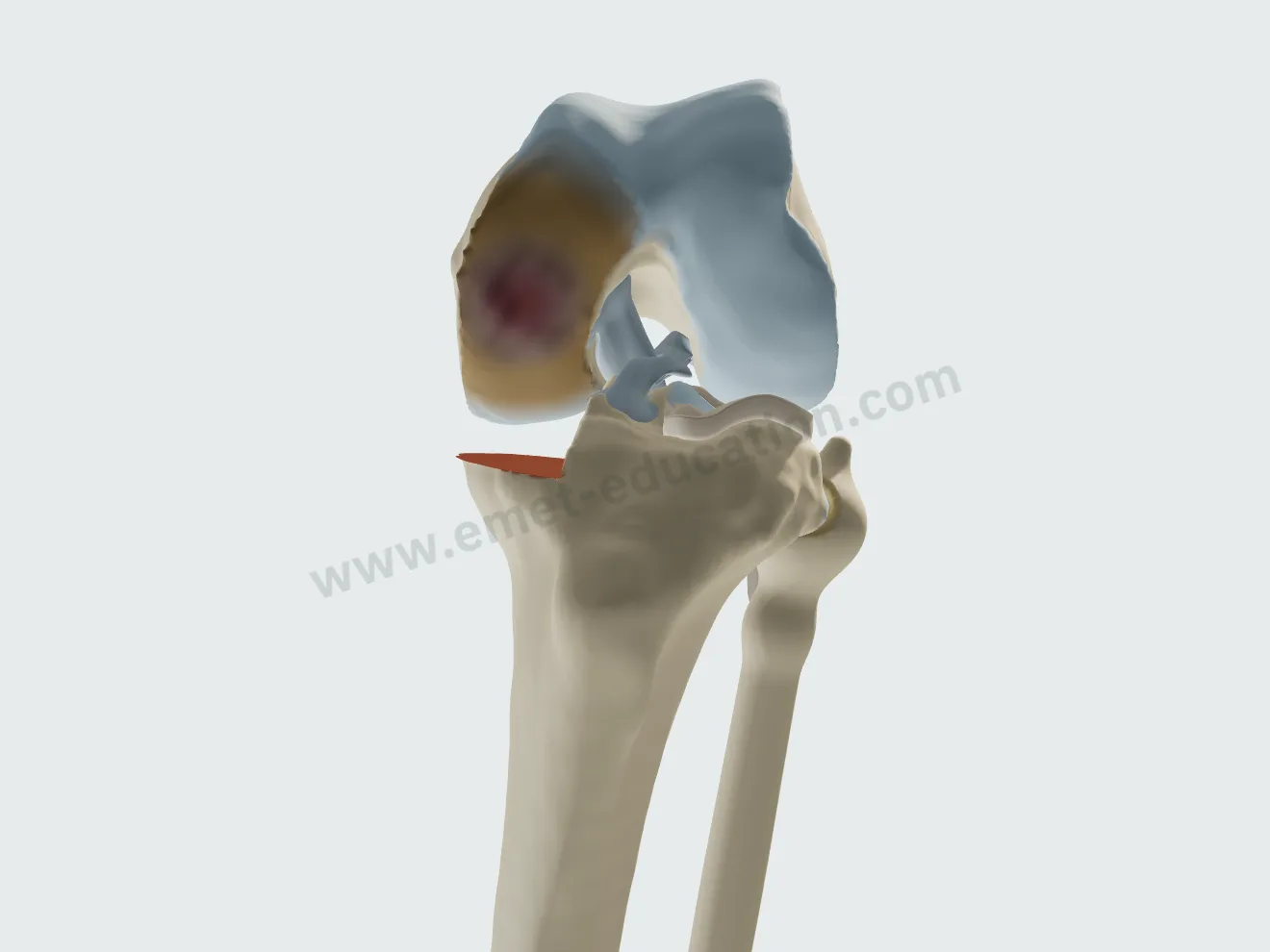
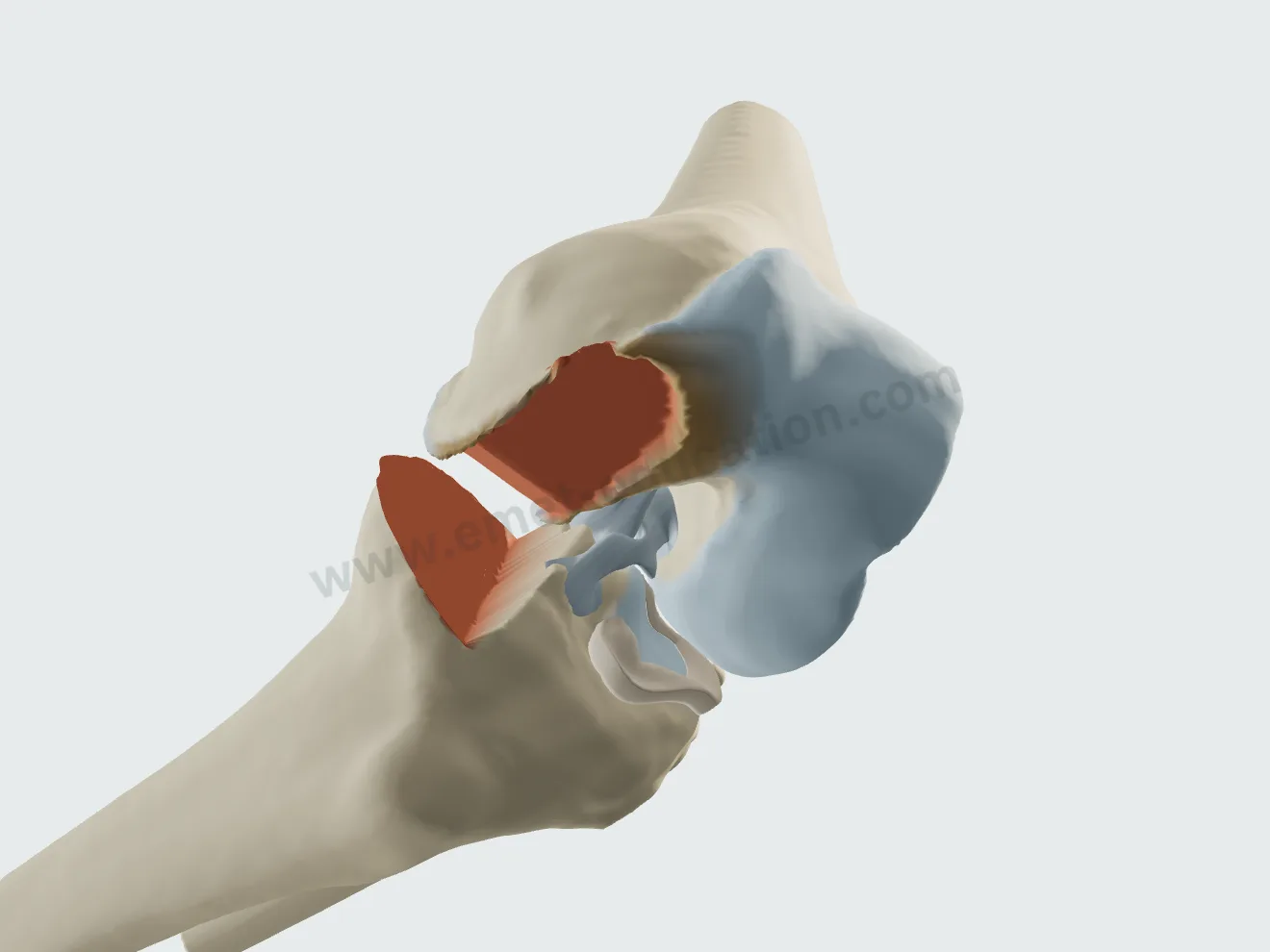
Medial or lateral compartment, cemented fixed-bearing tray (Kim et al.). The operated compartment regains its height, the cruciates and the other compartment are preserved; a card flags involvement of the other compartment.

Unicompartmental arthroplasty, step 1: vertical tibial cut along the spine, then horizontal cut.
1Tibial cut
Unicompartmental arthroplasty, step 2: the single condyle resurfaced.
2Femoral cuts
Unicompartmental arthroplasty, step 3: cemented metal tray.
3Tibial tray
Unicompartmental arthroplasty, step 4: narrow femoral component, two pegs.
4Femoral component
Unicompartmental arthroplasty, step 5: flexion of the operated side.
5Flexion

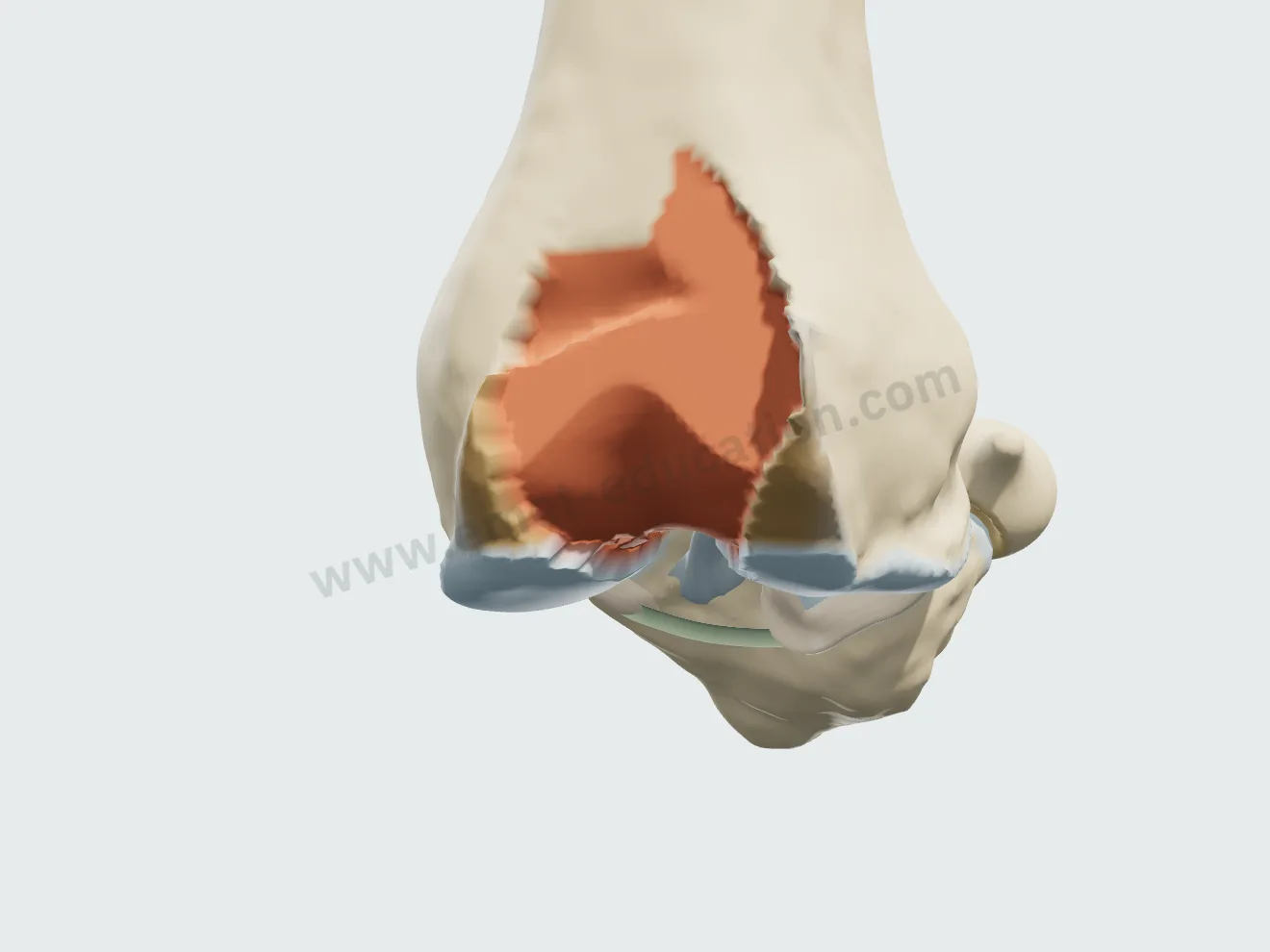
Patellofemoral arthroplasty

Third-generation onlay implant (Hoogervorst and Arendt): trochlea milled, trochlear component, resurfaced patella; tibia, menisci and cruciates intact. A card flags involvement of a tibiofemoral compartment or a malaligned limb.

Patellofemoral arthroplasty, step 1: milled trochlea, knee flexed.
1Trochlear cut
Patellofemoral arthroplasty, step 2: shield-shaped trochlear component, tongue centered on the groove.
2Trochlear component
Patellofemoral arthroplasty, step 3: patellar button in place.
3Patella
Patellofemoral arthroplasty, step 4: lateral flexion, the patella glides in the prosthetic trochlea.
4Flexion

Classifications

Related classifications

After the visit

The patient leaves with their 3D model

They scan the QR code: the model, their findings and the proposed treatment follow them on their phone, in their language.

The model, exactly as you set it

At the end of the visit, the Consultation panel shows the anatomical findings, the proposed treatment and a QR code. The patient scans it and finds the model on their phone exactly as you set it, in their language.

  • Their lesions, and the proposed treatment to replay step by step.
  • Their anatomical findings and the explanatory card.
  • No identifying data in the link.
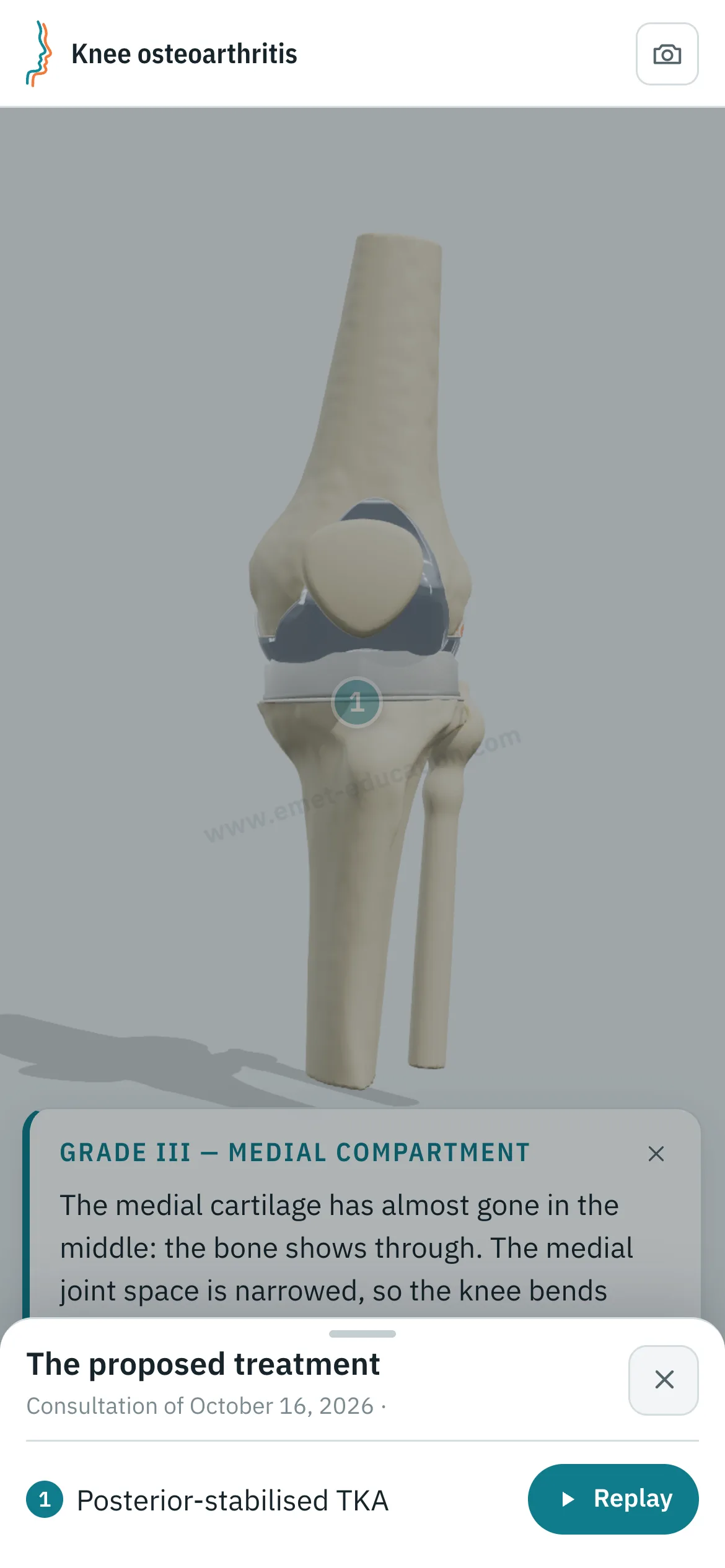
Patient view on a phone: the knee after total arthroplasty, and the “The proposed treatment” panel open, with the “Replay” button.
What the patient sees after scanning the QR code

Every structure explains itself on tap

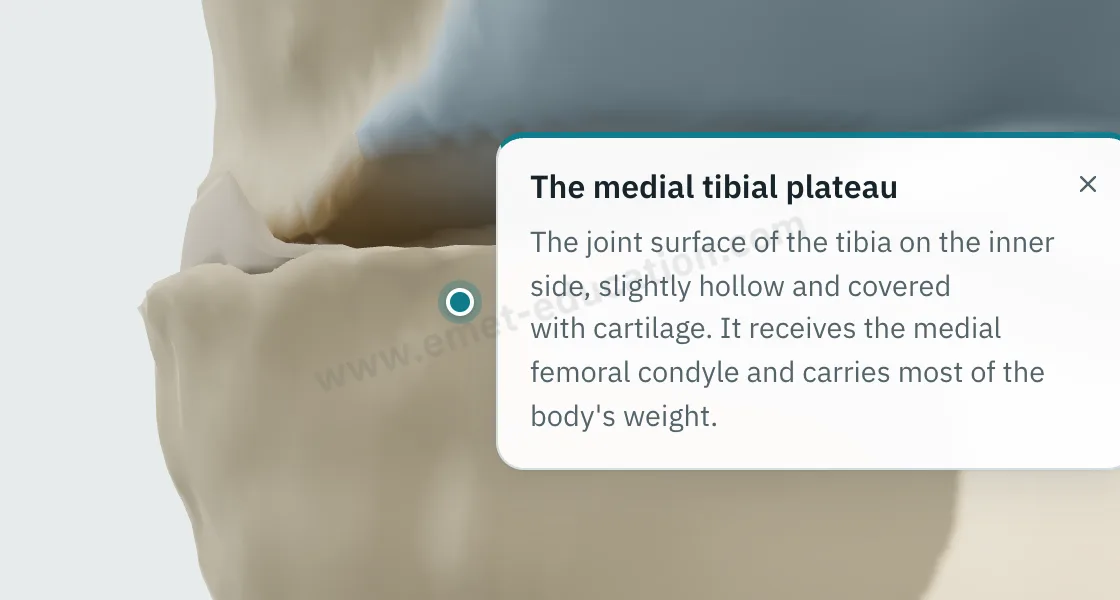
Tap an osteophyte, the exposed bone, the worn cartilage, a meniscus or the implant: its name and an explanation appear.

  • One explanation per structure: bones, cartilage, menisci, implants.
  • Written for the patient, in their language.
  • They can reread it on their own, on the tablet or at home.
Explanation bubble shown after tapping an osteophyte of the medial femoral condyle.
“What is this?” on tap

They can replay the treatment step by step

From “The proposed treatment,” the patient replays the procedure: each step plays at their own pace, with its explanation, as often as they like.

Patient view on a phone: the total knee arthroplasty replayed step by step.
“Replay”: the procedure, step by step

Try it with your next case: the model opens in your browser, nothing to install.

Customize the lesions

Patient information

Quality information, documented

Only 12% of U.S. adults have proficient health literacy (National Assessment of Adult Literacy). A patient who sees their own lesions and the proposed procedure understands them, gives truly informed consent, and approaches treatment with confidence.

For the patient

They see their own lesions, reproduced from their imaging, and how the proposed treatment unfolds. They leave with the same material and can review it at home, with their family, as often as they like, before giving consent.

For the physician

Each visit created with an account keeps a record of the information provided: what was shown, when, and whether the patient reviewed it. The model image, with the anatomical findings, the proposed treatment and the QR code, downloads for the patient's chart and prints. Informed consent, as the Joint Commission puts it, is more than getting a signature.

  • Saved and datedThe exact state of the model: injuries shown, treatment proposed.
  • Identical, archivableThe patient receives what you showed; the image goes in the chart and prints.
  • TrackedEach time the patient opens the link is recorded.
  • AnonymousThe link given to the patient carries no identifying data.

“Document the informed consent conversation and the patient’s (or surrogate’s) decision in the medical record in some manner.”

AMA Code of Medical Ethics, Opinion 2.1.1, Informed Consent

The model supports the consent conversation and the written consent form; it does not replace them. Data and privacy: legal information (in French).

Questions

Questions from colleagues

Is the model free?

Partly: the model and the types of osteoarthritis are free. Treatments (corticosteroid injection, viscosupplementation, total, unicompartmental and patellofemoral arthroplasty) and other features are paid options.

Do I need an account?

Not to open the model, set the lesions and walk through the treatment. After about fifteen adjustments, you will be asked to create a free account: it saves your visits, picks them up from one time to the next, and records when the patient opens the link.

What equipment do I need?

Just a web browser, nothing to install: computer, tablet or TV screen in the exam room; the patient opens it on their phone. One click saves an image, without the interface, for the chart.

What happens to patient data?

No patient names are stored. The link given to the patient carries only the state of the model: lesions, treatment, language and visit date. A name written on the image you hand out stays on that image.

Is it a medical device?

No: it is an educational tool. It does not diagnose, does not plan surgery, and does not replace the consent conversation or the written consent form. Among software functions that are not medical devices, the FDA lists those intended for general patient education and interactive anatomy diagrams used for training.

How long does it take in clinic?

Three adjustments and one procedure played: a few minutes, during the visit. The patient reviews it at home, as often as they like.

Which classification?

Kellgren-Lawrence, grades 0 to IV, for each of the three compartments (medial tibiofemoral, lateral tibiofemoral, patellofemoral). Meniscal damage and extrusion follow the compartment grade, or can be set separately.

Does the model choose the implant?

No: you choose. The model only flags debatable combinations on the step card (unicompartmental arthroplasty with another compartment involved, patellofemoral arthroplasty in a malaligned knee), and never blocks a choice.

Can I embed it on my website?

It is planned for upcoming plans: the model displayed on a practice or hospital website, credited to EMET Education.

Which languages?

English, Spanish, French and Russian. The patient receives the model in the language chosen during the visit, which helps with the roughly 28 million people in the U.S. with limited English proficiency, alongside a qualified interpreter, not instead of one.

Design

Who designed this model

Model designed by Dr. Mikaël Chelli, orthopedic surgeon, based on the Kellgren-Lawrence classification. Updated October 15, 2026.

  • Kellgren J.H., Lawrence J.S. Radiological assessment of osteo-arthrosis. Ann Rheum Dis, 1957. PMID 13498604
  • Kolasinski S.L. et al. 2019 American College of Rheumatology/Arthritis Foundation guideline for the management of osteoarthritis of the hand, hip, and knee. Arthritis Care Res, 2020. PMID 31908149
  • Bannuru R.R. et al. OARSI guidelines for the non-surgical management of knee, hip, and polyarticular osteoarthritis. Osteoarthritis Cartilage, 2019. PMID 31278997
  • Kim T.K. et al. Evidence-based surgical technique for medial unicompartmental knee arthroplasty. Knee Surg Relat Res, 2021. PMID 33413698
  • Hoogervorst P., Arendt E.A. Patellofemoral arthroplasty: expert opinion. J Exp Orthop, 2022. PMID 35244809
  • Katz J.N., Arant K.R., Loeser R.F. Diagnosis and treatment of hip and knee osteoarthritis: a review. JAMA, 2021. PMID 33560326

Try it with your next patient

The model opens in your browser, nothing to install, no sign-up.

Know a colleague who could use it? Email this page ·