EMET Electronic Medical Twin
  1. EMET Education
  2. Musculoskeletal
  3. Hand
  4. Scaphoid fracture

3D model · Hand

Scaphoid Fracture 3D Model

Show your patient their scaphoid fracture, its displacement and blood supply, then the proposed treatment. They leave with their model on their phone.

Designed by an orthopedic surgeon

Opens in your browser, no sign-up. For orthopedic and hand surgeons, emergency physicians, sports medicine physicians, physiatrists, radiologists and primary care physicians.

How it works

In the visit, in three steps

Structured information in a few minutes, which the patient can review at home.

  1. 1

    Show

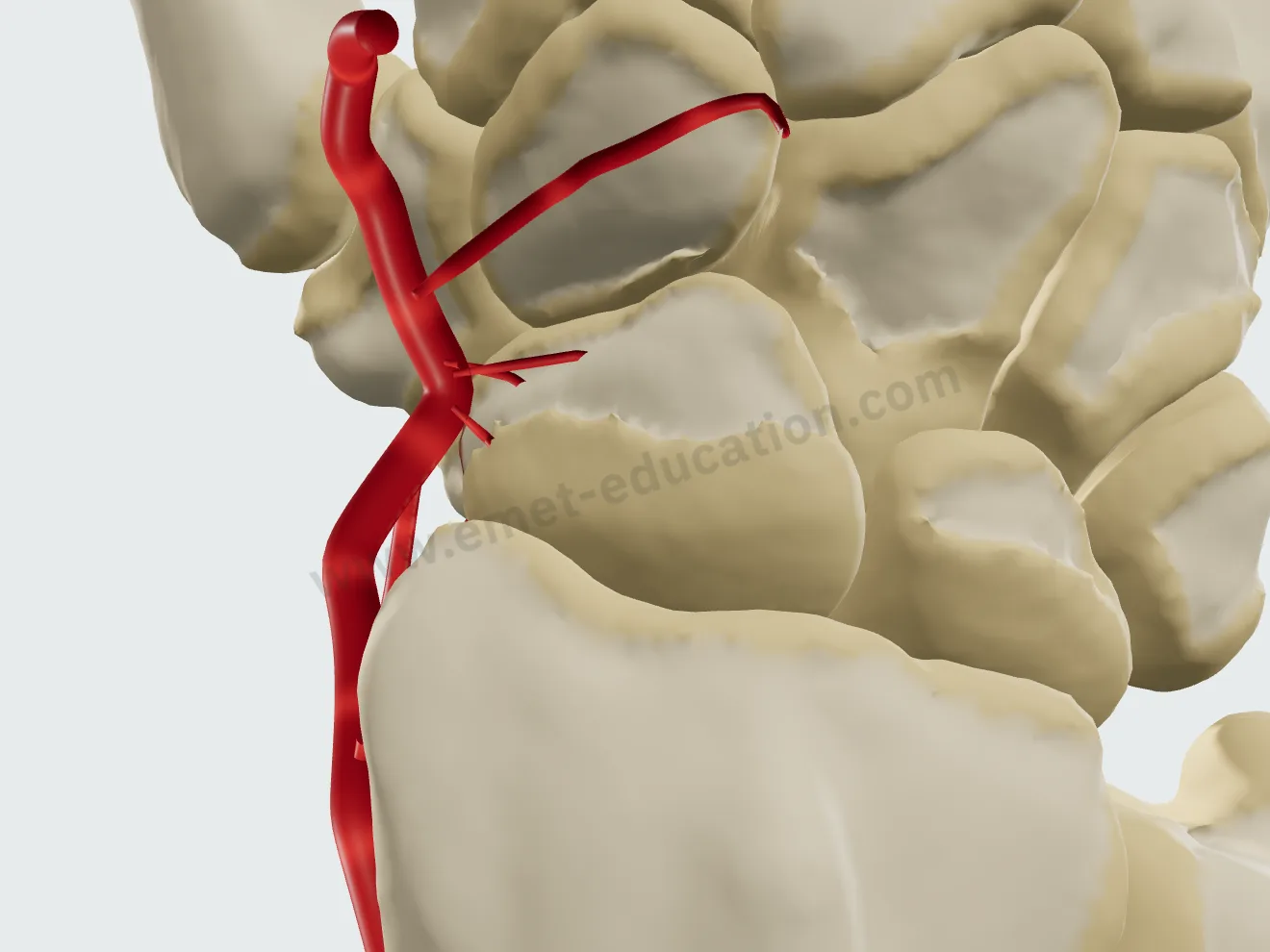
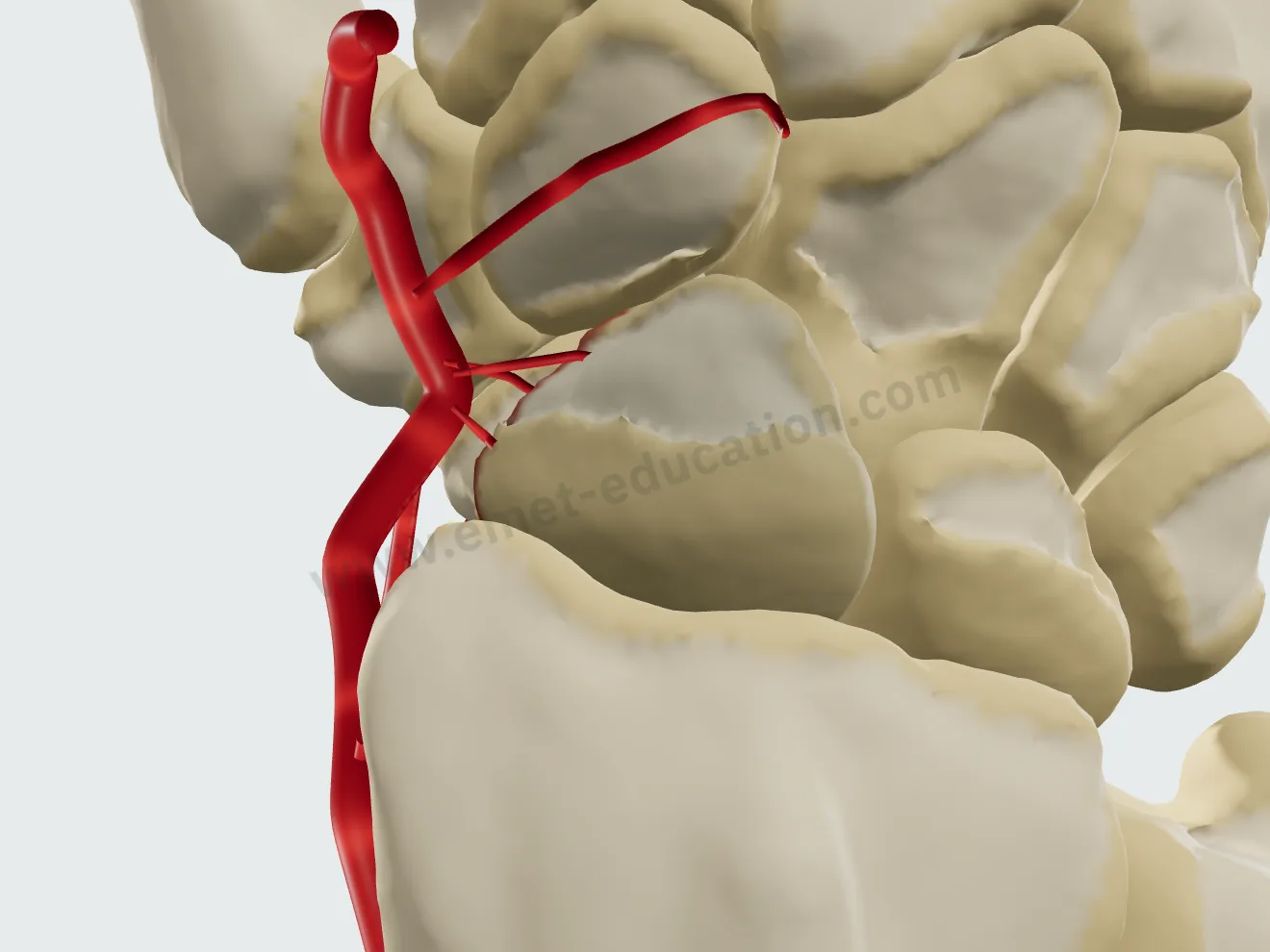
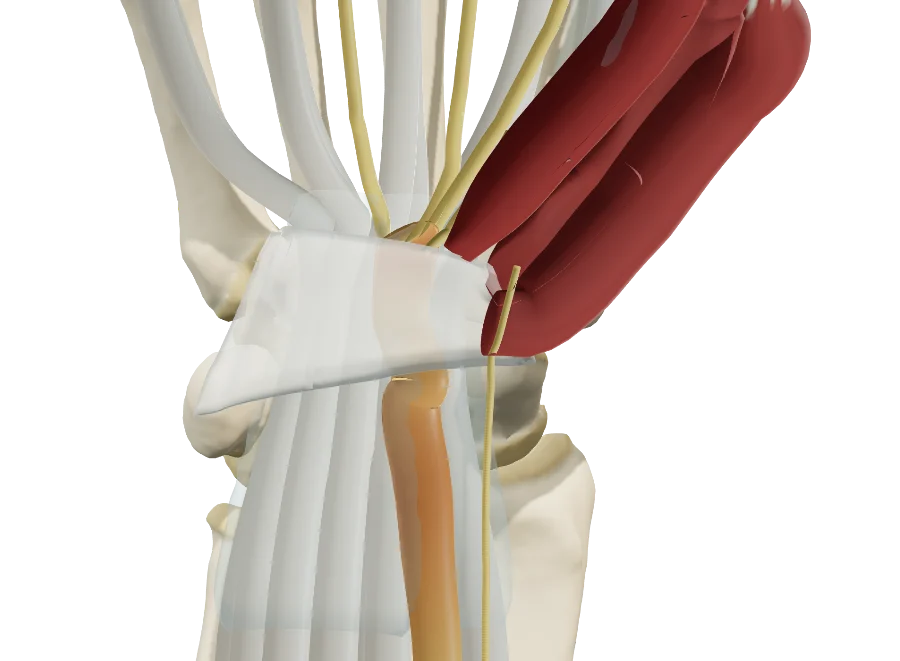
    Open the model and walk through the carpus: scaphoid, lunate, radius, trapezium, and the radial artery in the floor of the anatomic snuffbox.

  2. 2

    Reproduce

    Set the fracture from the radiographs or the CT scan: site, pattern, displacement; show the blood supply. Then walk through the proposed treatment, step by step.

  3. 3

    Share

    Give the patient the QR code or an image: they find their own case, in their language.

Features

Explain in detail during the visit

Every setting updates the model live: you reproduce the fracture from your patient's imaging in front of them, then walk through the treatment you recommend.

The fracture, in a few clicks

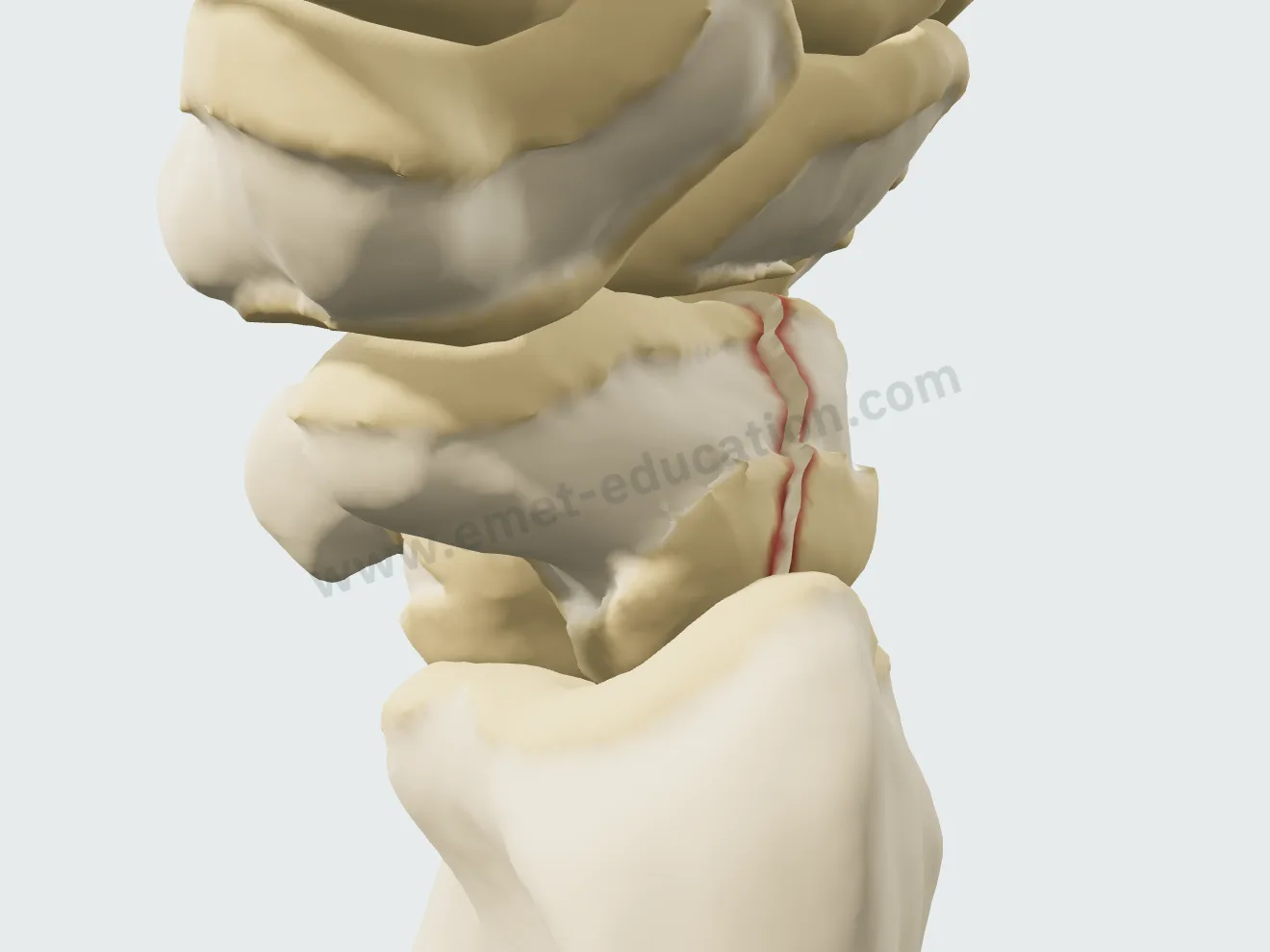
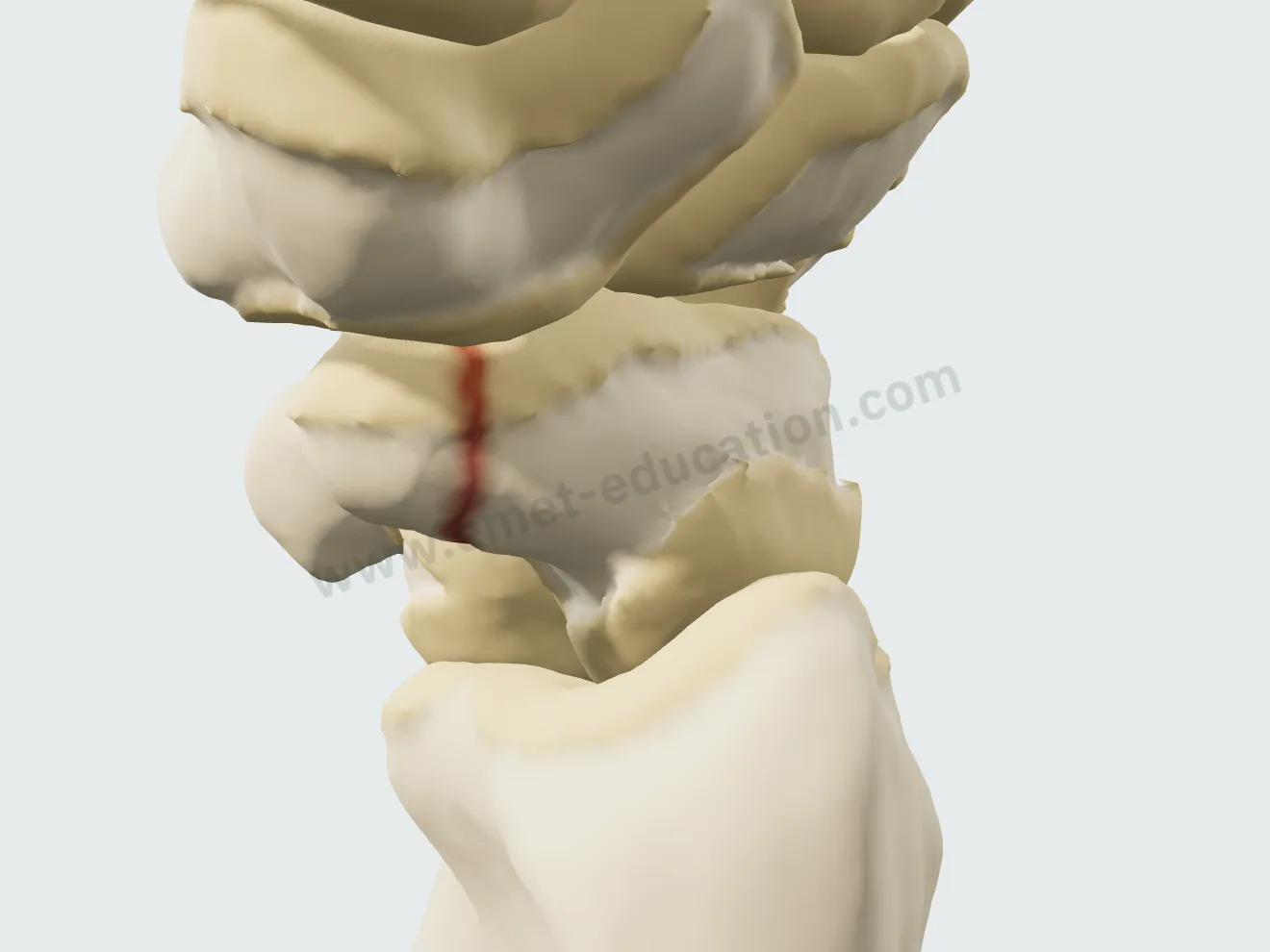
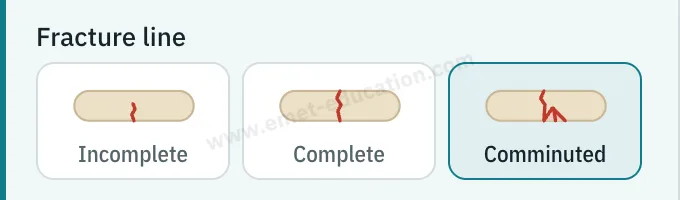
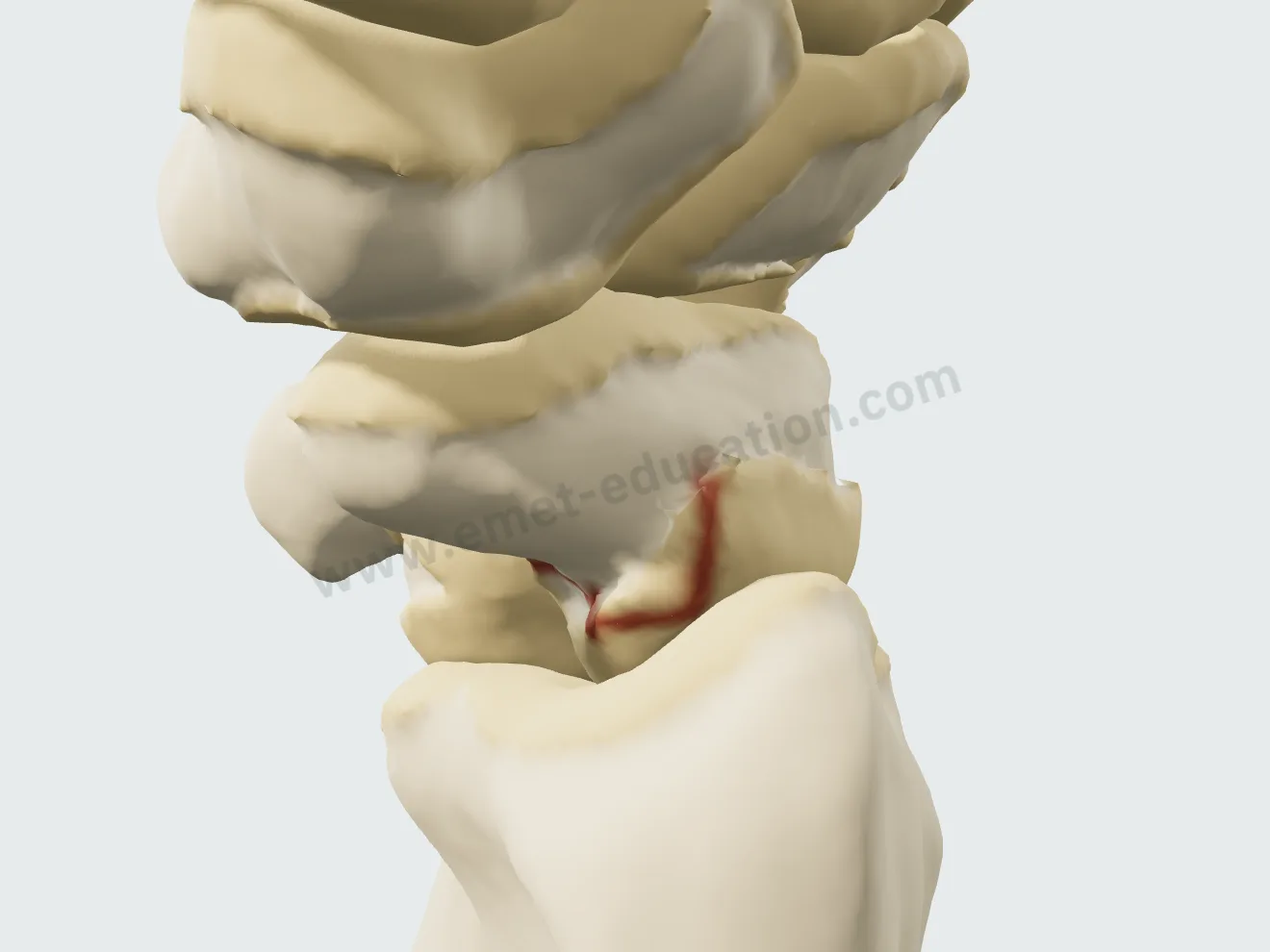
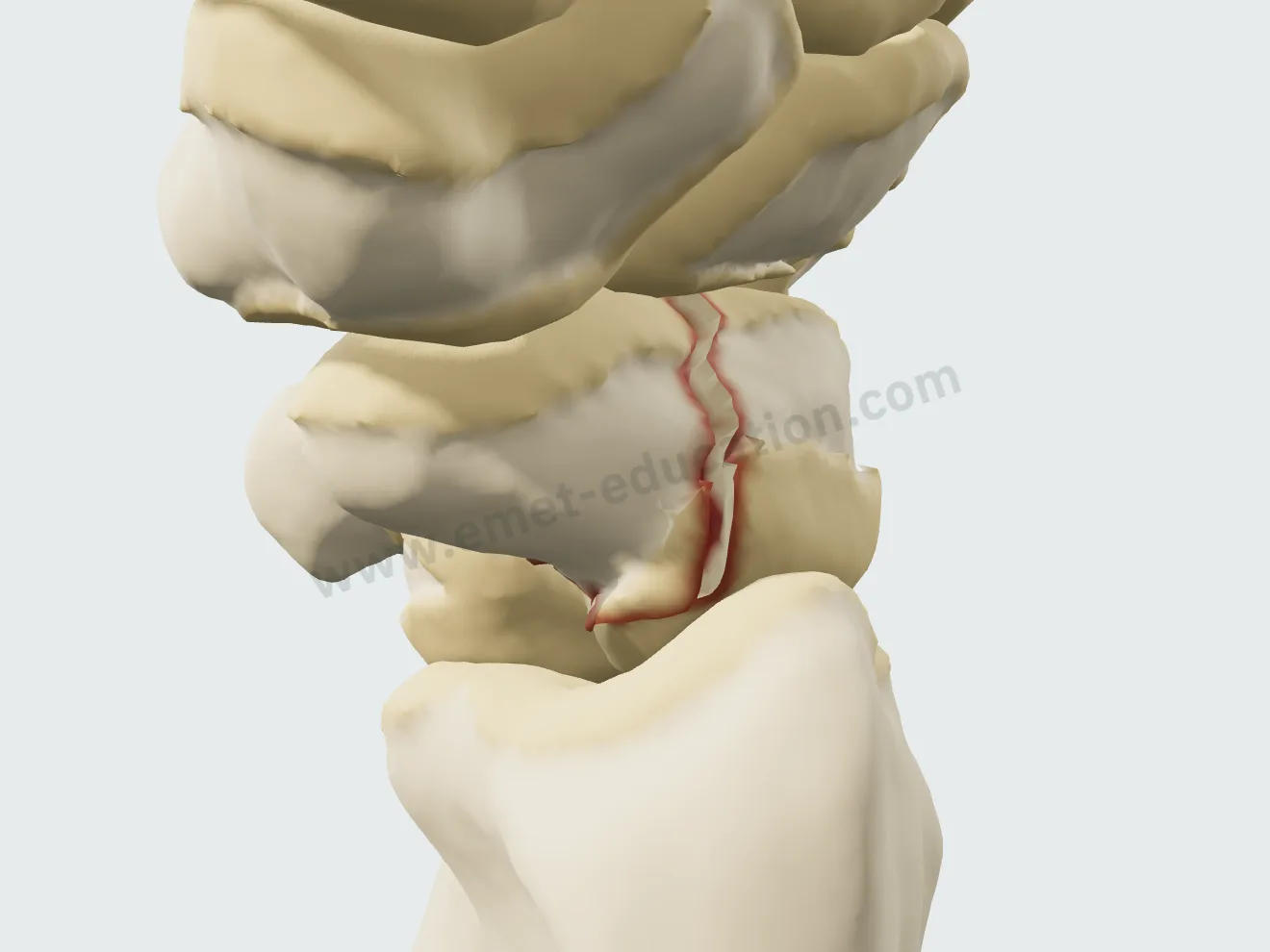
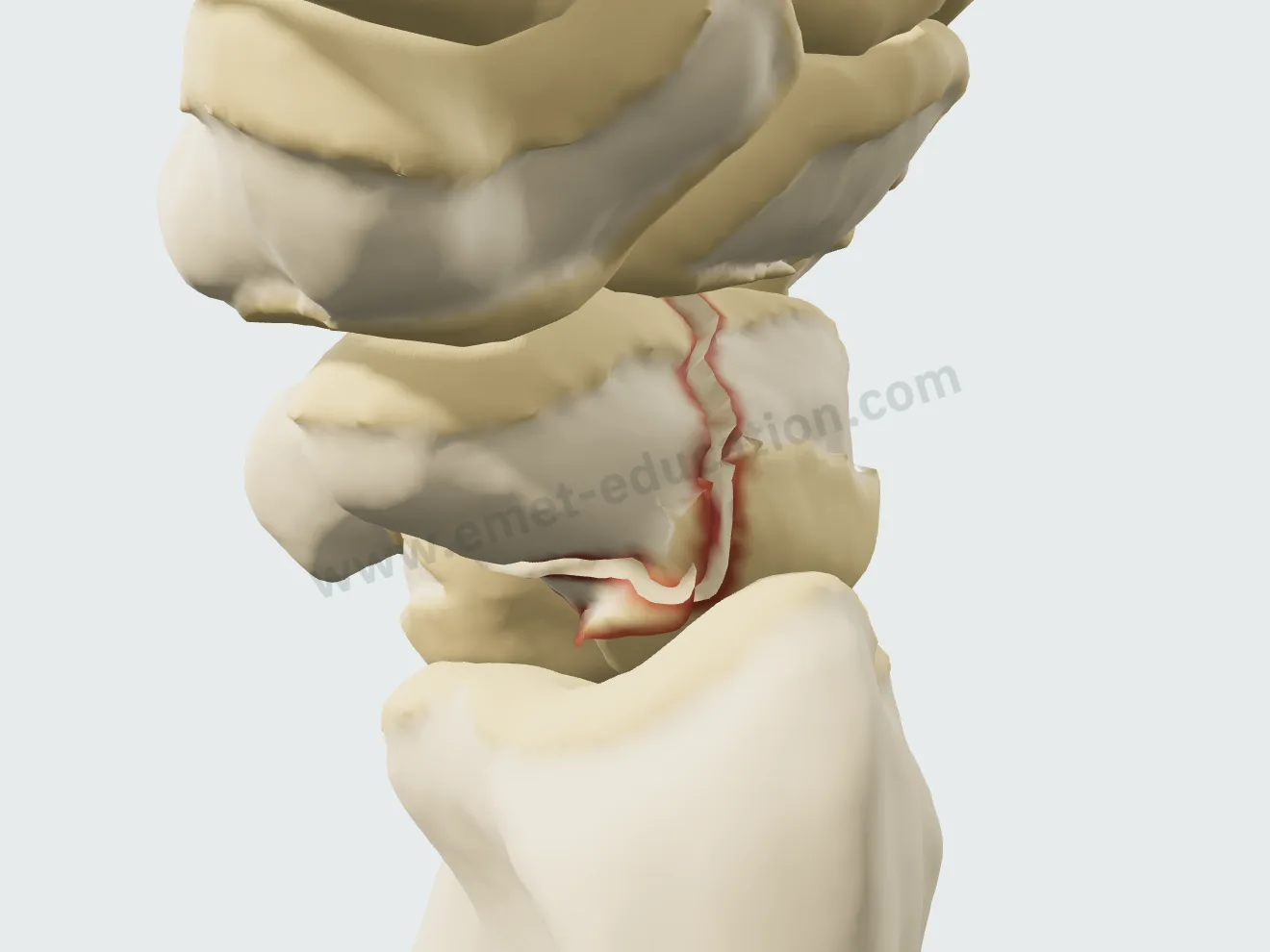
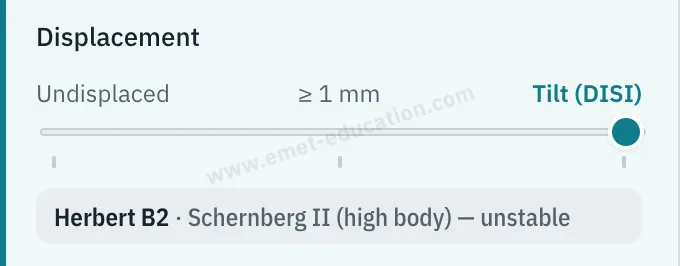
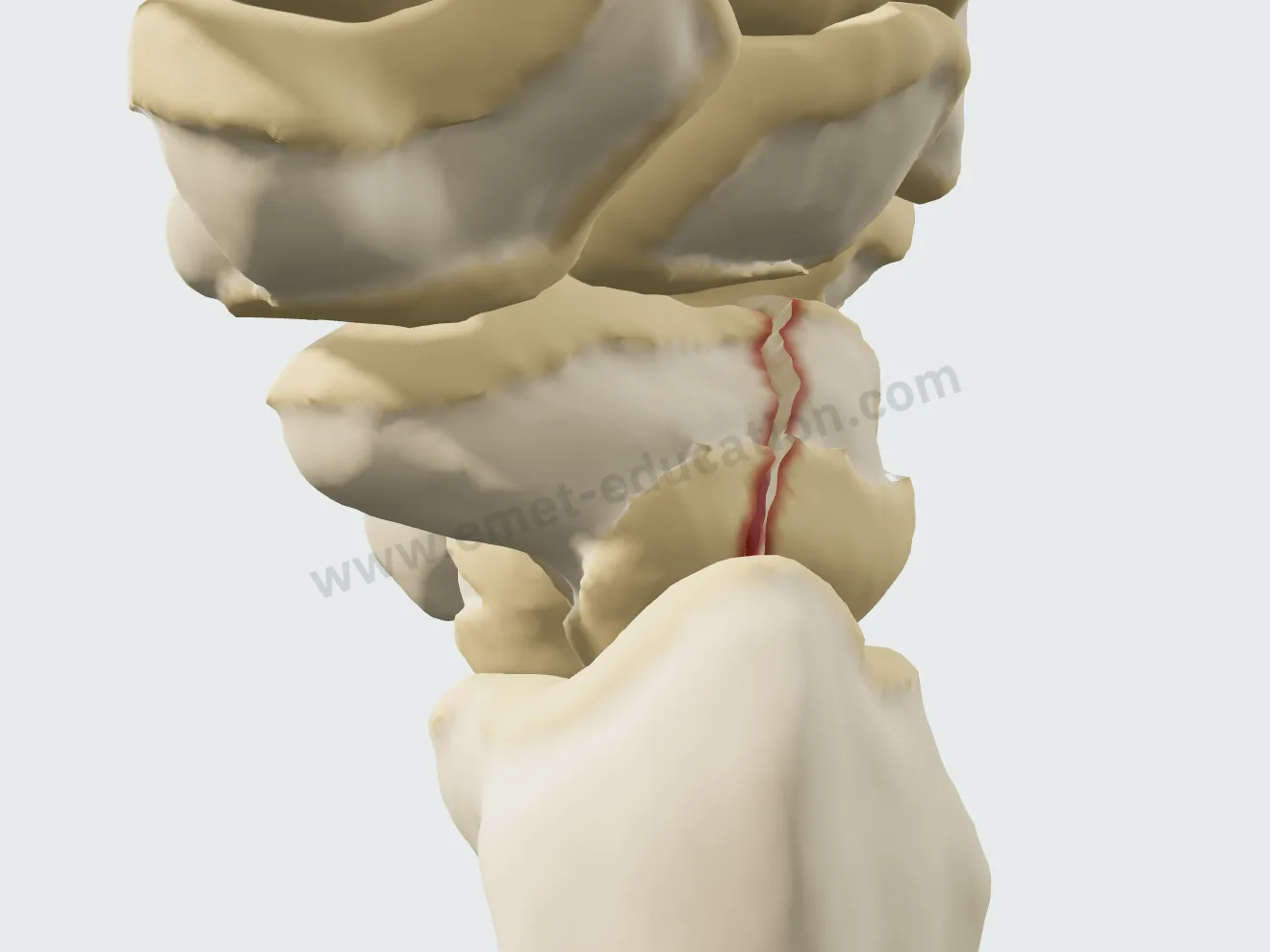
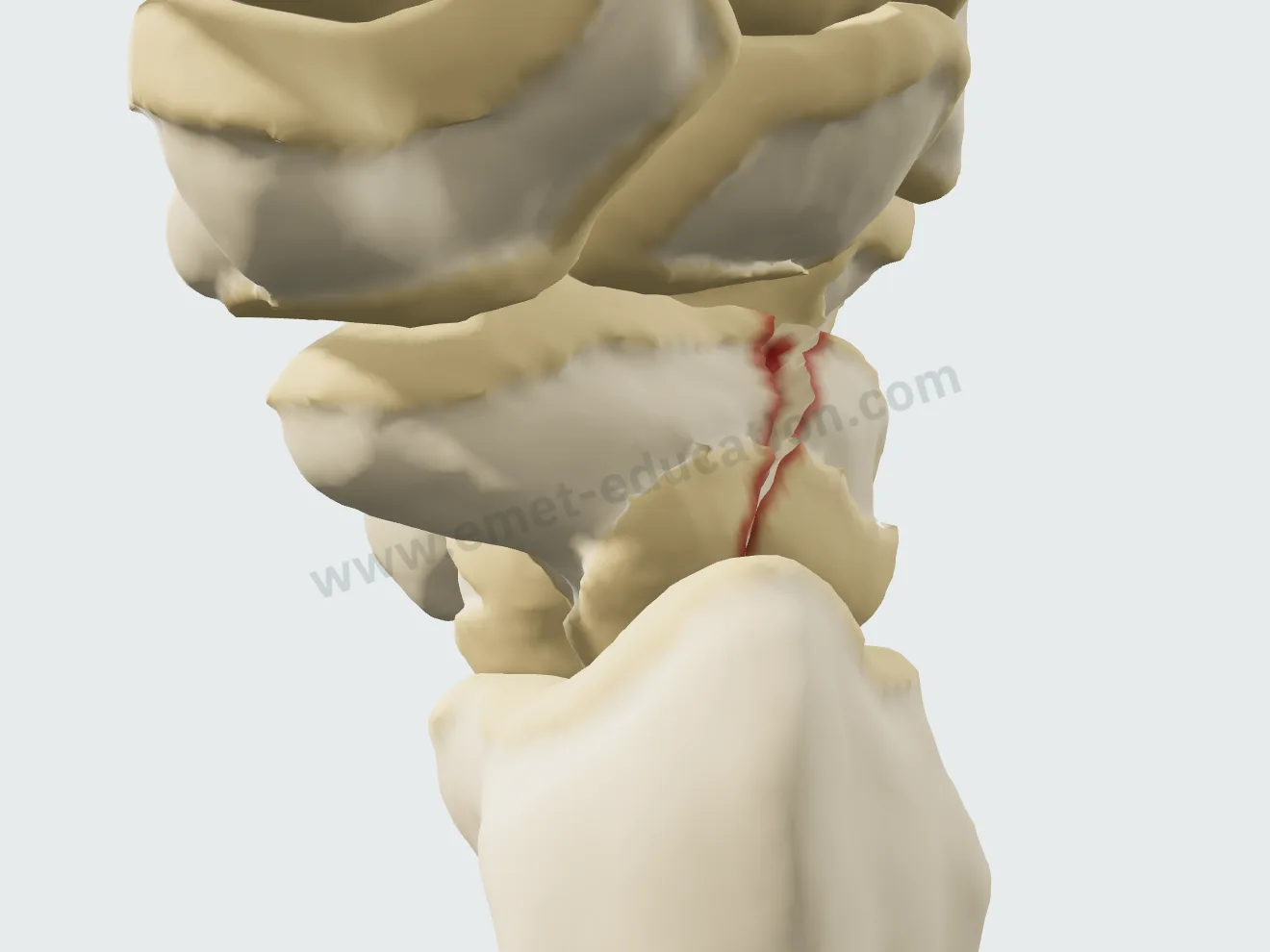
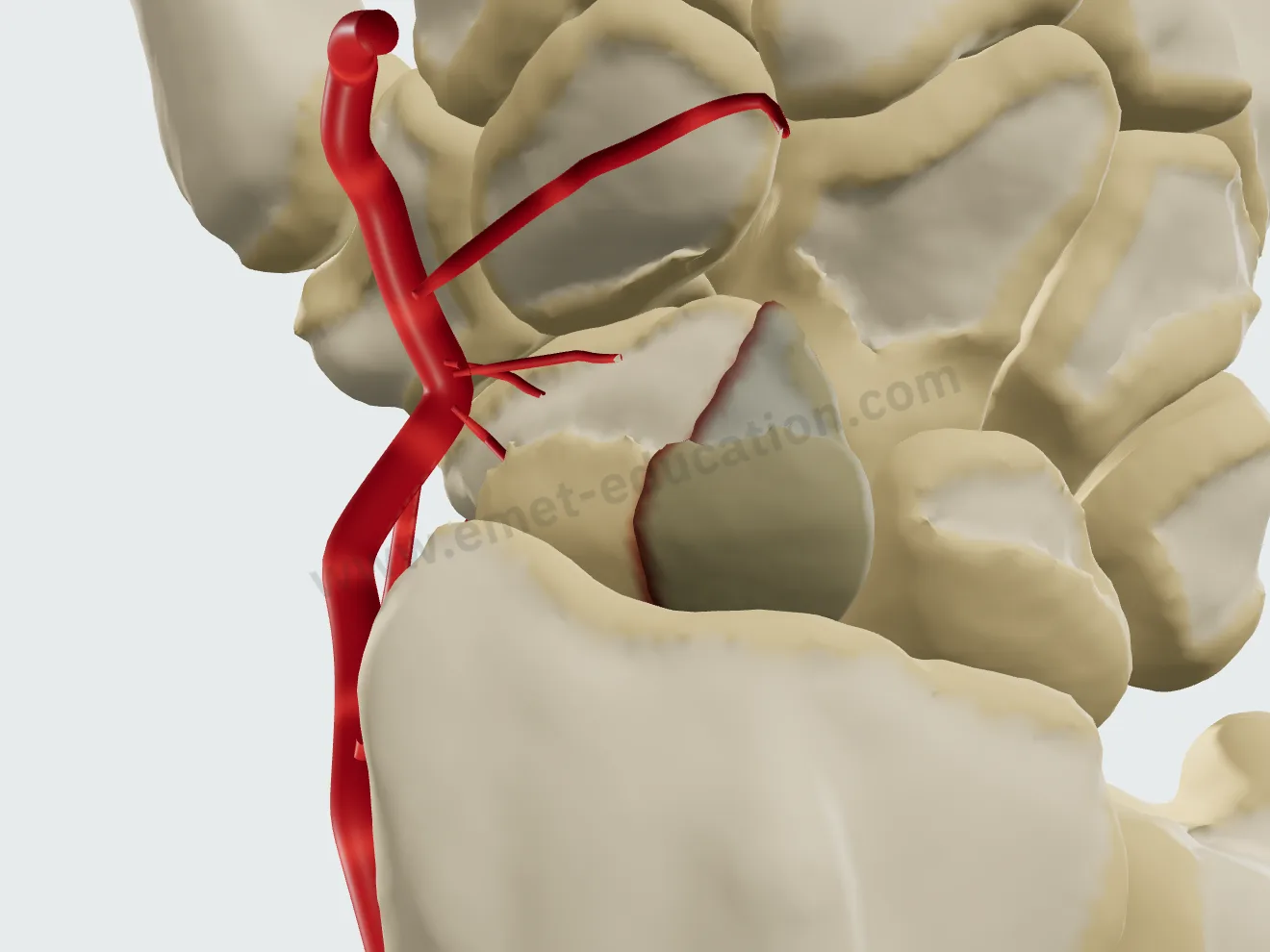
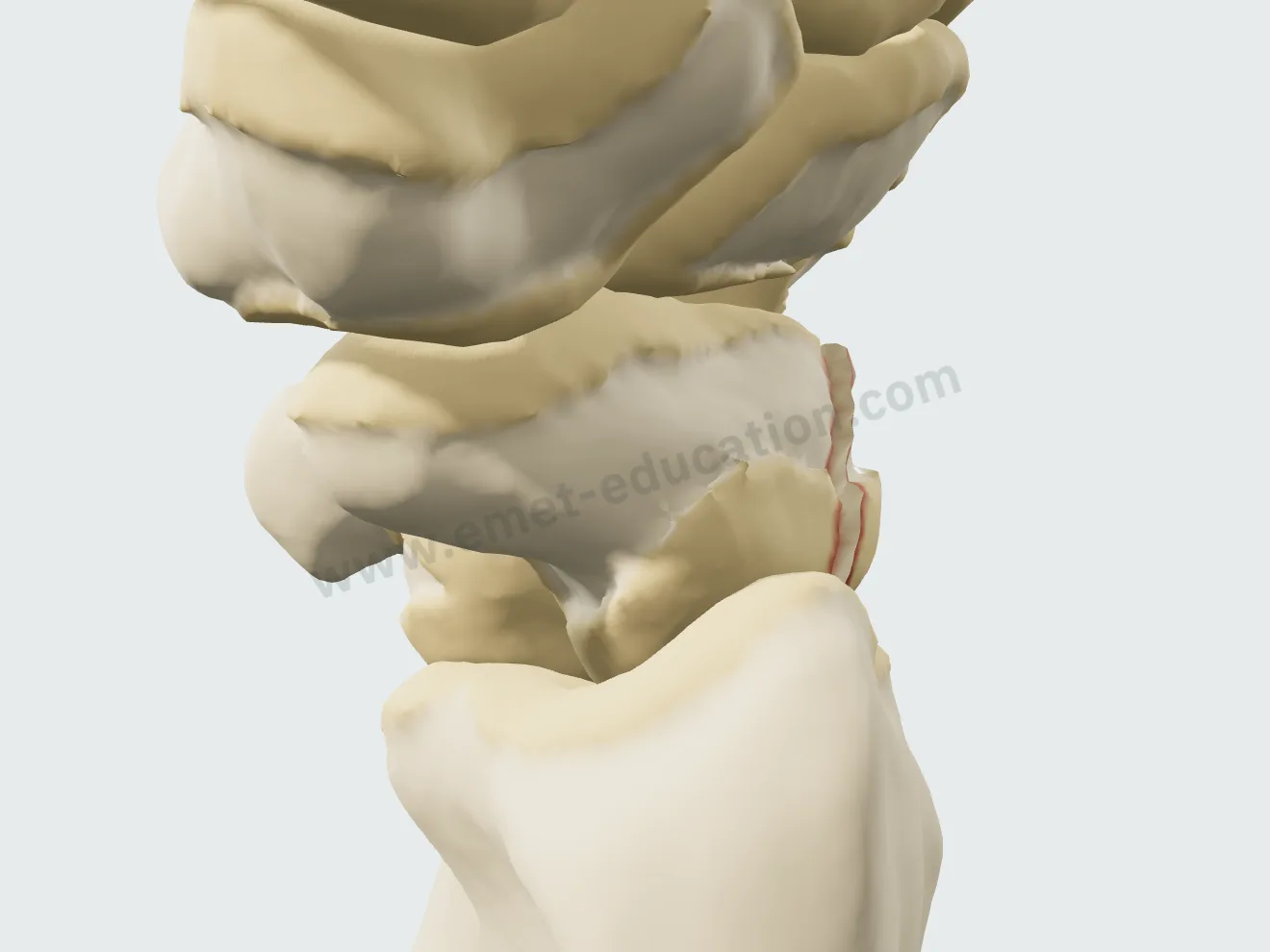
The “Pathology & lesions” panel describes the fracture in three settings, site, pattern and displacement, and shows the blood supply. The Herbert classification updates live, with the Schernberg type.

The site, on a diagram of the scaphoid

A diagram of the bone, seen along its long axis, has five clickable zones: proximal pole, waist (proximal or distal half), distal third, tubercle. The classification appears at once, for example “Herbert B2 · Schernberg II (high body) — unstable.”
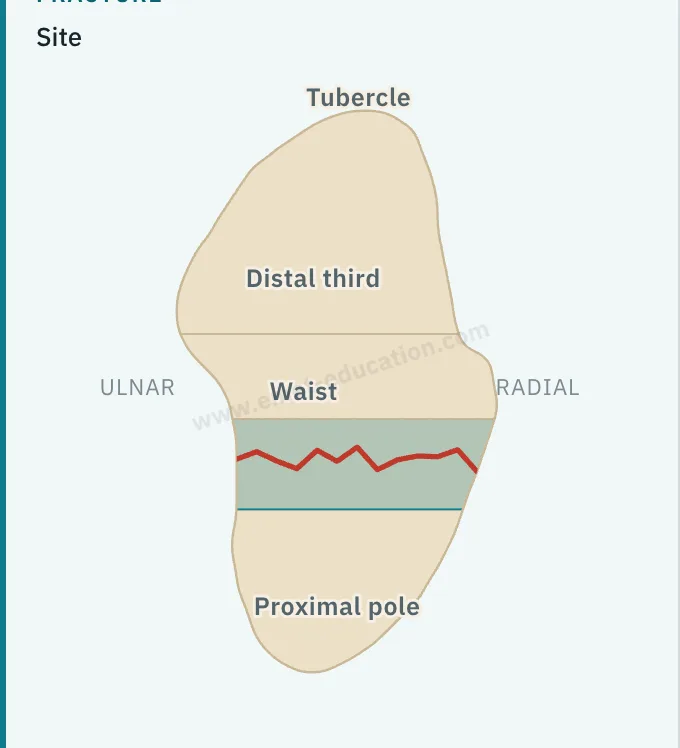
Model panel: clickable diagram of the scaphoid, waist site, Herbert B2 and Schernberg II classification.
Proximal pole fracture of the scaphoid, the line close to the radius.
Proximal pole · Herbert B3
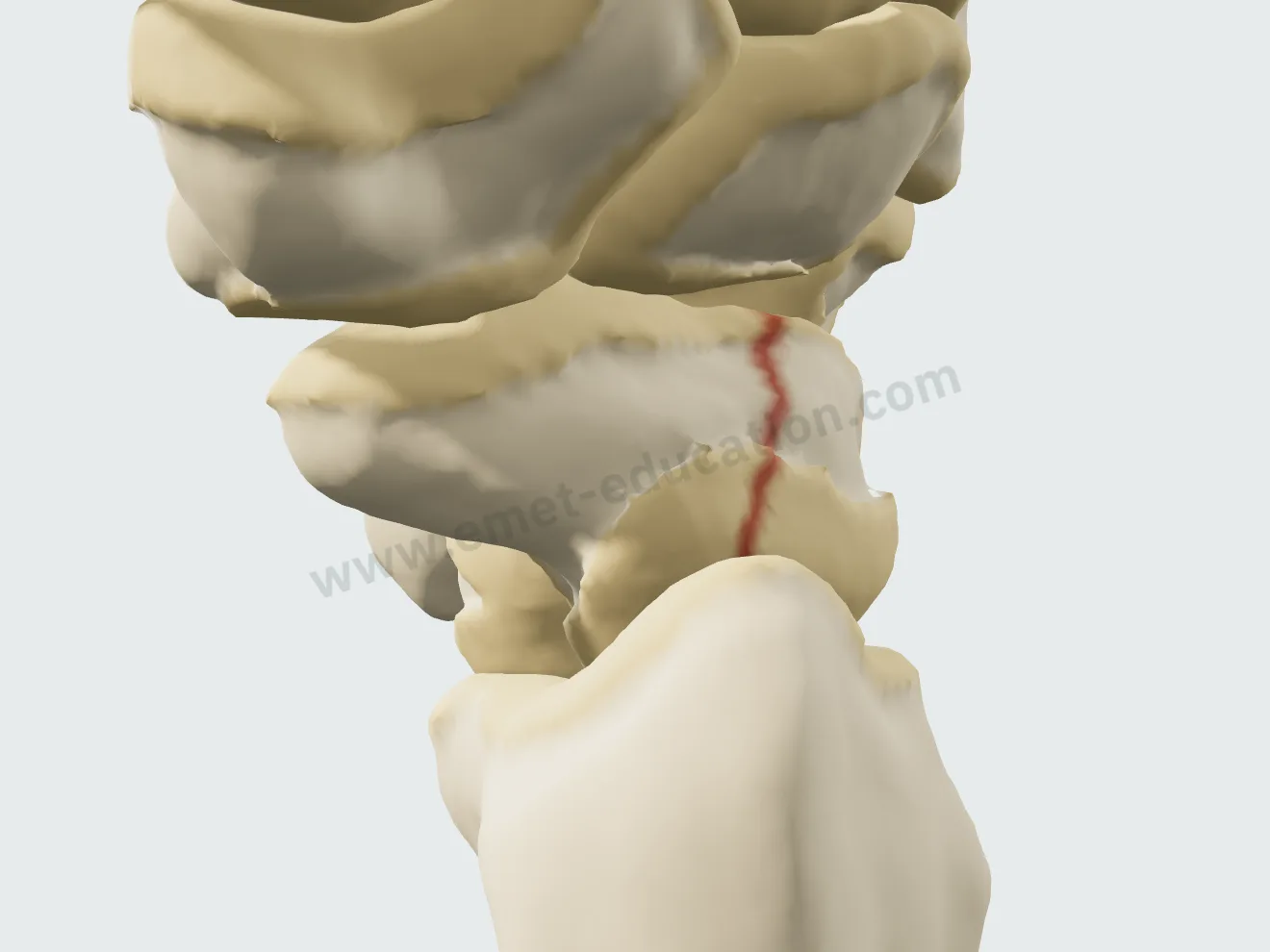
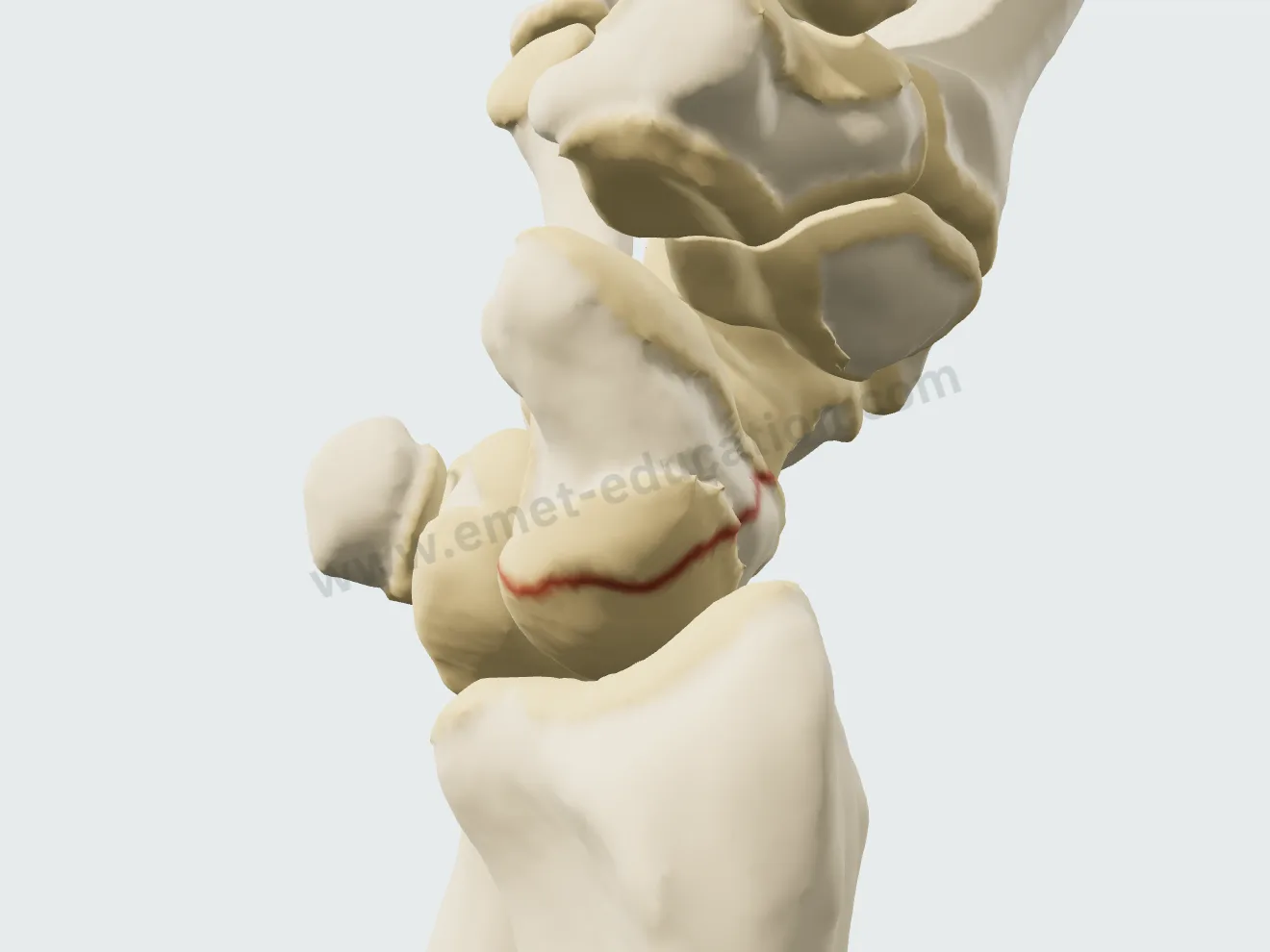
Scaphoid waist fracture, the most common site.
Waist · Herbert B2
Scaphoid tubercle fracture: a small palmar fragment detached (Herbert A1).
Tubercle · Herbert A1

The treatment, step by step

Three treatments, played step by step, continuously or one step at a time. None is locked: outside its usual indication (displaced fracture in a cast, an approach that does not compress the fracture…), the button shows a warning that only you can see.

Resin cast

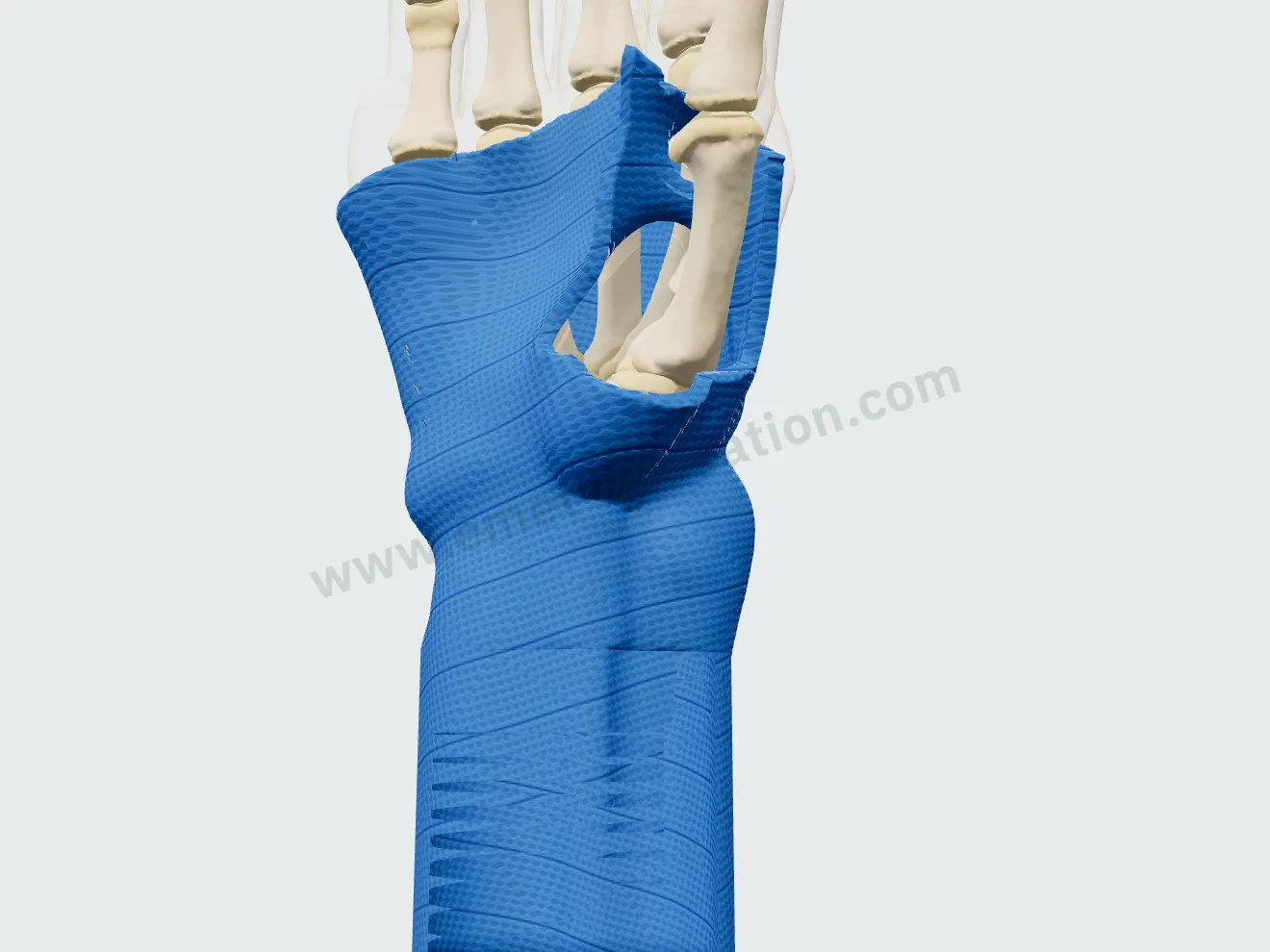
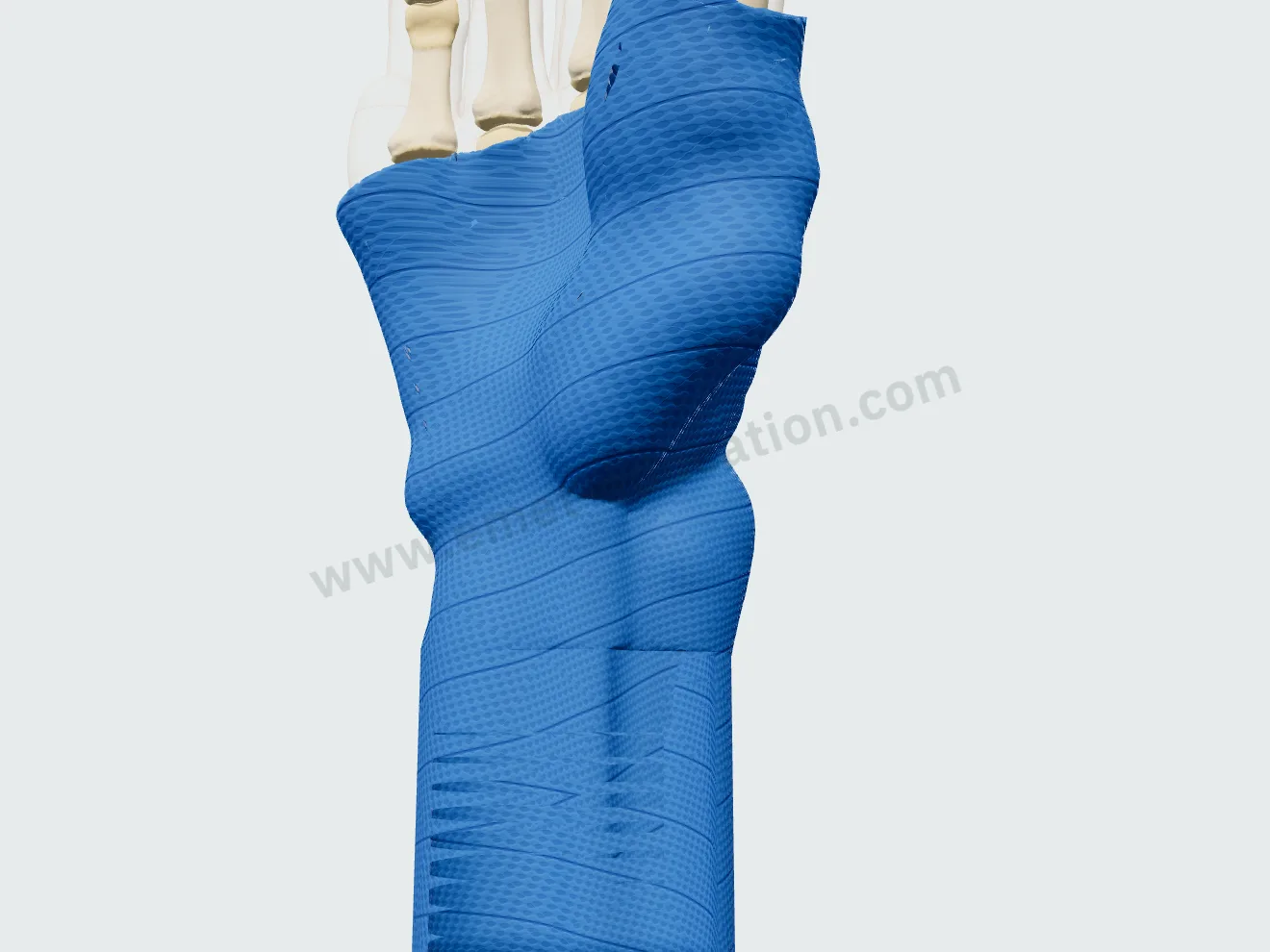
The wrist brought back to neutral, the roll wraps from the forearm to the hand, thumb free or included, then turns translucent. The duration shown follows the site, from 4 to 6 weeks at the tubercle to 12 weeks or more at the proximal pole.
Resin cast, thumb free: the roll wrapped from the forearm to the base of the fingers.
1Thumb free
Resin cast, thumb included up to the middle of its proximal phalanx.
1Or thumb included
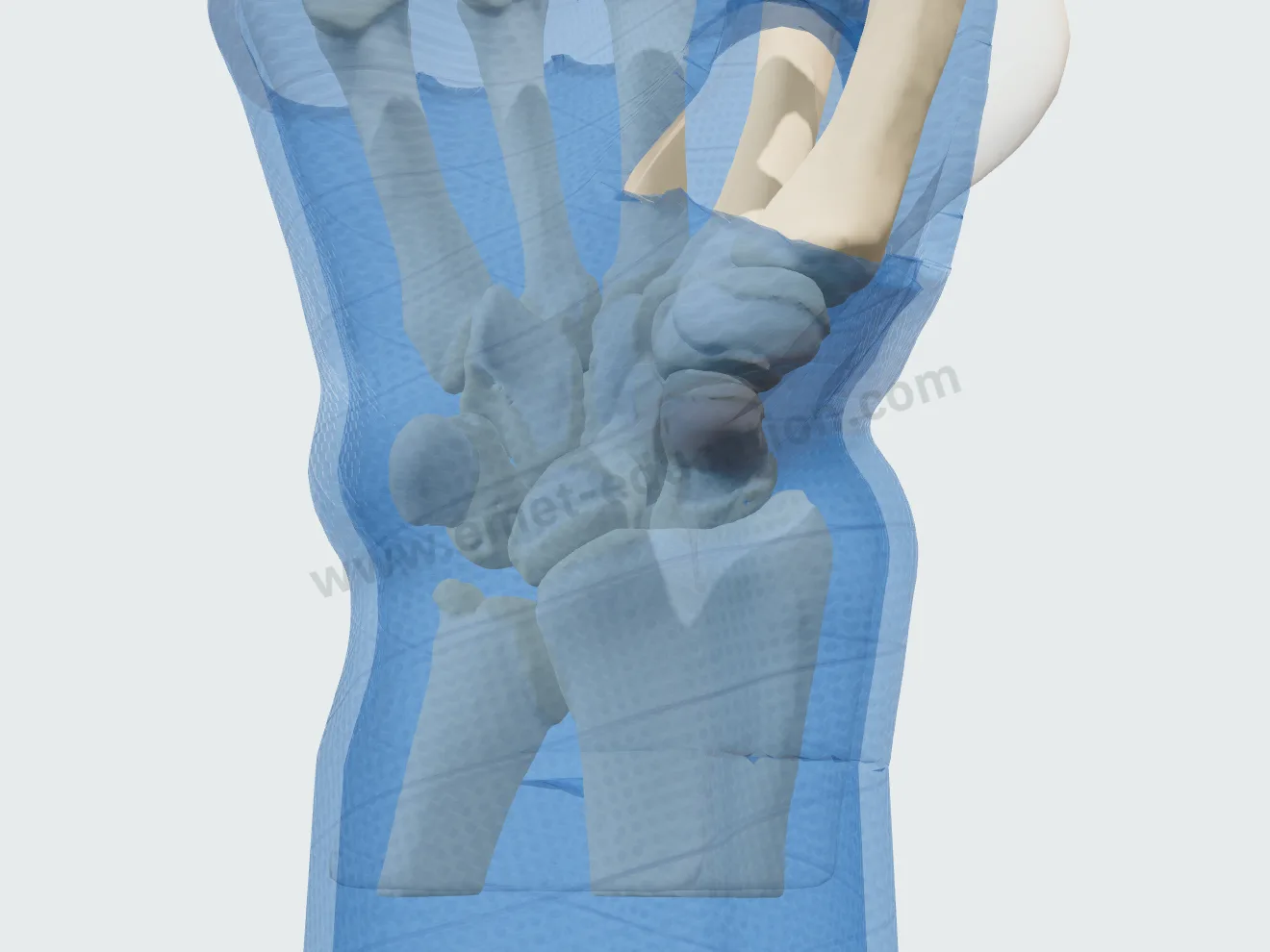
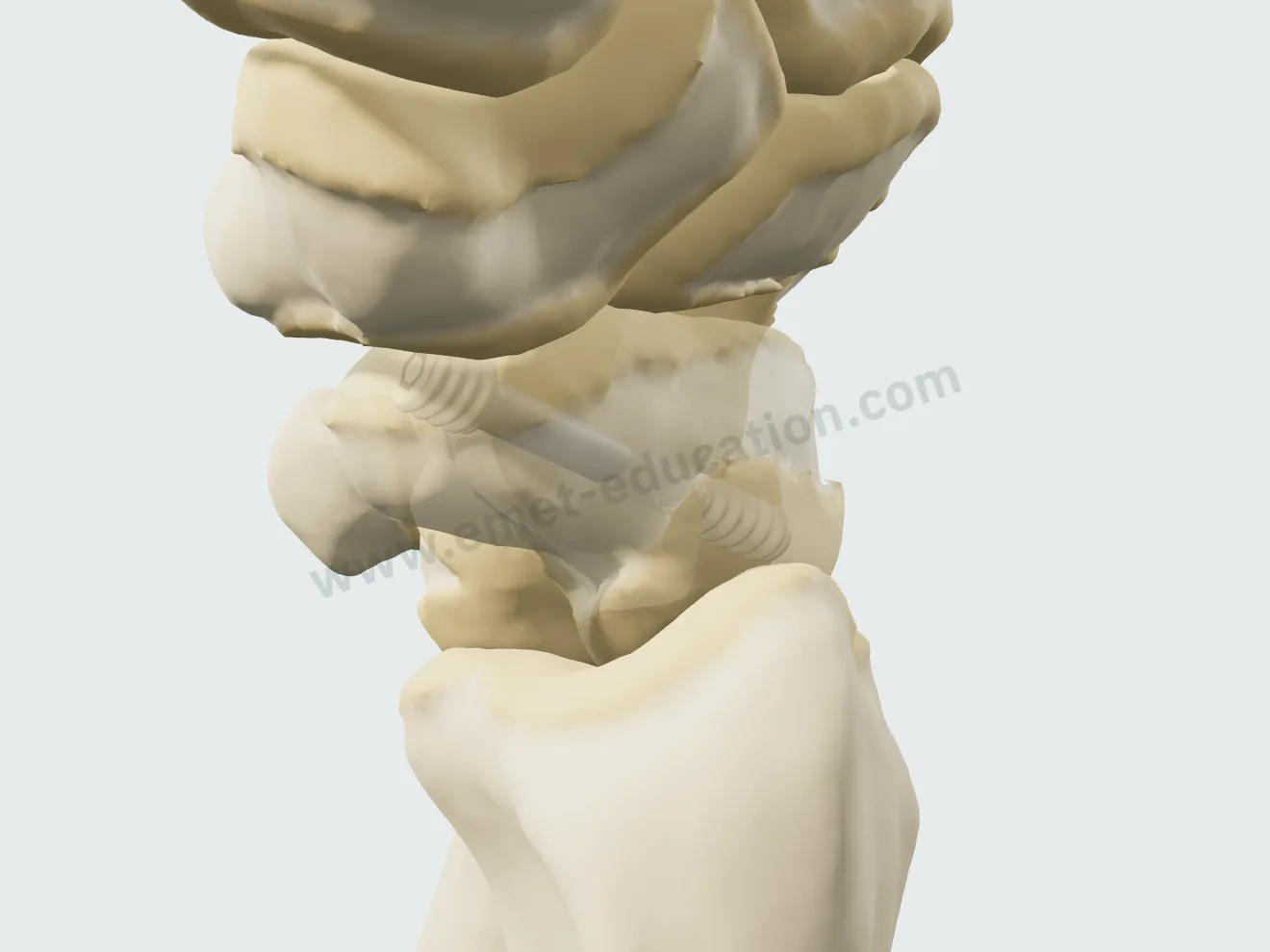
Cast, healing: the resin translucent, the fracture line gone.
2Healing

Percutaneous screw fixation

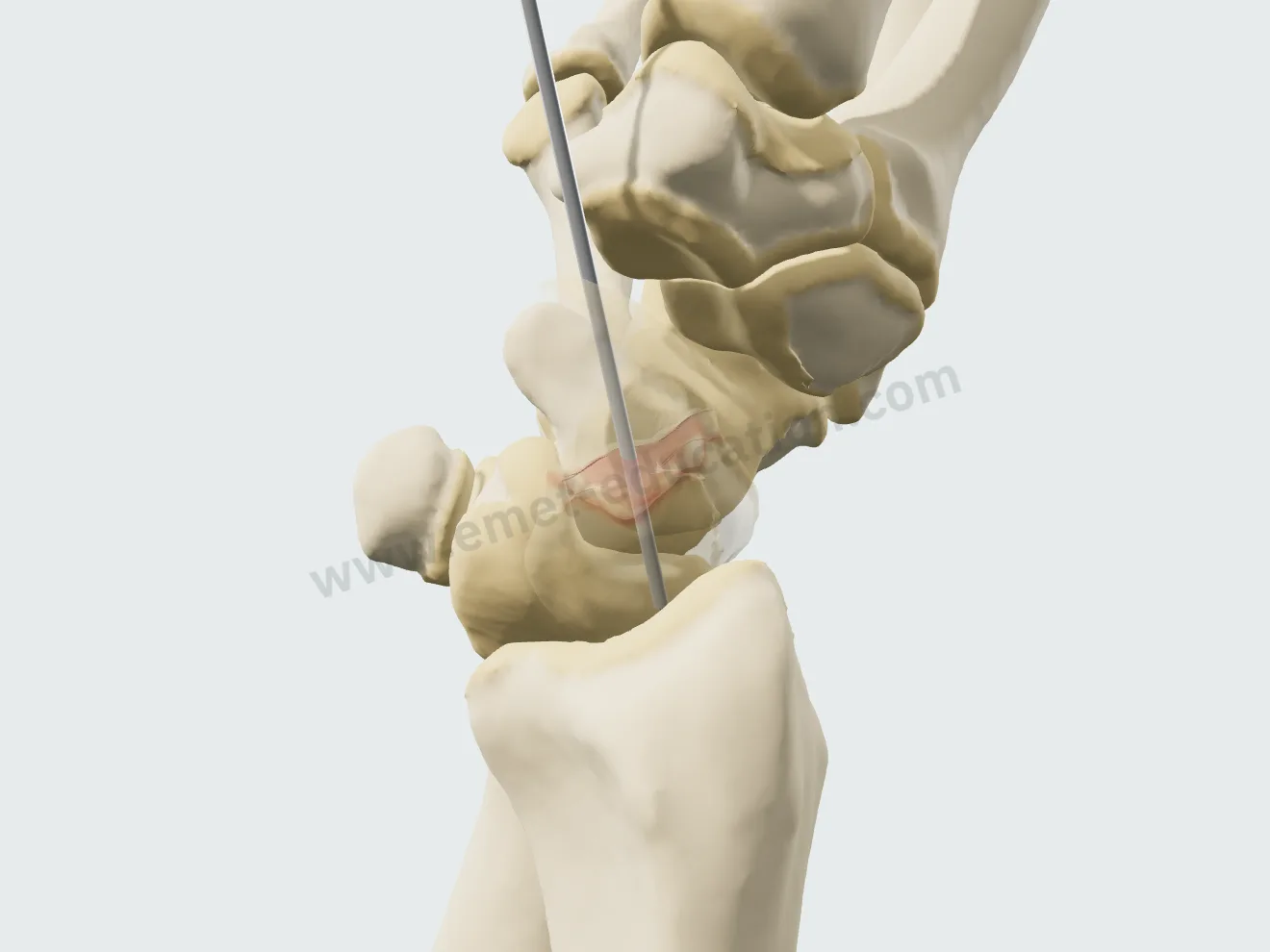
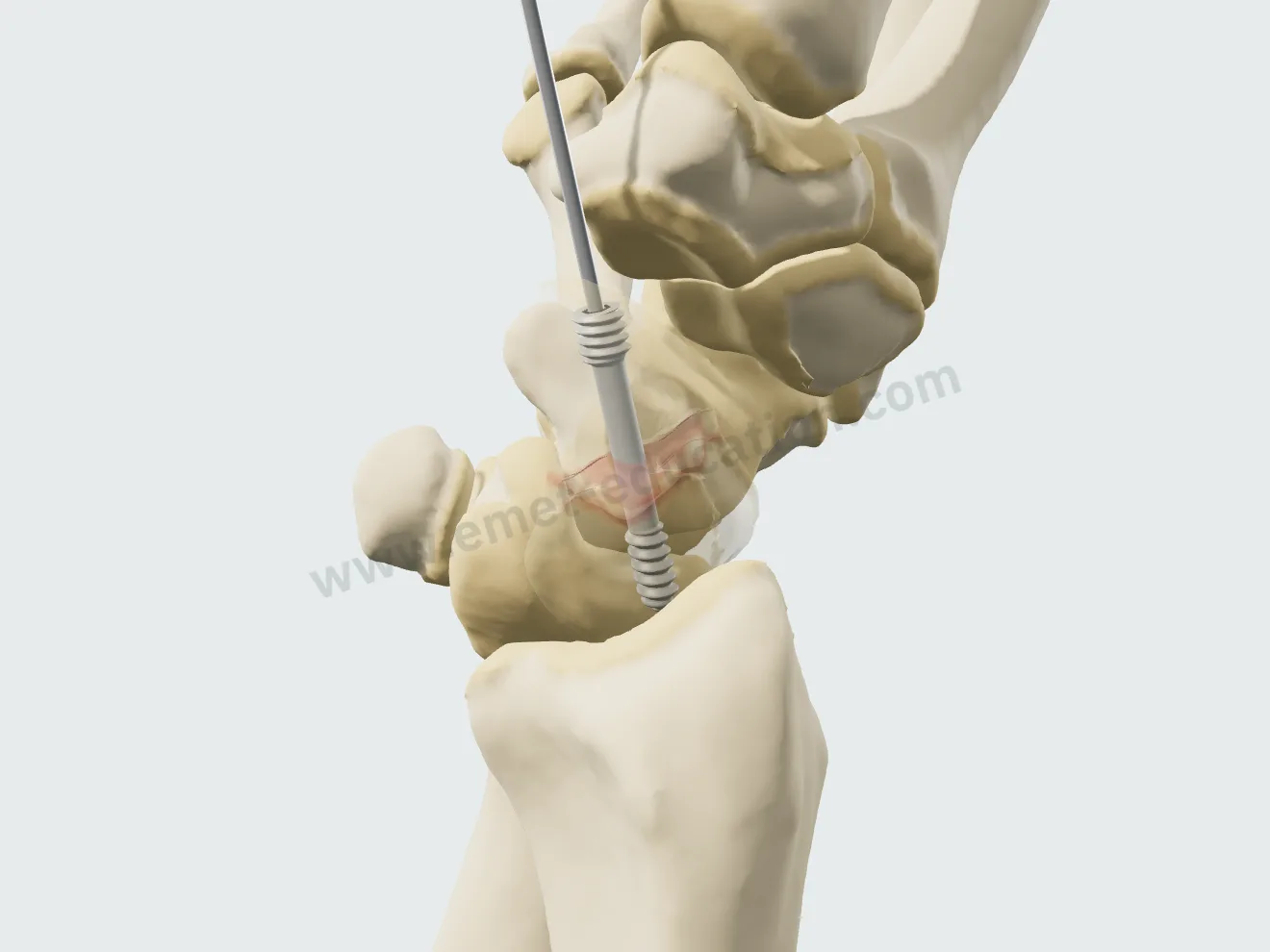
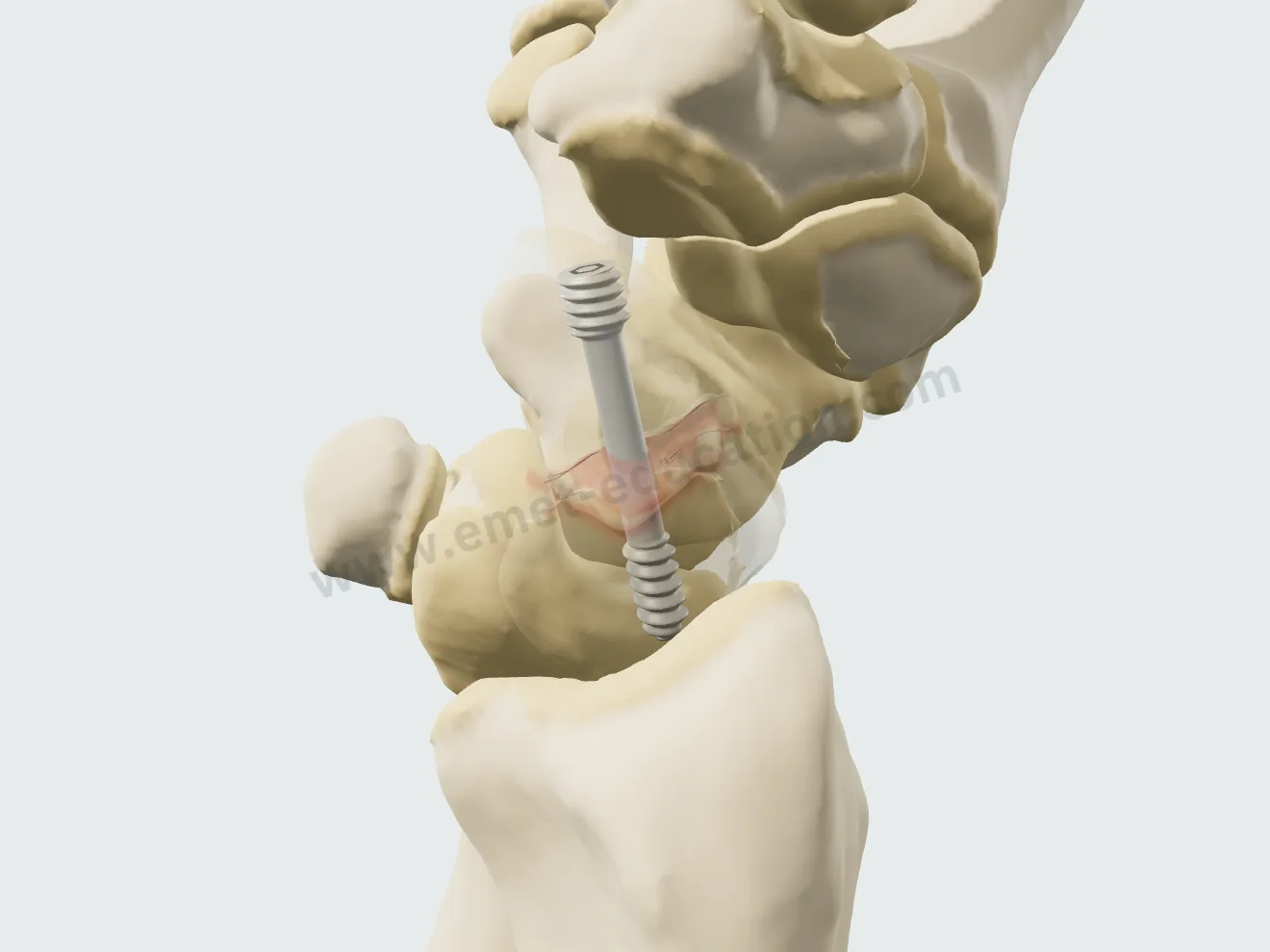
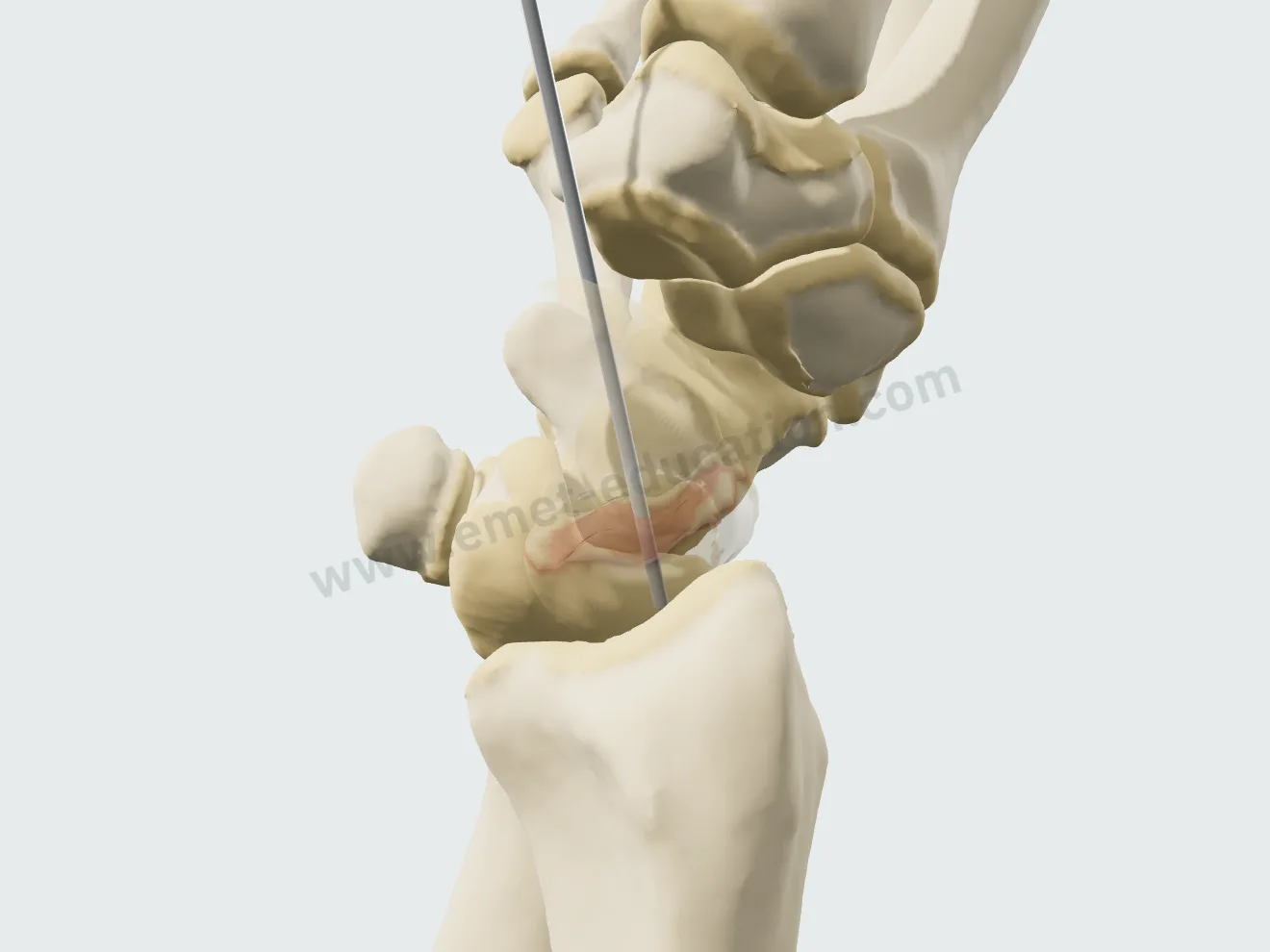
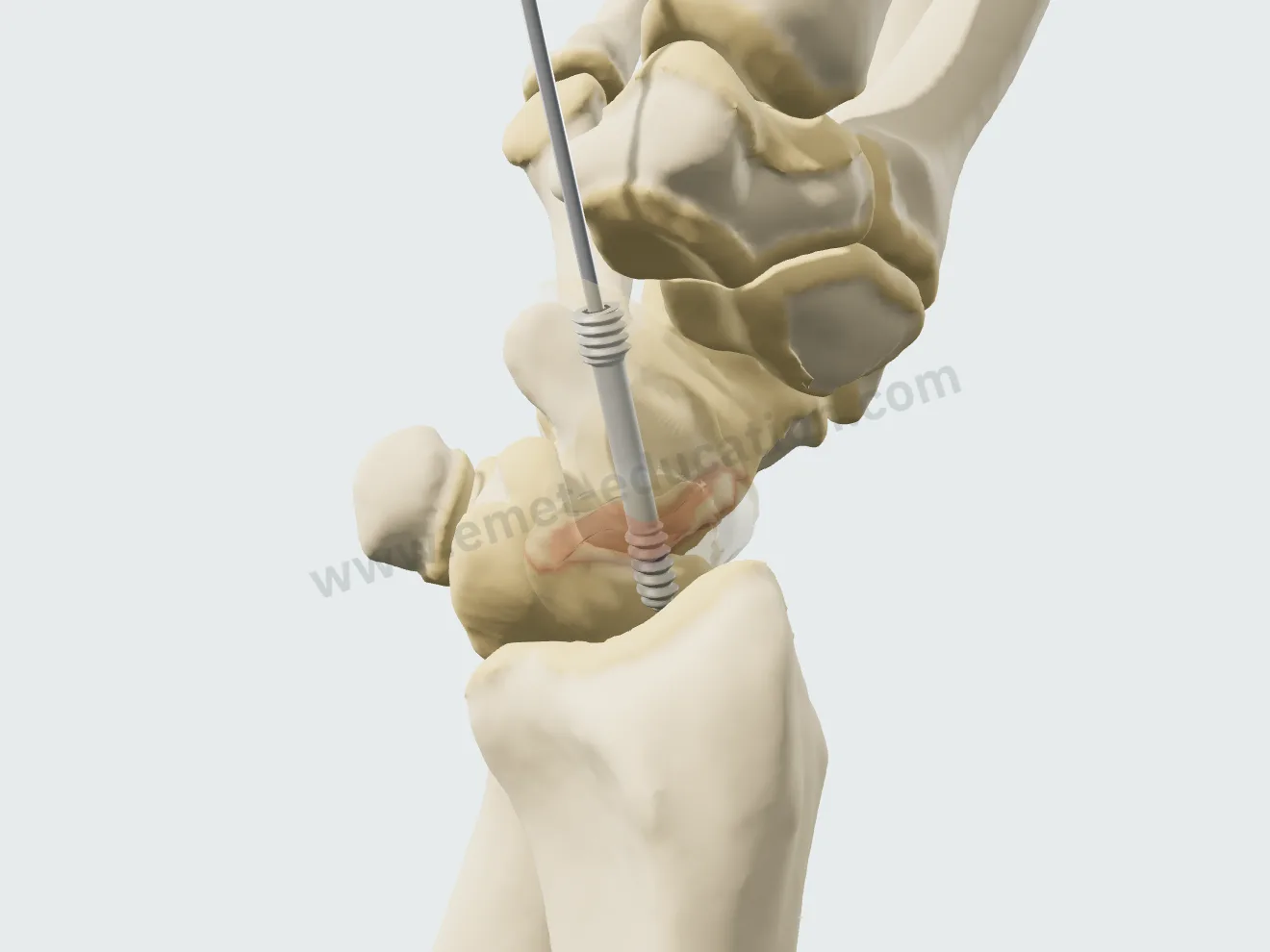
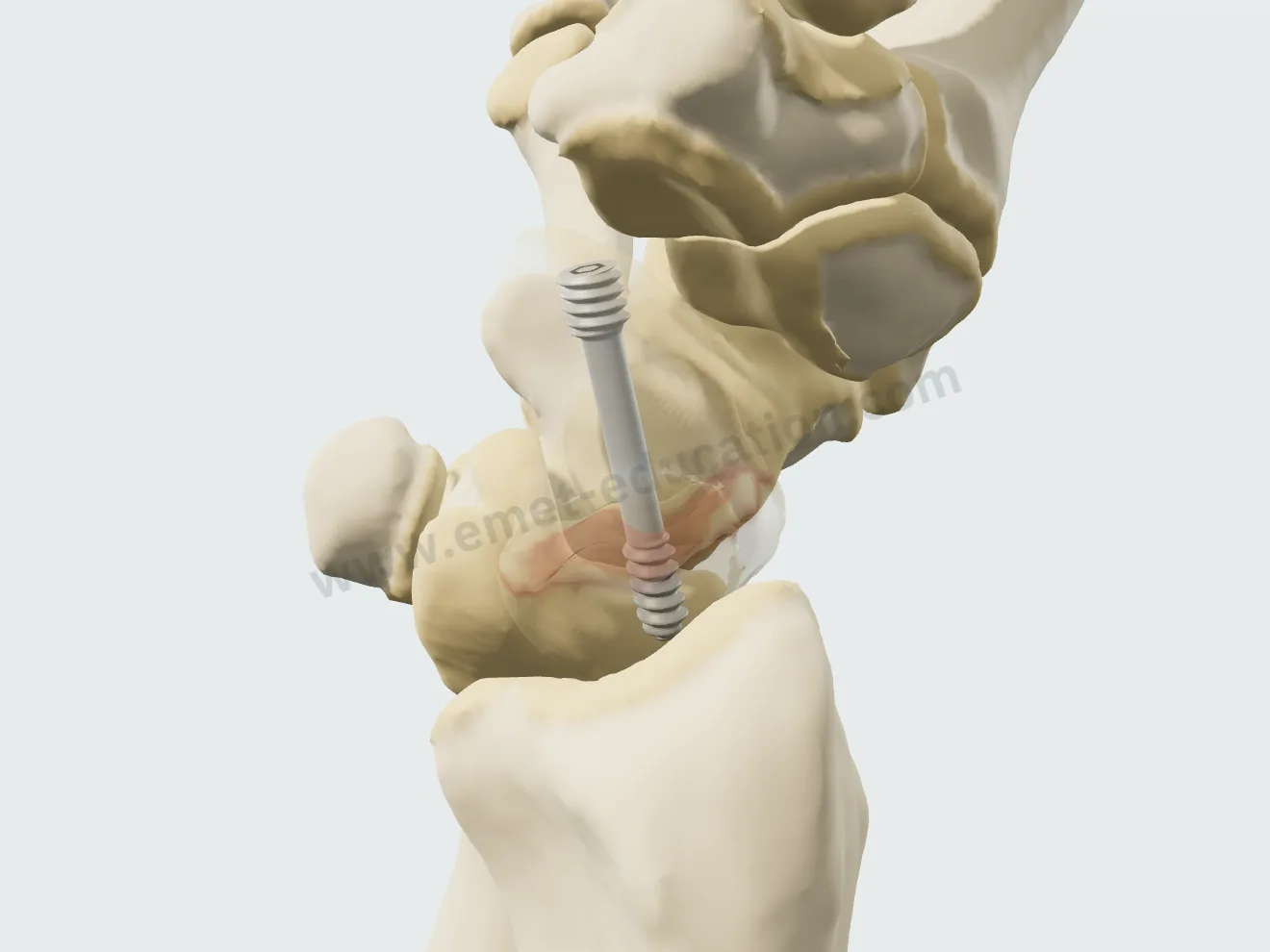
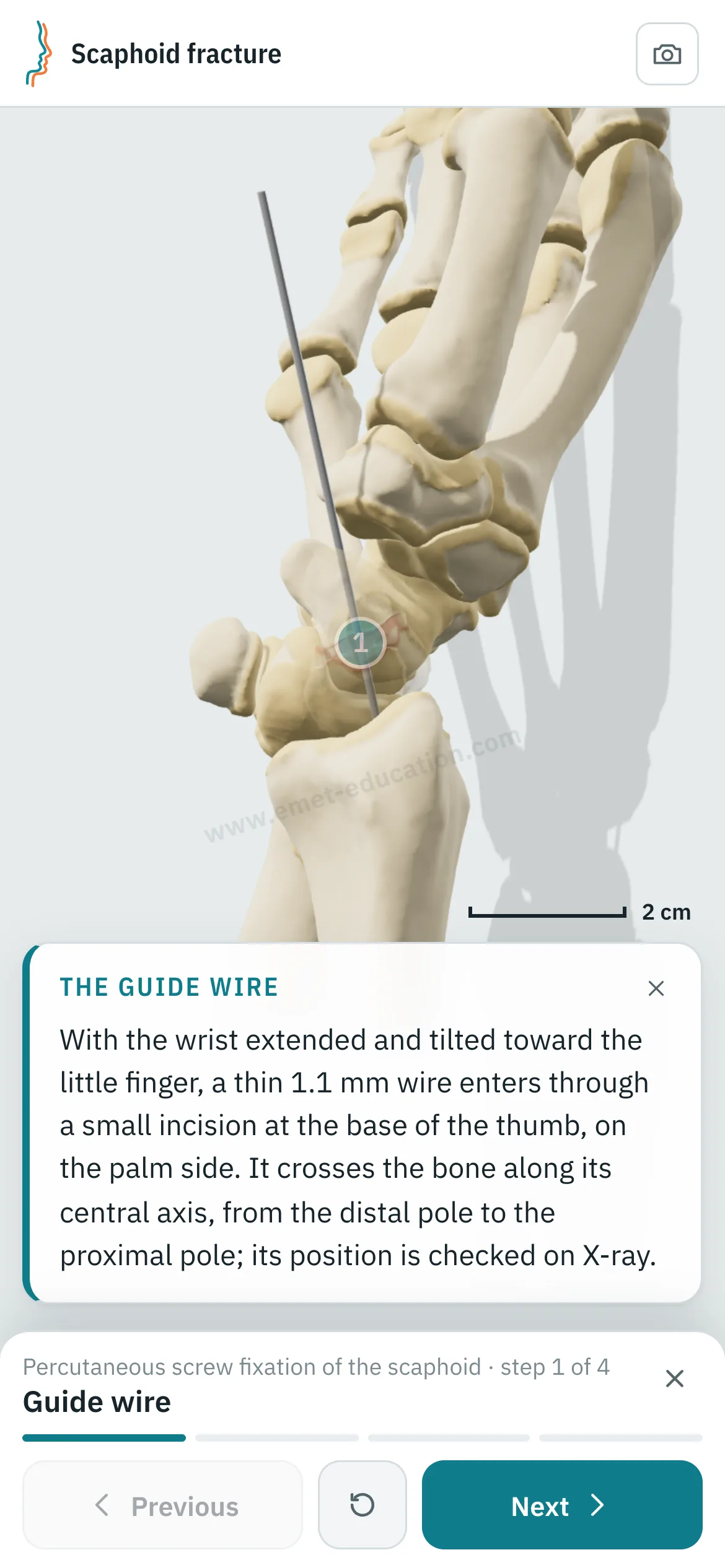
The 1.1 mm guide wire along the central axis of the bone, then a cannulated headless screw that follows it, buried below the cartilage. The palmar or dorsal approach can be chosen; the one suited to the site is marked.

Percutaneous screw fixation, step 1: the guide wire along the central axis of the scaphoid.
1Guide wire
Percutaneous screw fixation, step 2: the headless screw advanced over the wire.
2Screw
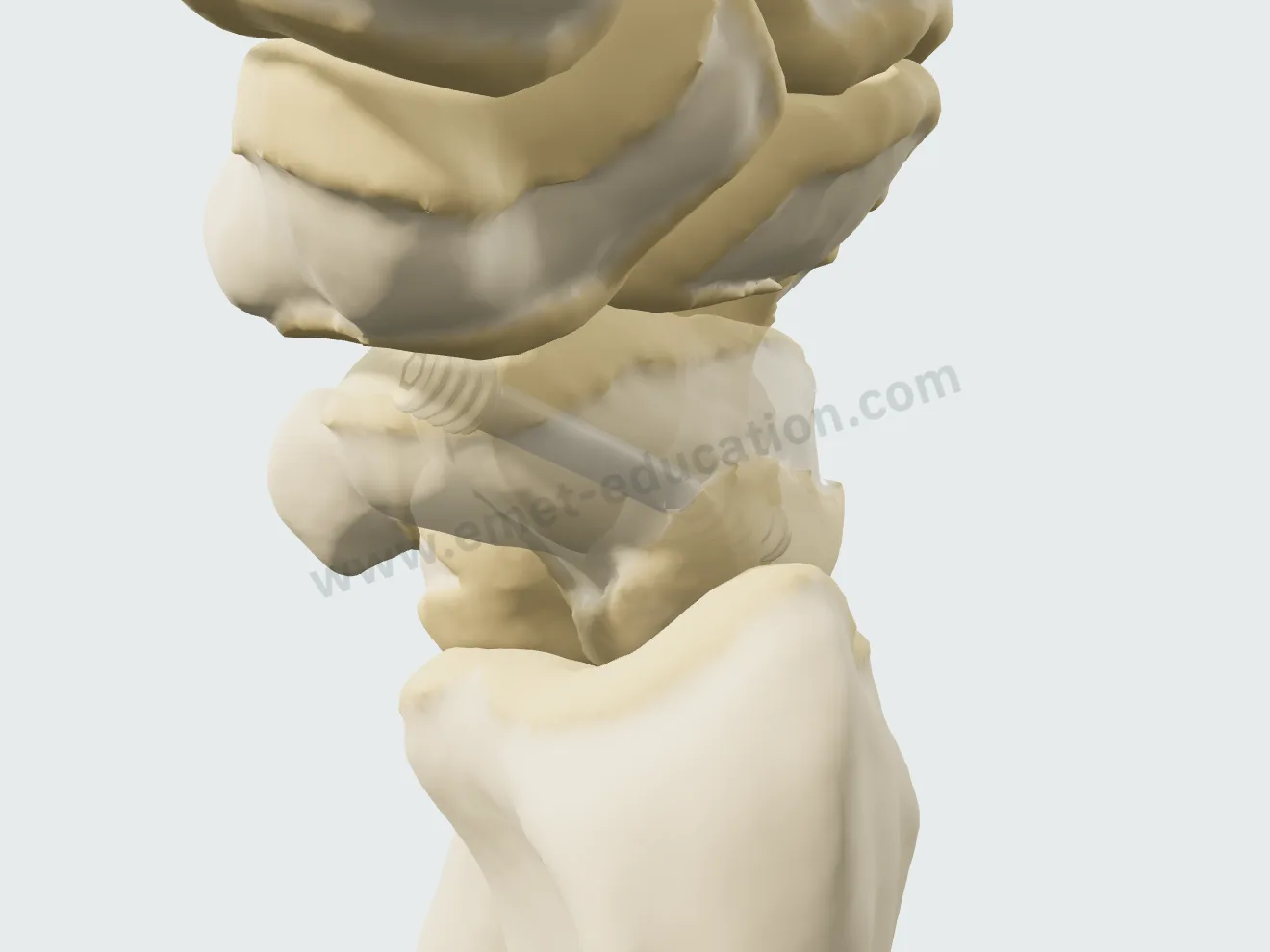
Percutaneous screw fixation, step 3: the wire removed, the screw alone in the bone.
3Wire removal
Percutaneous screw fixation, step 4: the fracture healed around the screw.
4Healing

Open reduction and screw fixation

For a displaced fracture: reduction realigns the proximal fragment and the lunate, then the wire, the screw and wire removal, through to healing.

Open reduction, step 1: the proximal fragment and the lunate realigned.
1Reduction
Open reduction, step 2: the guide wire holds the reduction.
2Guide wire
Open reduction, step 3: the headless screw compresses the fracture.
3Screw
Open reduction, step 4: the wire removed, the screw alone in the bone.
4Wire removal
Open reduction, step 5: the fracture healed, the scaphoid straight again.
5Healing

After the visit

The patient leaves with their 3D model

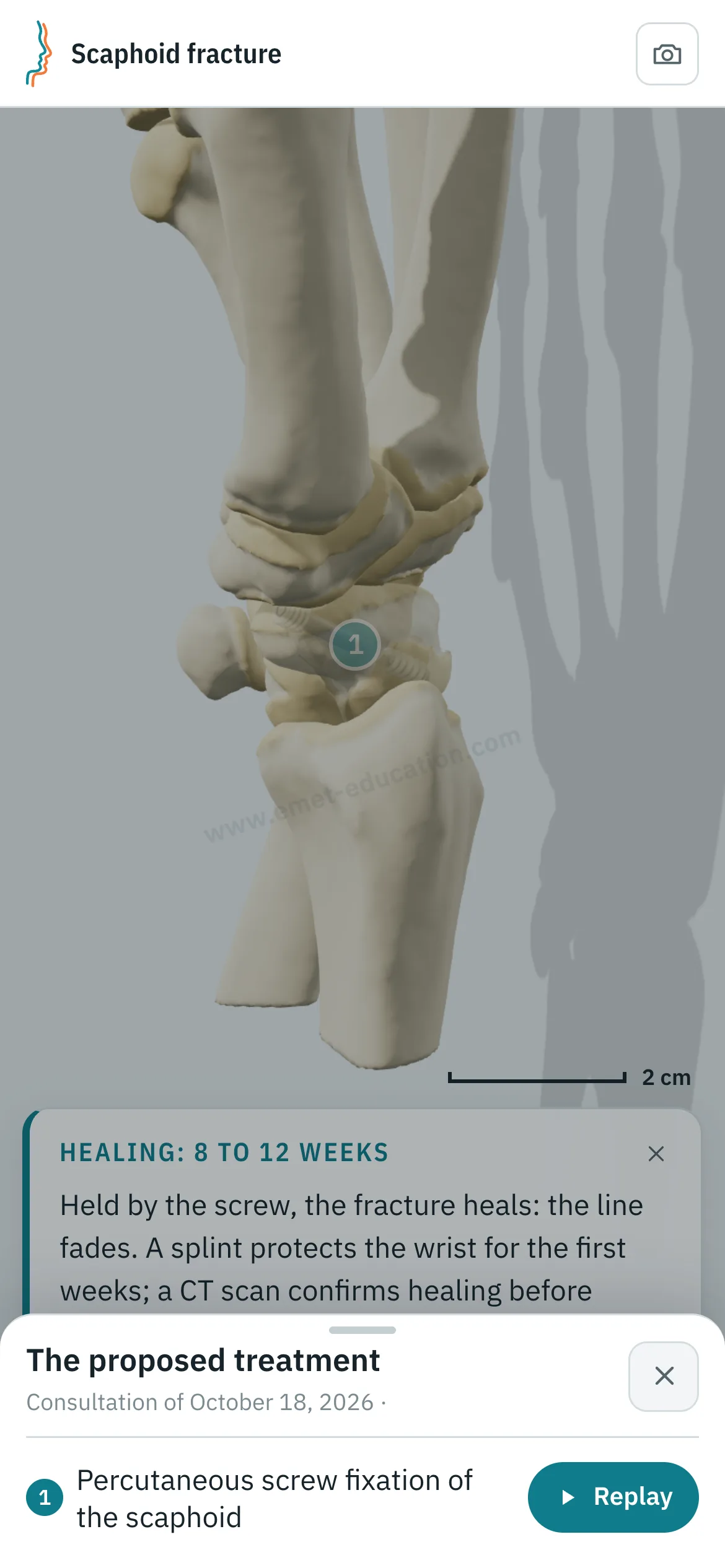
They scan the QR code: the model, their findings and the proposed treatment follow them on their phone, in their language.

The model, exactly as you set it

At the end of the visit, the Consultation panel shows the anatomical findings, the proposed treatment and a QR code. The patient scans it and finds the model on their phone exactly as you set it, in their language.

  • Their lesions, and the proposed treatment to replay step by step.
  • Their anatomical findings and the explanatory card.
  • No identifying data in the link.
Patient view on a phone: the scaphoid after percutaneous screw fixation, and the “The proposed treatment” panel open, with the “Replay” button.
What the patient sees after scanning the QR code

Every structure explains itself on tap

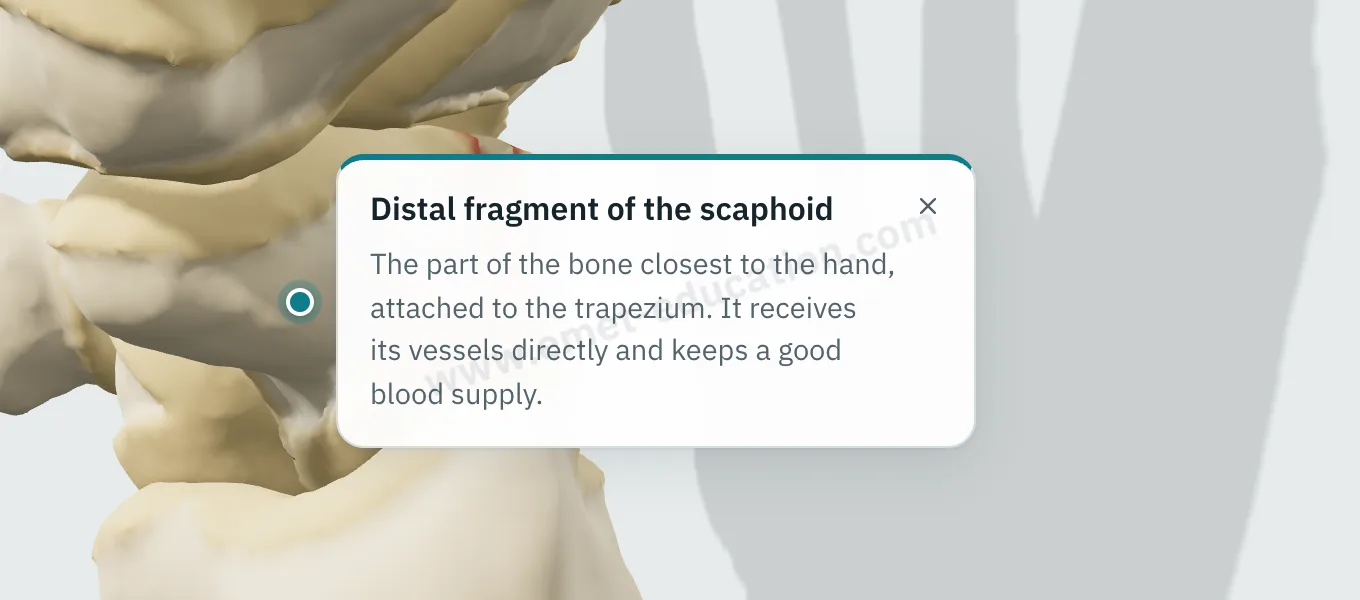
Tap a fragment, the lunate, a vessel, the screw or the cast: its name and an explanation appear.

  • One explanation per structure: bones, fragments, palmar wedge, tilted lunate, interrupted vessels, wire, screw, cast.
  • Written for the patient, in their language.
  • They can reread it on their own, on the tablet or at home.
Explanation bubble “Distal fragment of the scaphoid” shown after tapping the fragment.
“What is this?” on tap

They can replay the treatment step by step

From “The proposed treatment,” the patient replays the procedure: each step plays at their own pace, with its explanation, as often as they like.

Patient view on a phone: the percutaneous screw fixation replayed step by step.
“Replay”: the procedure, step by step

Try it with your next case: the model opens in your browser, nothing to install.

Customize the lesions

Patient information

Quality information, documented

Only 12% of U.S. adults have proficient health literacy (National Assessment of Adult Literacy). A patient who sees their own fracture, its blood supply and the proposed treatment understands them, gives truly informed consent, and better accepts a long immobilization or surgery.

For the patient

They see their own lesions, reproduced from their imaging, and how the proposed treatment unfolds. They leave with the same material and can review it at home, with their family, as often as they like, before giving consent.

For the physician

Each visit created with an account keeps a record of the information provided: what was shown, when, and whether the patient reviewed it. The model image, with the anatomical findings, the proposed treatment and the QR code, downloads for the patient's chart and prints. Informed consent, as the Joint Commission puts it, is more than getting a signature.

  • Saved and datedThe exact state of the model: injuries shown, treatment proposed.
  • Identical, archivableThe patient receives what you showed; the image goes in the chart and prints.
  • TrackedEach time the patient opens the link is recorded.
  • AnonymousThe link given to the patient carries no identifying data.

“Document the informed consent conversation and the patient’s (or surrogate’s) decision in the medical record in some manner.”

AMA Code of Medical Ethics, Opinion 2.1.1, Informed Consent

The model supports the consent conversation and the written consent form; it does not replace them. Data and privacy: legal information (in French).

Questions

Questions from colleagues

Is the model free?

Yes: the model and its lesions are free. Treatments (resin cast, percutaneous screw fixation, open reduction and screw fixation) and other features are paid options.

Do I need an account?

Not to open a model, set the lesion and walk through the treatment. After about fifteen adjustments, you will be asked to create a free account: it saves your visits, picks them up from one time to the next, and records when the patient opens the link.

What equipment do I need?

Just a web browser, nothing to install: computer, tablet or TV screen in the exam room; the patient opens it on their phone. One click saves an image, without the interface, for the chart.

What happens to patient data?

No patient names are stored. The link given to the patient carries only the state of the model: lesion, treatment, language and visit date. A name written on the image you hand out stays on that image.

How long does it take in clinic?

Three adjustments and one procedure played: a few minutes, during the visit. The patient reviews it at home, as often as they like.

Which languages?

English, Spanish, French and Russian. The patient receives the model in the language chosen during the visit, which helps with the roughly 28 million people in the U.S. with limited English proficiency, alongside a qualified interpreter, not instead of one.

Is it a medical device?

No: it is an educational tool. It does not diagnose, does not plan surgery, and does not replace the consent conversation or the written consent form. Among software functions that are not medical devices, the FDA lists those intended for general patient education and interactive anatomy diagrams used for training.

Can the wrist be moved?

Yes: from 60° of extension to 60° of flexion, and from 20° of radial deviation to 30° of ulnar deviation. The scaphoid follows carpal kinematics, and the fragments move with the bone.

Which classifications?

The Herbert classification (A1, A2, B1, B2, B3, B5) is shown on the model and in the anatomical findings; the Schernberg type (I to VI) and whether the fracture is stable or unstable update live in the panel.

Design

Who designed this model

Model designed by Dr. Mikaël Chelli, orthopedic surgeon, based on the reference classifications and anatomical studies. Updated October 18, 2026.

  • Herbert T.J., Fisher W.E. Management of the fractured scaphoid using a new bone screw. J Bone Joint Surg Br, 1984. PMID 6693468
  • Schernberg F. Classification of fractures of the carpal scaphoid: an anatomo-radiologic study of fracture lines. Rev Chir Orthop Reparatrice Appar Mot, 1988 (in French). PMID 3253831
  • Schwarcz Y. et al. Three-Dimensional Analysis of Acute Scaphoid Fracture Displacement: Proximal Extension Deformity of the Scaphoid. J Bone Joint Surg Am, 2017. PMID 28099304
  • Gelberman R.H., Menon J. The vascularity of the scaphoid bone. J Hand Surg Am, 1980. PMID 7430591
  • Morsy M. et al. The Vascular Anatomy of the Scaphoid: New Discoveries Using Micro-Computed Tomography Imaging. J Hand Surg Am, 2019. PMID 31543293

Try it with your next patient

The model opens in your browser, nothing to install, no sign-up.

Know a colleague who could use it? Email this page ·